
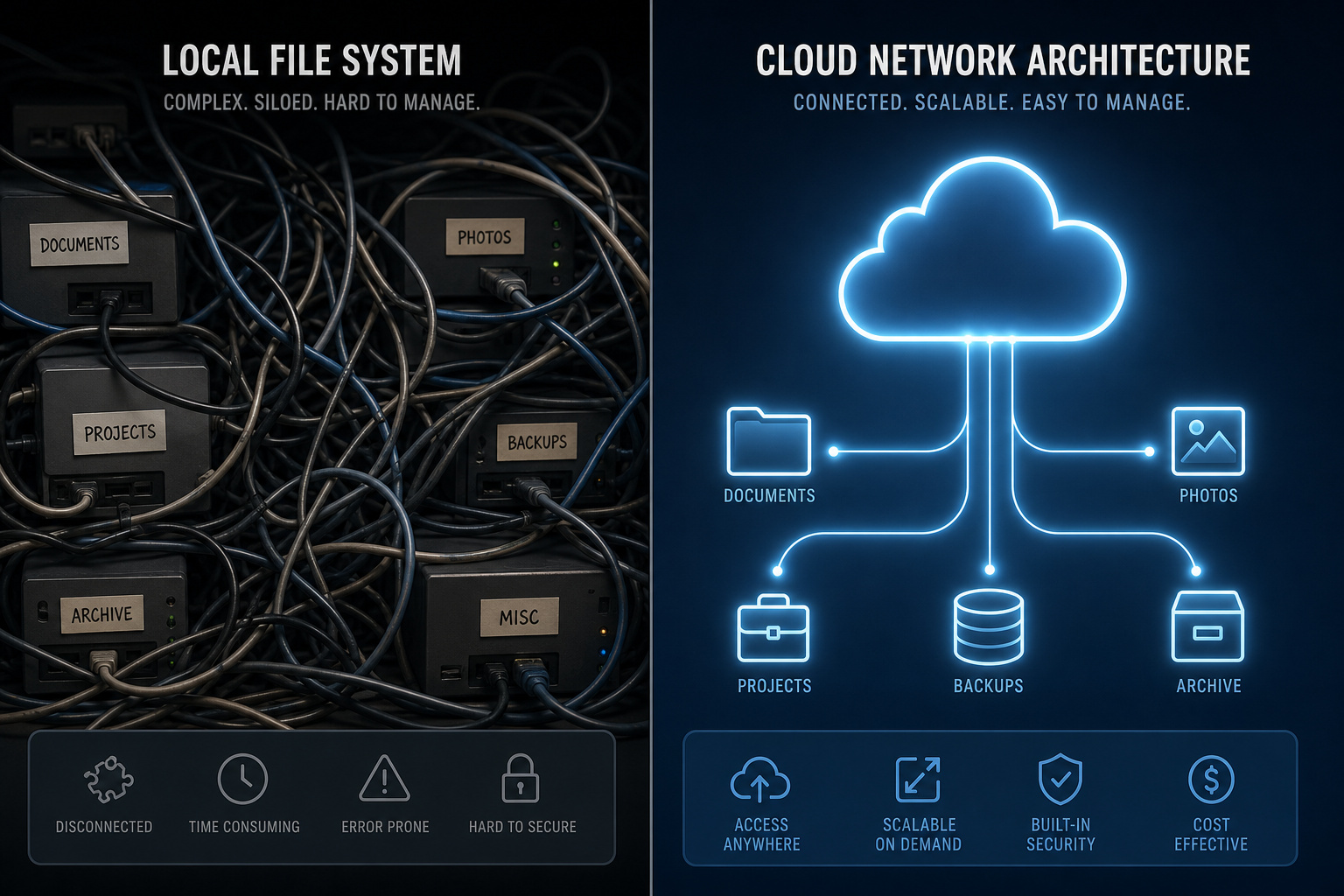
For years, I was a die-hard local password sovereignty advocate. My setup was the quintessential nerd bunker: a local KeePassXC vault containing every single credential, meticulously synced across my laptop, desktop, and mobile devices using Syncthing. It was a local-first, zero-cloud pipeline.
I finally caved and started trusting a “cloud” manager, and it’s been a weight off my shoulders. By combining zero-knowledge architecture with modern cloud convenience, Proton Pass keeps your secrets secure while removing the headache of self-hosted synchronizations.
While my vault was syncing up, I checked out their official video guides, which are worth a watch to see how the service handles native browser extensions. The browser-native integration is excellent, running on browsers including LibreWolf and Zen without notable performance degradation.
Key Takeaways
The Free plan offers unlimited credentials, payment info autofill, and integrated 2FA generation across unlimited devices, but sets a hard limit of 10 hide-my-email aliases.
SimpleLogin email aliases are stored as unencrypted metadata within your vault—a necessary technical trade-off that allows Proton’s routing nodes to read and forward mail to your real inbox.
For high-level security redundancy, you can successfully run a hybrid setup that uses Proton Pass for multi-device platform-agnostic syncing while maintaining a local, synced KeePassXC backup for offline fail-safe security.
Table of Contents
Evolution from Legacy Password Management: Convenience vs. Local Sovereignty
For self-hosters and developers, handing over your master vault file to an external server is a major mental step, but the platform-agnostic syncing makes a compelling case. This proton pass review is written from the perspective of an operator who demands zero-knowledge security but appreciates a high-quality user experience.
When you’re at your local console running a custom browser build, you expect extensions to load instantly and handle autofill without a hitch. If you’re already in the Proton Mail ecosystem, adding Pass is a no-brainer. It integrates cleanly with the rest of the suite, so you aren’t juggling separate billing portals or tracking down different cryptographic identities.
Other privacy-forward options like NordPass focus heavily on marketing-first UX, while veteran entities like 1Password have polish but lack a built-in privacy ecosystem. The proton password manager review shows that Proton hits a middle ground: it provides modern cloud convenience without abandoning the underlying zero-knowledge cryptographic model that engineers expect from their primary secure container.
KeePassXC vs. Proton Pass: The Power User Migration & System Gaps
Here is how my old local pipeline compares to my new hybrid workflow and where the system limits lie.
KeePassXC and Syncthing: The Power User Fail-Safe
In our group, the most resilient setup is a hybrid workflow using local KeePassXC encrypted backups synced offline as a backup for your cloud-based Proton storage. This KeePassXC hybrid approach provides a complete offline fail-safe strategy for those prioritizing local data sovereignty alongside cloud convenience.
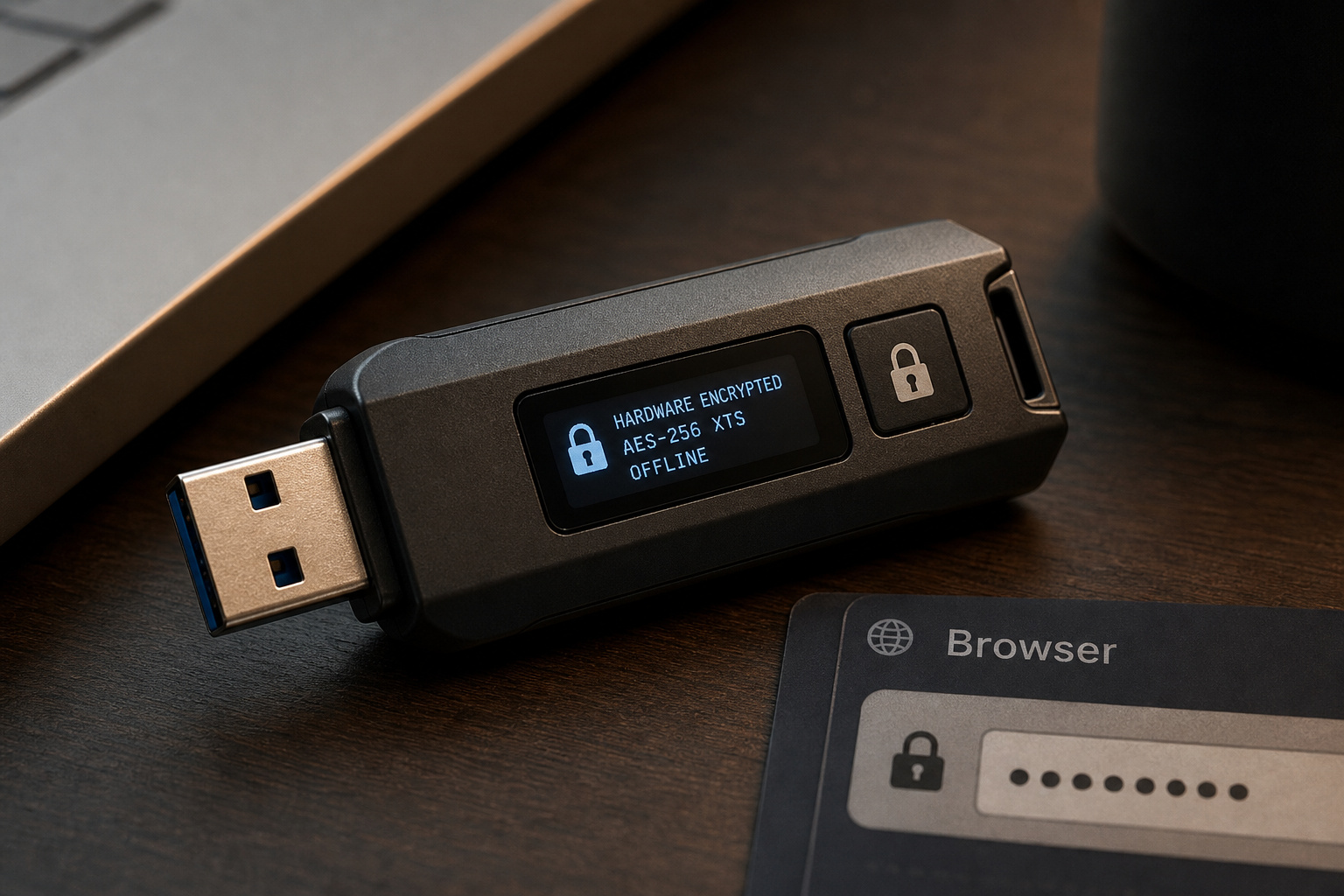
This hybrid posture means you use Proton Pass as your nimble daily driver across your mobile platforms and browser extensions, while executing an automated, local read-only export of your database to an offline KeePassXC file. If the cloud ever goes dark, or if you find yourself offline in a secure server room with zero external routing, you’ve still got your local sovereign backup on hand.
Autotype Limitations in Non-Browser Environments
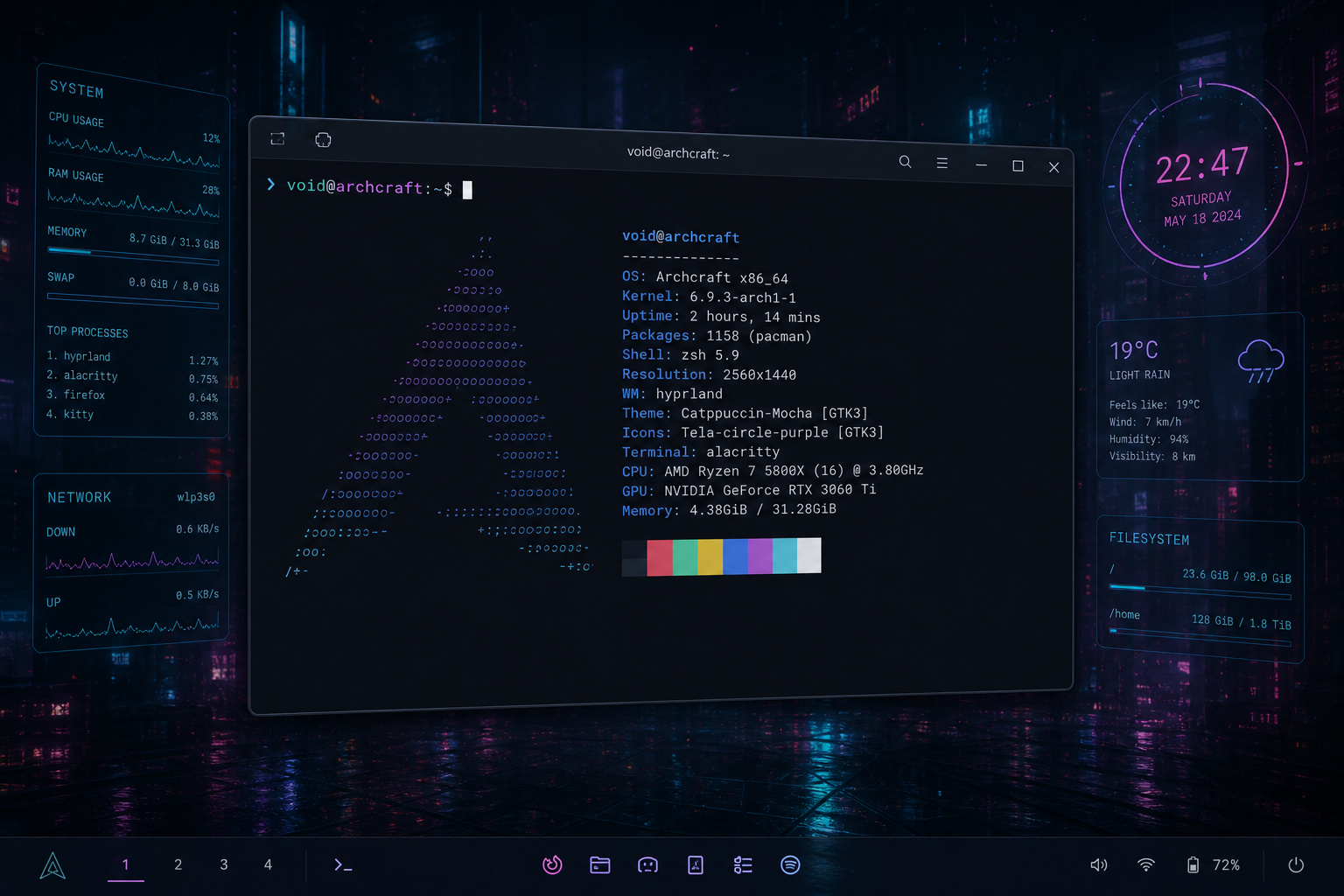
While standard browser extensions handle credentials capture and replay with precision, running native applications on Linux exposes some platform gaps. The proton pass linux build is clean, but it lacks the deep, system-level autotype global hooks that make KeePassXC such a powerhouse in non-browser environments.
If you’re trying to inject credentials into a terminal console, IDE prompt, or local GUI tool, the lack of system-level autotype requires manual copy-pasting. The native desktop companion app handles standard window overlays, but it doesn’t hook into the system display server’s keyboard emulation.
Plan Tiers & Upgrades: When Does the Paywall Hit?
Let’s compare Proton Pass free and premium feature sets.
Gating Factors: When the 10-Alias Ceiling Triggers an Upgrade
Is Proton Pass free? Yes, the Proton Pass Free Plan provides unlimited password storage on unlimited devices, and includes credit card and personal information form filling. It also includes alerts for compromised credentials, basic breach detection, and 10 email aliases. Plus, Proton Pass lets you handle 2FA code generation and autofill on the free tier.
This is a significant advantage over competitors like NordPass, which often gate advanced features. The main catch on the free plan is the 10-alias cap. If you need more headroom, moving to a Plus or Family plan clears those hurdles.
Plus vs. Family: Evaluating the Annual Pricing Realities
Proton Pass Plus costs $4.99/mo or $59.88/yr, though promotional rates of $35.88/yr are frequently available. This tier unlocks unlimited email aliases, MFA code generation, multiple vault support, vault sharing for up to 10 users, and file attachment storage.
The $4.99/mo ($59.88/yr) Plus plan sits alongside the $6.99/mo Family offering, which covers up to six users. Both tiers pack in plenty of features for power users and households.
If you need to coordinate credentials for an entire household, the Family plan from the Proton Pass password manager steps in at roughly $6.99/mo (or about $59.88/yr on initial promos). This covers up to six unique accounts with a dedicated administrative panel to handle sharing permissions without the headache of managing separate individual billing accounts.
SimpleLogin Aliases and the Unencrypted Metadata Trade-off
One of the sleekest parts of the app is its built-in identity masking, but it highlights an essential design compromise that any developer will respect. Much like the stringent controls used for sending bank information securely, this involves how forwarding services handle routing.
Technical Truths: Why Email Forwarding Requires Clear Metadata
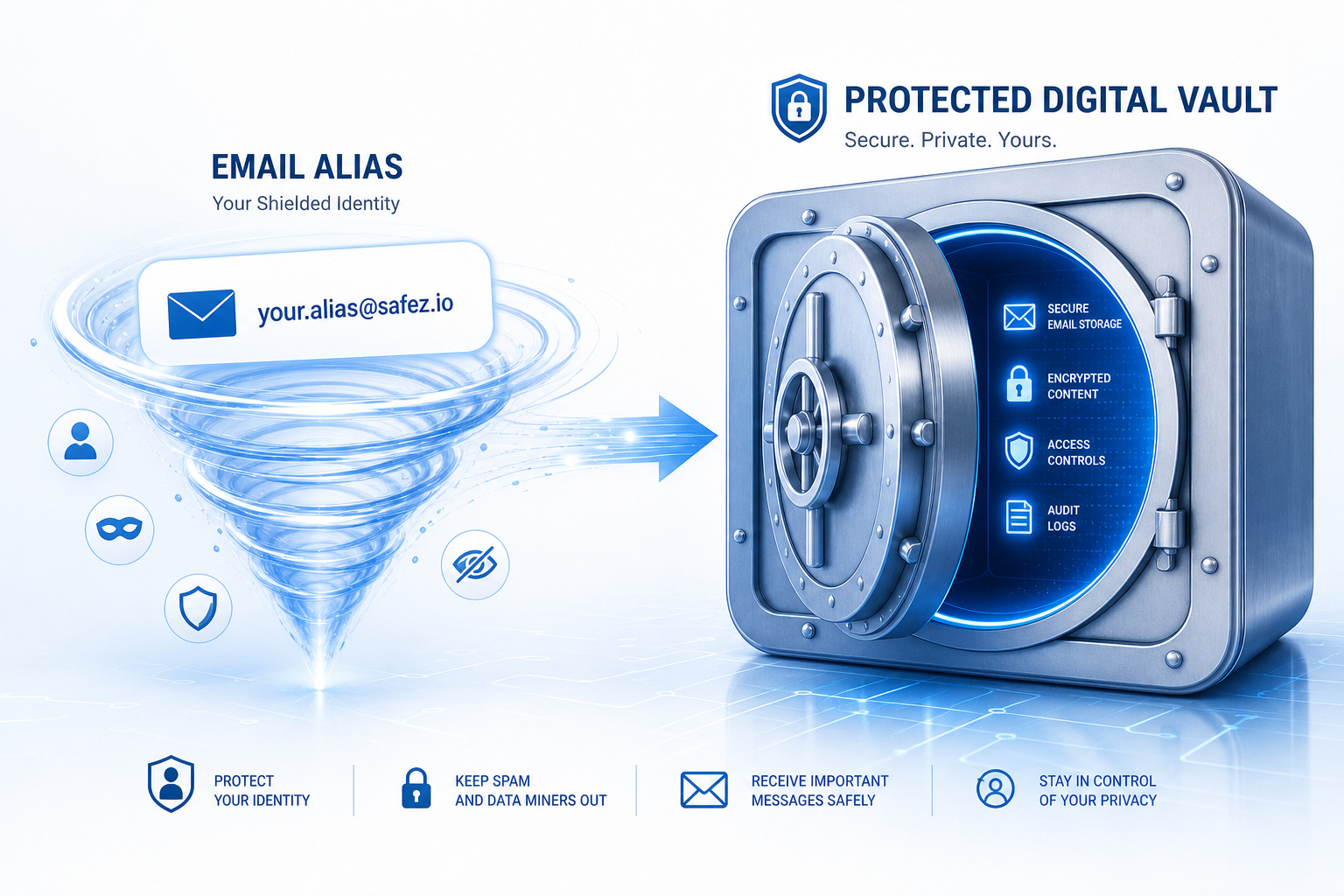
The secret weapon underneath Proton’s identity-masking features is SimpleLogin, which Proton acquired to power its active alias engine. These email aliases are brilliant for dodging spam when registering for untrusted services. However, there is a technical catch: these alias forwarders represent the only unencrypted metadata kept within your active vault. While your credit card data, secure notes, and account logins are fully encrypted on your machine using zero-knowledge protocols before they sync, the forwarding email aliases are stored in plain text on the server.
If Proton’s routing nodes are going to receive an email sent to random_alias_123@proton.me and forward it to your real email address, those routing nodes must be able to read that destination alias address in real-time. This transparent “keep as little as possible” design choice is the kind of engineering trade-off that makes sense to power users.

Security Standards Under Swiss Jurisdiction
Because the platform operates from Swiss soil, it must adhere to stringent national data protection regulations. This legal environment serves as a foundational layer of trust, shielding user vault data from the reach of foreign surveillance laws and standard international jurisdictional disputes.
Swiss Law and the Sovereignty of Your Encrypted Vaults
Answering the ultimate security question: Is Proton Pass safe? Yes, it’s secure. Because your vault payload is encrypted locally with AES-256 using your master password before it ever touches the cloud, physical storage of highly sensitive data like credit cards, secure notes, or bank details is fundamentally safe. Even under Swiss law, which has some of the strongest federal privacy protections globally, authorities cannot compel Proton to decrypt your local data because the company doesn’t hold your key.
On top of that, Swiss jurisdiction means international subpoenas need to be signed off by a Swiss court. Swiss law mandates that Swiss authorities must notify you directly if your account is actively placed under government surveillance—ruling out the silent “gag order” data-harvesting subpoenas common in US jurisdictions. They track their incoming domestic compliance requests transparently in public reports, and they only play ball when a legitimate local warrant is presented.
Proton Sentinel: AI-Human Support for Targeted Users
For users with high security profiles—like investigative journalists, activists, or high-value infrastructure operators—Proton offers an advanced account protection program called Proton Sentinel. It blends automated threat detection with human analyst monitoring to flag suspicious login attempts or brute-force threats targeting your core Proton credentials.
If you aren’t in the active crosshairs of state-level actors or advanced phishing syndicates, you can skip the monitoring and stick to normal multifactor authentication hygiene.
Platform UX Assessment: Mobile Smoothness & Desktop Quirk Workarounds
Here is how the client behaves in diverse coding environments.
Chrome vs. Firefox: Extension Performance and Sandbox Realities
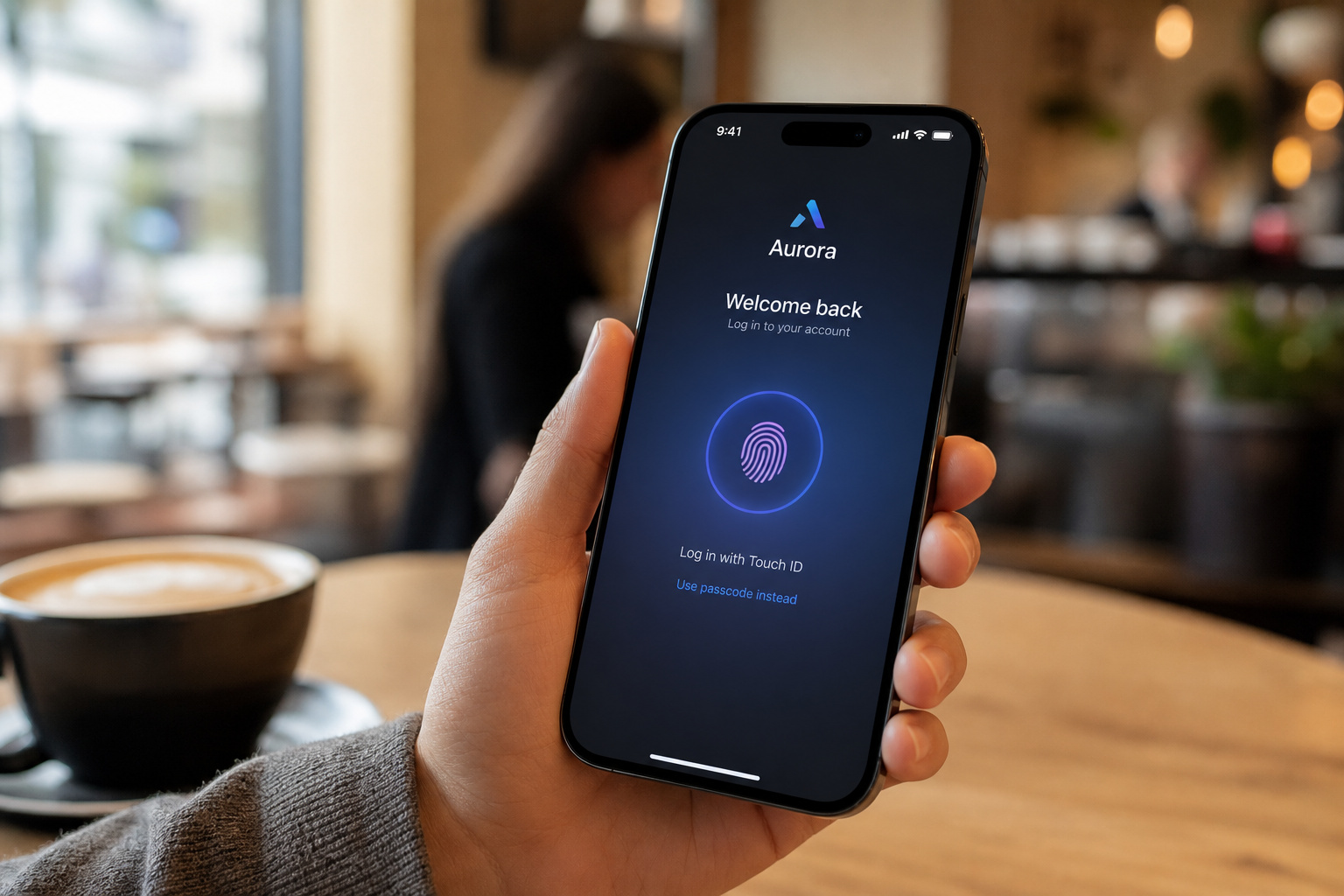
The browser extensions on Chrome and Firefox run, automatically capturing logins and offering snappy, context-aware autofill overlays without rendering lag. The mobile apps for Android and iOS are equally solid—clean, lightning-fast, and deeply integrated into basic biometric autofill triggers.
However, Windows 11 power users running the native desktop app might encounter an occasional clipboard issue. During long development sessions, hitting “Copy Username” or “Copy Password” in the Windows desktop app can occasionally ghost you, failing to populate the actual Windows 11 clipboard buffer.

Fortunately, there’s an easy, slightly janky workaround: if the copy button acts up, simply click a different vault in the app’s sidebar and then click back to flush and re-initialize the internal clipboard buffer. It’s a desktop bug, but once you know the workaround, it won’t interrupt your workflow.
Porting Out: Migration Workflows & Avoiding Lock-In
Getting your credentials in and out of the vault is surprisingly straightforward.
Vendor Exit Strategy: Porting Data Back Out if You Choose to Leave
Migrating to Proton Pass from Google Chrome is simple:
1. Export your existing credentials as a .csv file directly from Chrome’s password manager settings.
2. Log into your Proton Pass app or browser extension.
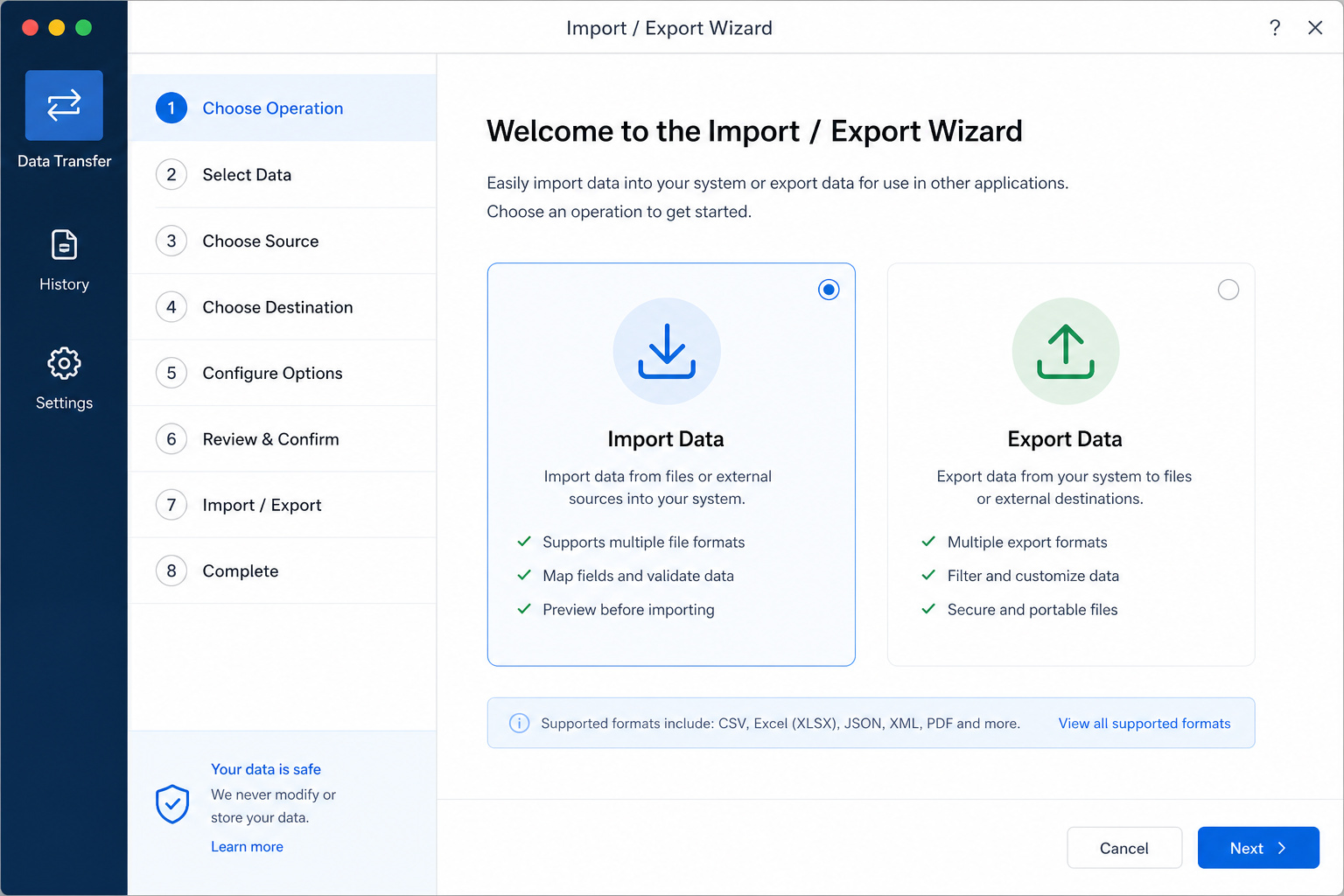
3. Open settings, locate the import wizard, map your columns, and upload your raw file.
But what happens if you decide to move on? Unlike platforms that build convoluted proprietary export paths to lock you in, Proton makes it simple to export your vault into standard format options whenever you need to run a manual database backup.ackup. When comparing Proton Pass vs Bitwarden, Bitwarden is the open-source giant with historical credibility, but Proton Pass takes a highly polished, user-friendly approach that makes daily credential replaying feel a bit smoother, without trapping your data behind proprietary formats.
Family Plans and Recovery Pathways
Proton Pass Family plans include shared vaults and emergency digital legacy procedures.
Configuring the Digital Legacy Protocol and Wait Periods
If you opt for the Proton Pass Family plan, secure sharing within household environments is highly robust. You can easily drag and drop items into shared sub-vaults, assigning strict “read-only” or “editor” permissions so your family members don’t accidentally overwrite critical router admin logins or billing credentials.
When building a resilient recovery system, the app’s Digital Legacy protocol acts as an emergency “break-glass” recovery tool. Under this protocol, your designated emergency contact can request access to your vault if you’re incapacitated.
To keep this from becoming a vulnerability, two things matter: * The recipient must have an active Proton Pass account beforehand to handle the asymmetric cryptographic handshake.
- You must set a 30-day wait period. This safety window ensures that if an unauthorized recovery request is ever triggered, you’ll receive active alerts and have a full month to abort the transfer before your vault is accessed.
Business Portals and Administrative Controls
While individual users care about daily convenience, business operations require strict administrative controls and directory syncing. Here is how Proton Pass scales when your team exceeds a handful of personal seats.
SCIM, SSO, and Organizational Lifecycle Controls
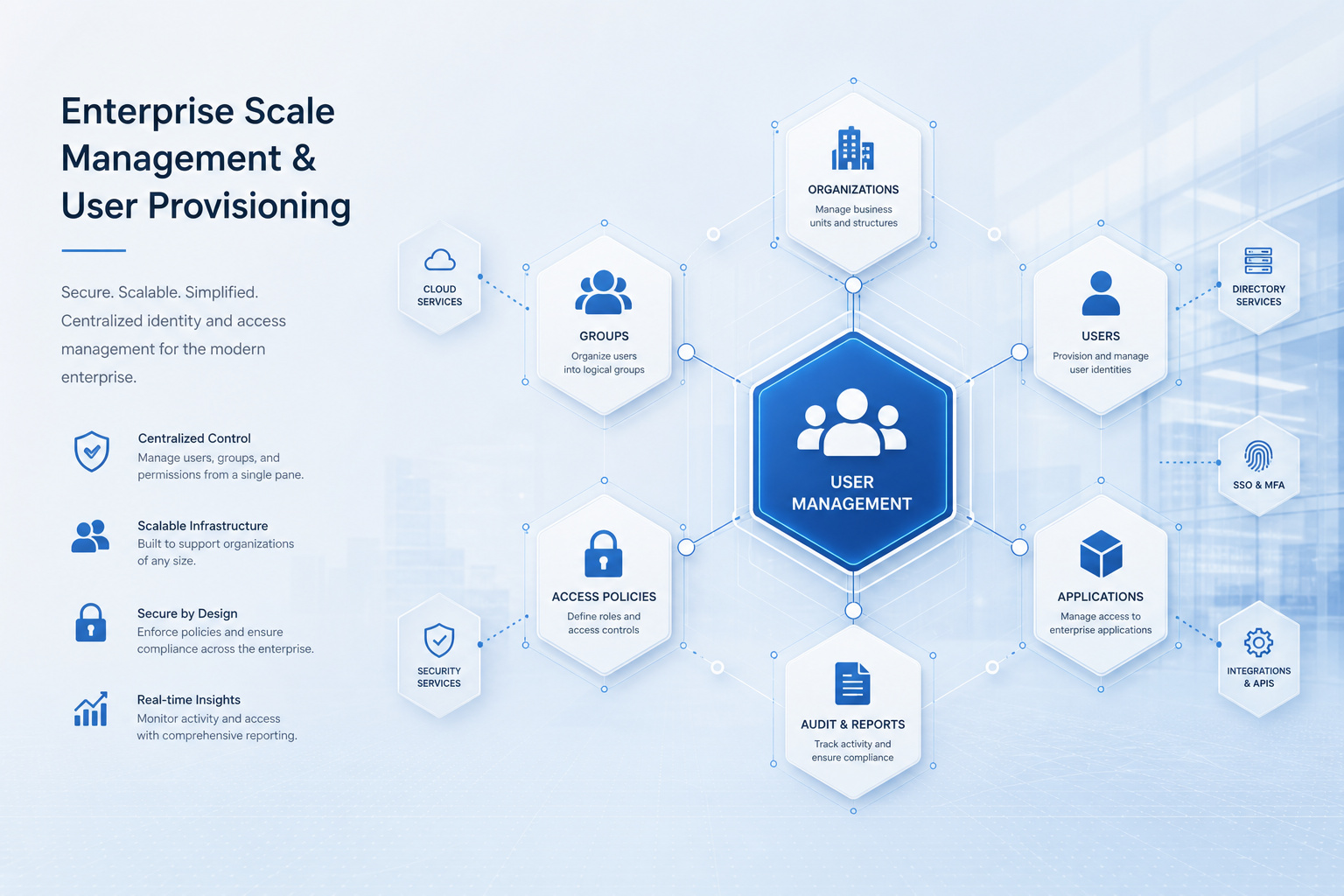
Proton offers tiered business offerings: Pass Essentials, Pass Professional, and the full Proton Business Suite. While the Essentials tier is great for small development teams, stepping up to the Pass Professional tier is required if you want to integrate the application into an enterprise infrastructure.
Pass Professional introduces native SSO (Single Sign-On) and SCIM support for programmatic user provisioning. These protocols allow IT administrators to automatically provision or de-provision employee vaults directly through identity providers like Okta or Azure AD. Business plans also add mandatory 2FA and admin logs for those necessary compliance audits, plus dedicated phone support if your deployment hits a wall. Proton Pass Business Tiers—Essentials ($59.88/user/year), Professional ($83.88/user/year), and Business Suite ($179.88/user/year)—provide enterprise auditability and on-demand phone support.
Frequently Asked Questions
Is Proton Pass truly free to use?
Yes, there is a comprehensive free tier that includes unlimited credential storage, payment info autofill, and 2FA code generation across an unlimited number of devices. The main limitation is a cap of 10 hide-my-email aliases, which you can bypass by upgrading to a paid subscription.
Is a paid Proton Pass account worth it?
A paid account is worth it if you require unlimited email aliases, advanced vault sharing for households, or file attachment storage. It also becomes necessary if you need to manage credentials for multiple users under a single administrative umbrella, such as with the Family or Professional plans.
Is Proton Pass trustworthy?
Trust is supported by its zero-knowledge architecture, which ensures your vault is encrypted locally on your device before it ever reaches the cloud. Additionally, it operates under strict Swiss jurisdiction, placing it outside the reach of common foreign surveillance overreach and requiring any legal requests to go through a rigorous local court process.
How does Proton Pass handle email aliases security?
Proton Pass uses SimpleLogin to generate aliases, which involves a necessary technical trade-off regarding your metadata. Because the Proton routing nodes need to forward incoming mail to your real inbox in real-time, the alias destination addresses must be stored as unencrypted metadata, though all other sensitive content like passwords and credit card details remain fully encrypted.
Can I use Proton Pass if I want to maintain local data sovereignty?
Absolutely; many power users utilize a hybrid workflow that pairs Proton Pass for convenient multi-device syncing with a local, offline KeePassXC database. This setup allows you to keep an automated, read-only backup of your credentials on your own hardware as a fail-safe, ensuring you aren’t solely dependent on cloud availability.
What is the difference between Proton Pass and KeePassXC regarding automation?
While both excel at security, they differ significantly in system-level integration. KeePassXC acts as a powerhouse for ‘autotype’ features that can inject credentials into terminal consoles and complex Linux GUI apps, whereas Proton Pass is optimized for browser extensions and standard mobile app autofill, lacking the deep system-wide keyboard hooks found in local-only tools.
How much does Proton Pass cost per year?
The Plus tier typically costs $59.88 annually, though promotional pricing often brings this down to around $35.88. For households, the Family plan covers up to six users for approximately $59.88 per year on initial promotions, while professional business tiers range higher depending on advanced features like SSO and SCIM support.
