
We all know the rush of a late-night brainwave: spinning up local Docker containers and debating whether to back the new repo with PostgreSQL or Supabase while the coffee’s still hot. It’s an intoxicating flow state, but honestly, it’s the quickest way to end up in the graveyard of failed projects.
Modern data shows that 75% to 90% of app startups fail due to critical market orientation and strategic planning errors, not because their backend code was broken. They succumb to market apathy—the painful process of building clean, highly functional code for a problem that nobody has.
If you want to turn a side-project into a real business, you need to treat market validation with the same architectural rigor you apply to your database schemas.
Key Takeaways
Between 75% and 90% of early-stage app ventures fail because they build software based on unvouched assumptions rather than verified market demand.
Opting for cross-platform frameworks saves roughly 30% in engineering overhead compared to native builds, while Progressive Web Apps (PWAs) represent a budget-conscious launch pad benchmarked at $51,200 (1,280 development hours).
Sustainable business growth relies on validating a hyper-focused utility statement with at least 50 target users and mapping competitor feature gaps before writing your first core component.
Table of Contents
Step 1: Validate Market Demand Before Writing Code
If you want to know how to start app development for beginners without wasting thousands of dollars, or if you’re asking “I want to create an app, where do I start?”, the first step is simple: close your text editor. You have to debug the human problem before you touch a compiler. Running low-barrier market validation loops saves you from spending months of your life shipping a product into an empty room.

De-risking through rigorous competitor analysis
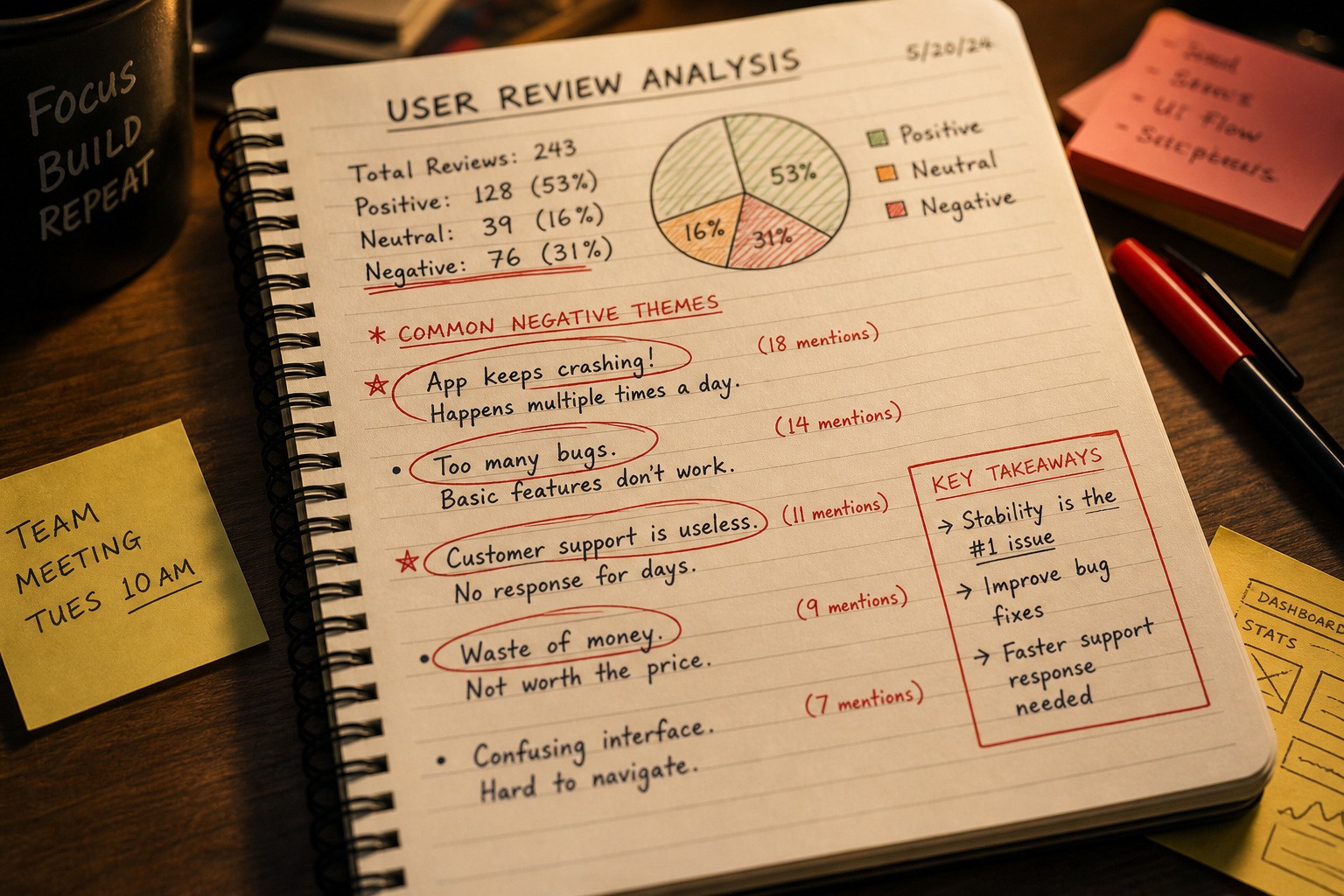
Start by identifying your direct and indirect competitors on the App Store and Google Play Store. Do not look at their glossy landing pages or marketing materials. Instead, head straight to their 1-star and 2-star reviews.
These negative reviews are a goldmine of unfulfilled features, unresolved bugs, and real-world frustrations. When users complain about a tool’s performance, they are handing you the spec sheet; market research is really just identifying gaps and talking to potential users to see where the pain points live.
Real-world customer discovery frameworks
Before you invest a dollar, run a real-world customer discovery loop. A great technique is the local “coffee shop” validation test. Find your target audience in the wild—go hang out at the local job site, camp out in a student lounge, or walk into a shop that specializes in the thing you’re building. Offer to buy someone a coffee in exchange for ten minutes of their time.
Show them basic paper wireframes or low-fidelity mockups on your phone. Don’t ask if they’d use it—people are naturally polite and will just agree. Instead, ask: “How do you solve this specific problem right now, and what keeps you from fixing it?”
Use behavioral monitoring—if you host a basic interactive mockup on a landing page, track where they click and use lightweight heatmap behavior tools to see where they get confused. If you are trying to figure out how to start an app business with no money or how to start an app development business for free, this stage of physical sweat equity is where you build your foundation without spending a dime.
Step 2: Construct a Highly Specific Unique Value Proposition (UVP)
When developers think about business of app development, they usually jump to listing cool features. Future users, however, only care about utility. If you are wondering how to protect an app idea, the best defense is not a costly, unenforceable NDA. Your real shield is execution speed and having a core value statement so precise that competitors cannot easily copy its utility.
To rise above the background noise of overcrowded application platforms, you need to formulate a razor-sharp, single-sentence statement that details exactly how you solve an acute pain point.
For example, instead of pitching an AI-enabled calendar utility for remote workspace operators, your UVP should read: Remote project managers use our app to automatically sync cross-company calendars without manually coordinating time zones.
To make sure your concept holds water, you must validate this single-sentence statement. Take your draft and pitch it directly to a target cohort of 50 users via direct messages, niche forums, or local meetups before you create a single UI canvas. By prioritising direct user discovery alongside your Unique Value Proposition (UVP), you guarantee that you are engineering an interface your users will actually pay for.
Step 3: Architect a Sustainable Monetization Engine
Having an incredible application is useless if the product cannot generate enough cash flow to keep the servers running and pay for your coffee. You can’t treat monetization like a feature you patch in for v1.1; it has to be designed into the UX flow from day one.
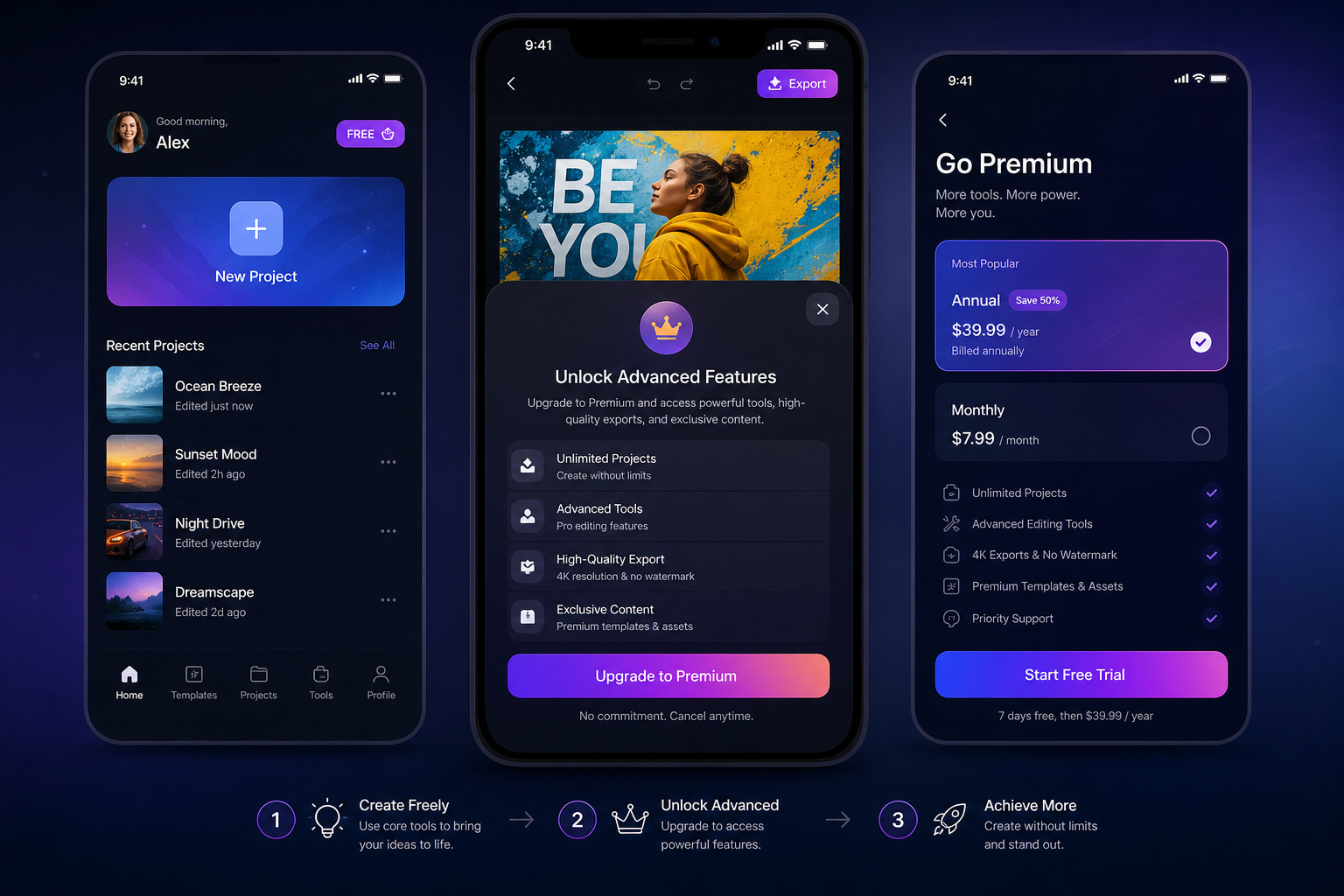
Freemium mechanics and user-behavior cycles
The freemium model facilitates user acquisition, such as the strategy used by Spotify. Look at how Spotify approaches this architecture: they offer free access to their core utility to clear any friction to user acquisition, then place custom, high-value parameters behind a paywall.
Your job is to identify the natural “power-user” point in your product’s lifecycle where a paying user will happily swipe their card to bypass a limit, unlock advanced reporting, or connect third-party integrations.
Capitalizing on in-app purchases (IAP) and value gating
For consumer-facing products, in-app purchases are the undisputed king of digital monetization strategy. As of early 2024, in-app purchases accounted for nearly half of all App Store earnings globally.
When you’re building IAP systems, time the purchase prompts for when the user is actually getting value, not when they’re hitting a wall. If you gate core activity too hard, your retention will crater; if you’re too loose, you’ll struggle to keep the lights on.
Maximizing yield through native advertising landscapes
If your application depends on high-volume, low-friction user interaction, introducing native advertising blocks can build a steady floor for your cash flow.
Integrating non-intrusive, context-specific ad placements taps into a global in-app advertising market projected to reach $226 billion by 2025. The trick is to keep these ad containers entirely separated from critical interactive UX elements, ensuring you do not compromise your underlying core application performance.
Step 4: Establish Operational, Legal, and Compliance Frameworks
Before you write your first endpoint, you need to structure your app business development setup so you don’t face ruinous legal issues later. Skipping compliance until it’s an emergency is a fast track to platform bans or lawsuits.

First, complete your company registration as a Limited Liability Company (LLC) or parallel regional corporate entity. This provides personal liability protection, keeping your personal savings, home, and assets entirely decoupled from your business operations. Immediately after filing, obtain an Employer Identification Number (EIN) from the IRS (or your country’s equivalent tax registry). You will need this clean registration identifier to set up business checking accounts, process card transactions, and manage future payroll.
In today’s regulatory landscape, data protection is a core technical requirement. You must build CCPA and GDPR compliance directly into your user registration flows, database schemas, and analytics setups, whether you track user behavior with Google Analytics or Mixpanel.
If you are looking to scale your technical operation, pitching enterprise client contracts or local public systems (especially when matching UK or Scotland procurement standards with North American sandbox configurations) requires clear, pre-audited security standard procedures. Partnering with technical consulting services like SteelBinary can help keep your code secure, clean, and fully prepared to bypass institutional procurement hurdles on your first submission, sparing your team the exhaustion of developers coding all night to patch last-minute compliance gaps.
Step 5: Choose Your Development Approach (Native, Cross-Platform, or PWA)
Selecting your technical framework is not a question of personal engineering preference; it is a critical capital-preservation decision. Every line of code you write carries a maintenance cost, and choosing the wrong stack can easily burn through your budget before your product ever sees the light of day.
High-performance native ecosystems
Writing native apps means writing Swift for iOS and Kotlin for Android. If your product requires ultra-high-performance processing, deep hardware access (like cameras, Bluetooth LE, and local gyroscopes), or enterprise-grade local security, native is your default workspace. Take Uber or Pinterest—their entire business model relies on native OS-level integration.
The downside is that you’re maintaining two distinct codebases, which effectively doubles your labor, QA time, and patch overhead.
Mitigating burn through cross-platform frameworks
If your venture needs to hit both major platforms while holding onto precious capital, cross-platform development is your strongest weapon. Using React Native or Flutter lets you write a single codebase that compiles beautifully across both operating landscapes.
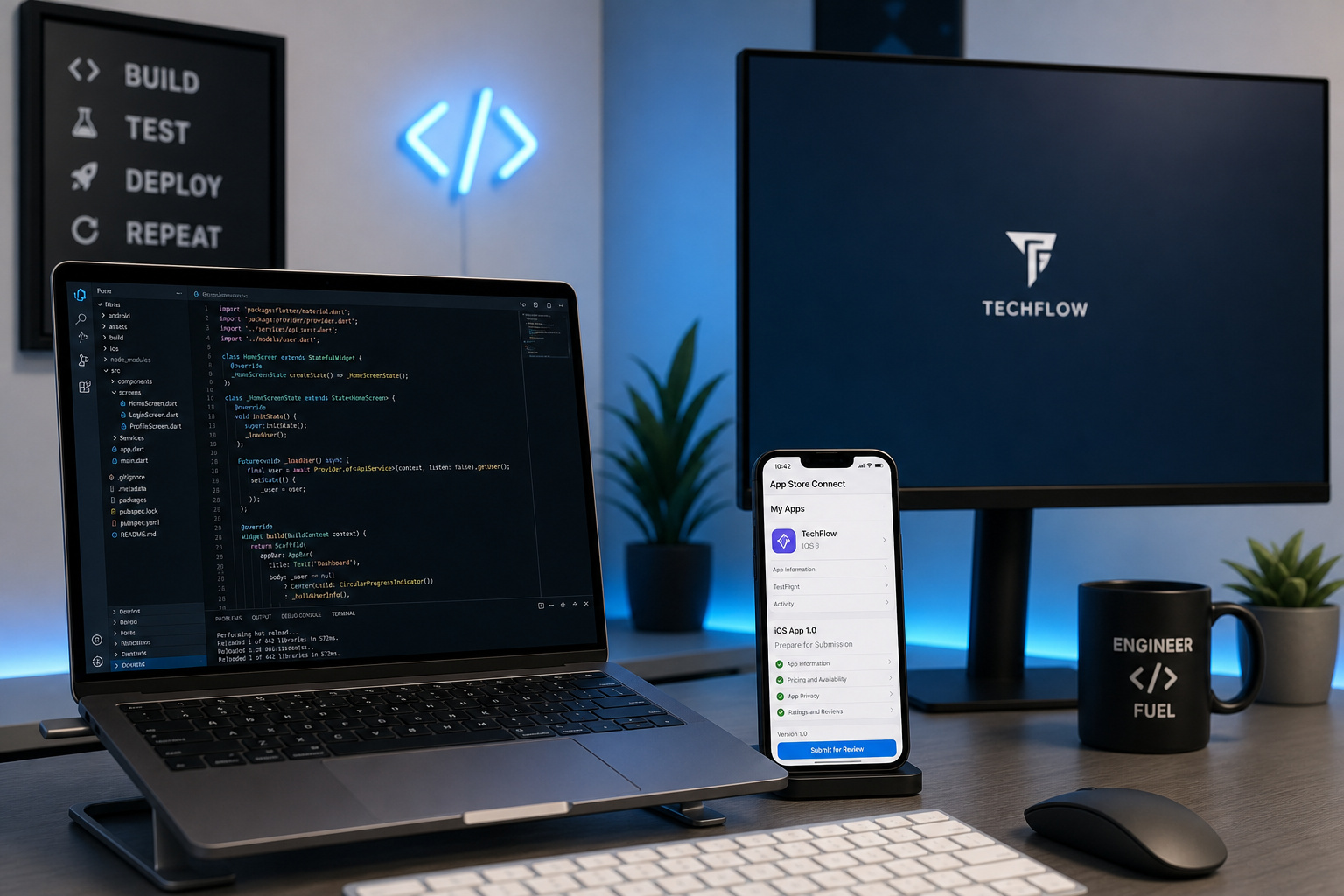
This approach slashes developer labor overhead by roughly 30% compared to native, giving you double the operational runway to find product-market fit before your cash reserves run out.
PWAs as low-friction, high-conversion distribution channels
If you want to know how to create an app for my business for free or on a rock-bottom budget, look closely at the Progressive Web App (PWA). PWAs are standard web applications that use modern browser APIs to feel like native apps—complete with home-screen launching and push notifications—completely bypassing App Store gatekeeping.
Choosing a PWA can dramatically boost your conversion rate by removing the friction of a search, download, and install cycle. A great example is Lancôme: their PWA project saw a 17% conversion jump and a 51% increase in time-on-page.
Financially, the efficiency is undeniable. A standard, fully customized PWA deployment typically tracks at around 1,280 development hours, representing a clean, highly predictable budget of $51,200. This is an efficient path to market compared to the six-figure commitments of native multi-platform builds.
Step 6: Design Intuitive UI/UX with Interactive Prototypes
As the prominent designer Joe Sparano famously observed, “Design is silent content.” User experience design focuses on removing friction between the user and their target action.
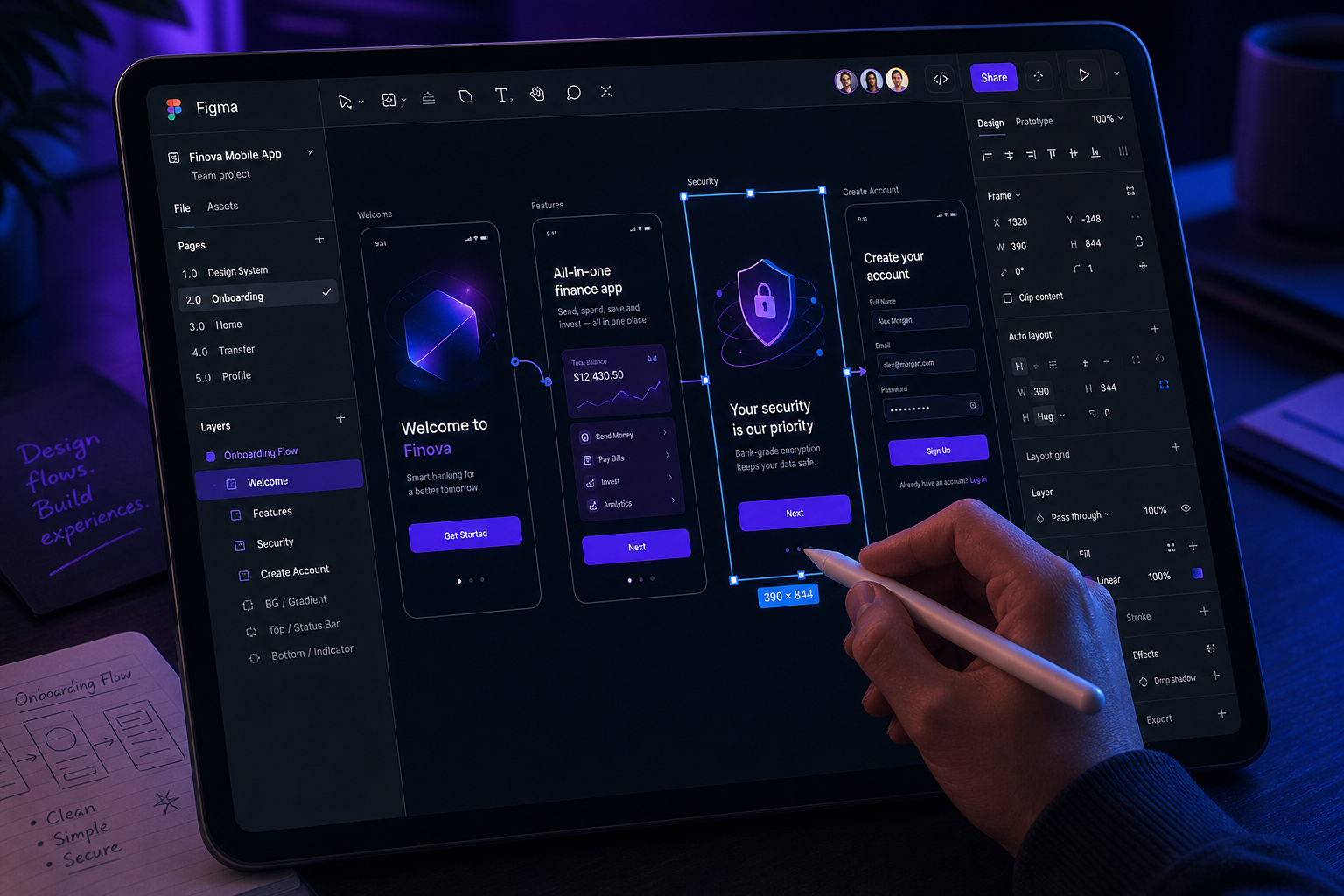
Before you touch Figma or Sketch, sketch out your core navigation steps on plain paper:
- App Entry
- UVP Value Screen
- Core Action Target
- Success Validation
Once you have your basic path mapped, translate those steps into high-fidelity screens for interactive prototyping inside Figma. This allows you to link your buttons, inputs, and screens together into a clickable application facsimile that runs directly on a mobile test device.
Take this prototype back to your core testing users. Watch their hands as they try to navigate your app. If they hesitate on a button, read a page twice, or get stuck in a menu loop, go back to your design canvas. Working out these UX issues in design files will save you hundreds of hours of refactoring database schemas and backend controller code later.
Step 7: Select Your Tech Stack and Talent Sourcing Model
At this stage, you must decide who is going to convert your interactive Figma blueprints into secure, deployable production code, and how much it will actually cost.
The operational trade-offs of in-house vs. outsourced talent
Should you hire internal dev teams or partner with external builders? 79% of small businesses outsource development to access specialized expertise.
For early-stage startups, running a hybrid sourcing model is effective. Under this setup, you retain an in-house development lead or technical director to own your IP architecture, while hiring a trusted outsourcing agency to tackle the repetitive manual engineering work needed to launch your MVP.
| Sourcing Model | Primary Advantage | Core Risk Area | Recommended For |
|---|---|---|---|
| In-House Development | Deep IP alignment & fast iterations | High payroll overhead & hiring lag | Core tech IP & post-MVP scaling |
| Outsourcing Agency | Speed to launch & variable billing costs | Communication gaps & code quality variance | MVP builds & rapid prototyping |
Demystifying agency partner expense brackets
If you choose to outsource the creation of a custom app from scratch, you need to align your expectations with actual market rates. Typical agency cost range for custom mobile app development is $37k–$171k.
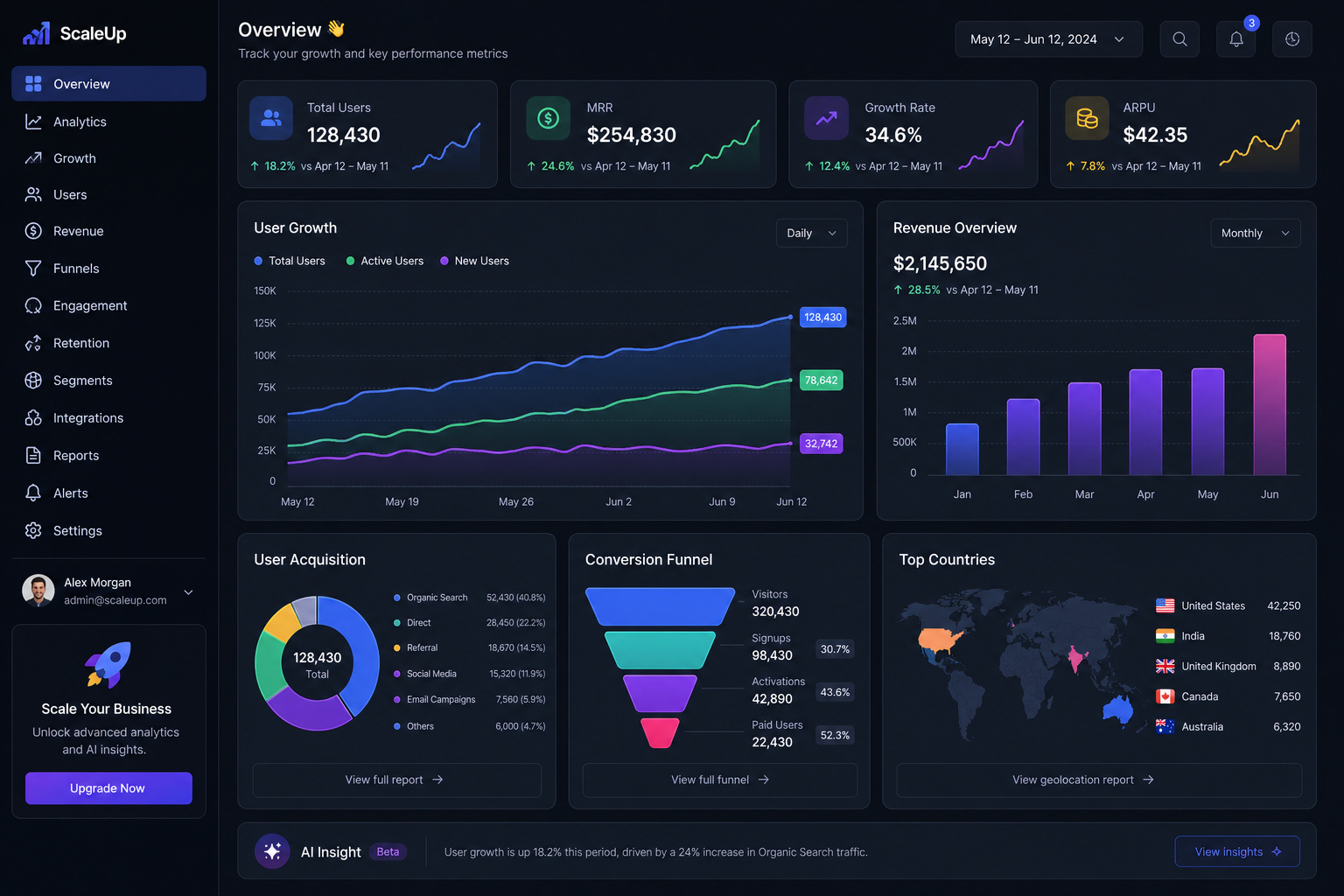
This range depends on the overall complexity of your feature set, the number of target platforms, and your backend integration needs. Write contract milestones that tie payments directly to verified, clean code commits.
Step 8: Secure Capital Along a Strategic Funding Tier
Launching a sustainable application platform requires capital, but taking on massive equity-diluting investments on day one is often a mistake. You should progress along a logical, step-by-step funding ladder.
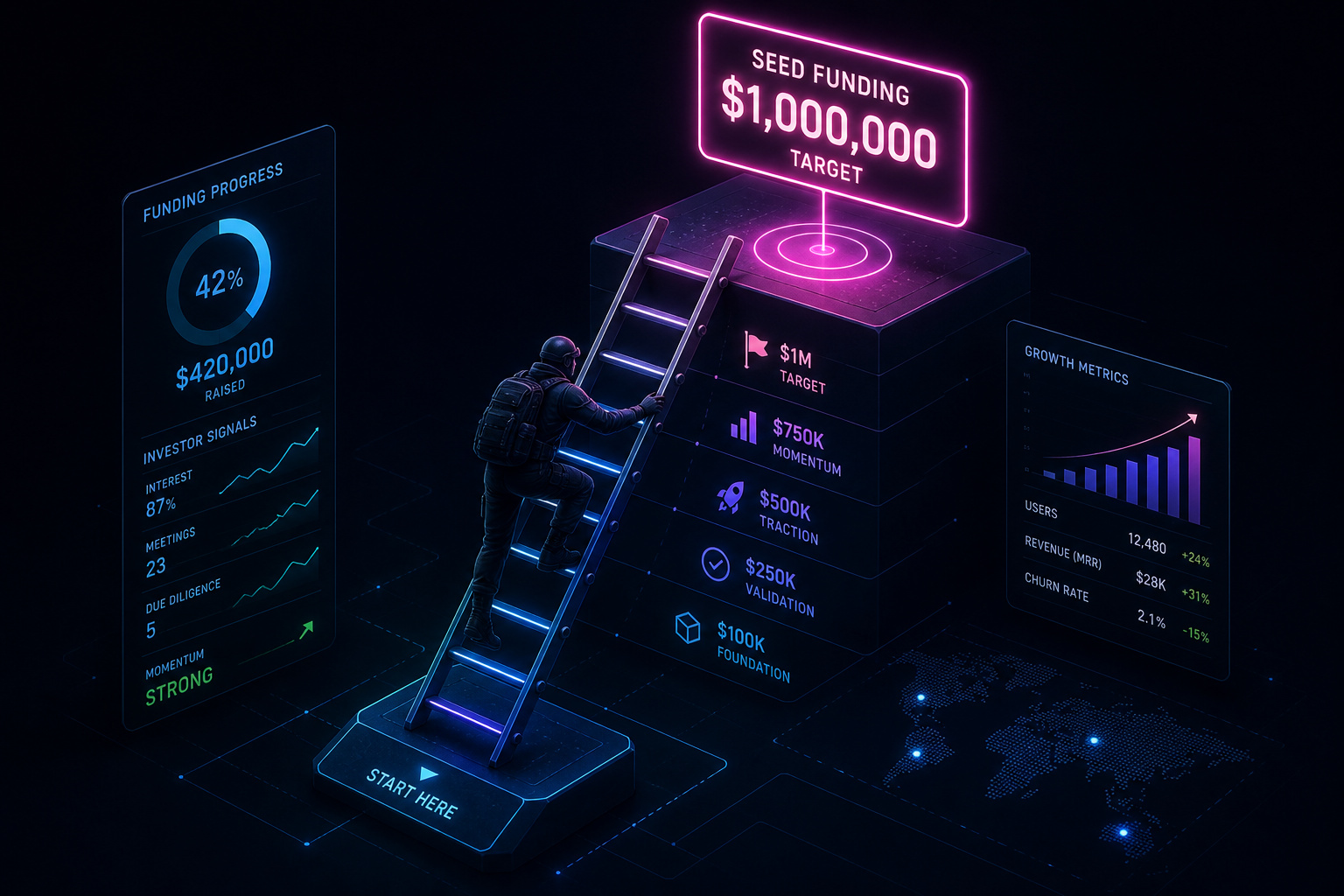
Start with bootstrapping—using your own savings and building early prototypes yourself. Next, explore low-barrier crowdfunding on platforms like Kickstarter, or look for local tech grant systems that offer non-dilutive capital.
Once your mockups are backed by solid customer discovery metrics, you can confidently pitch angel syndicates, apply for structured accelerator programs, or present your validated proof-of-concept to venture capitalists to secure institutional seed funding. VCs are far more likely to back a raw project when you can point to a group of pre-registered, highly enthusiastic beta testers.
Step 9: Navigate the App Store Submission Process
Once your build is clean and your local testing is done, you’re ready to run the gauntlet of the App Store and Play Store portals. This submission phase is a technical milestone that requires meticulous preparation to avoid immediate platform rejection.
- Portals & Sandboxes: Configure your App Store Connect and Google Play Console environments. Ensure all external API sandboxes are mapped correctly to production databases.
- Visual Store Assets: Generate clean screenshots for every mandatory device screen resolution. Design a high-resolution app icon that stands out on a dark home screen.
- Compliance Linkages: Provide a dedicated privacy policy URL (mandatory on both stores) and clear instructions for review teams on how to bypass registration screens using a mock testing profile.
- Build Verification: Upload your production builds through Xcode or the Android SDK. Ensure all security permissions (like camera, location, and contacts) include clear, user-facing descriptions explaining why the app needs them.
Step 10: Launch with Target Campaigns and App Store Optimization (ASO)
You could build the most elegant, useful software on the planet, but if nobody knows it exists, your business will fade fast. A successful launch is about building predictable, organic channels that feed clean traffic into your acquisition funnels.
Maximizing organic reach through App Store Optimization (ASO)
Relying solely on expensive paid ads is a quick way to burn through your bank account. Instead, design your store listings to maximize organic discovery by mastering App Store Optimization (ASO).
Write a clear, descriptive app title, choose highly relevant keywords with high search volume, and craft compelling visual preview videos. Maximizing your search visibility ensures that when users search for solutions to their real-world problems, your application is sitting right at the top of their discovery stack.
The agency operator’s pipeline: validating through internal development
Forget the high-pressure sales tactics if you’re trying to build a B2B consultancy. Real-world, sustainable software firms don’t waste precious runway on generic Google ad campaigns.
Instead, they leverage internal developer downtime to build highly targeted showcase applications. If you run a B2B software consulting practice, use localized niche prospecting: research a local shipping firm, an insurance agency, or a regional distribution center to identify a major gap in their legacy workflows.
Build a lightweight, custom-tailored proof of concept that solves that specific operational bottleneck. Walk into their office, show them the working prototype, and demonstrate how putting this software on their team’s phones will save them hundreds of hours of labor. This specialized approach turns abstract pitches into undeniable technical proof.
Step 11: Maintain Performance, Scale Infrastructure, and Optimize Retention
Once your application is live, your focus shifts from building new features to keeping your active user base happy. In the software business, user retention is the only metric that truly controls your long-term growth.
To keep users coming back, build personalized onboarding flows and set up smart, behavior-triggered push notifications. On the infrastructure side, compile your backend services into lightweight files and run them using container orchestration platforms like Kubernetes.
Combine this with global content delivery networks (CDNs), local caching layers, and database sharding to keep your workloads distributed. However, only implement these advanced DevOps steps when your scaling metrics actually demand it:
Keep your system performance budgets tight. Even tiny increases in database latency can cause noticeable lag in your app, which instantly ruins the effectiveness of your onboarding flows and signup funnels. Keep your APIs fast, your database responses snappy, and use database sharding and auto-scaling to grow your infrastructure alongside your user base.
Frequently Asked Questions
Do I need an LLC to start an app?
Forming an LLC is highly recommended early on to provide personal liability protection. This ensures your private assets, such as your home and savings, remain separate from any potential business liabilities or legal challenges.
How profitable is app development?
Profitability depends on your ability to design a monetization engine—such as freemium models or in-app purchases—directly into the user experience. Because in-app purchases account for nearly half of global store earnings, success relies more on solving specific user pain points than just the complexity of the code.
How to start your own app development business?
Start by validating a specific utility with at least 50 target users before writing a single line of code. Once validated, treat the build like a business by registering your entity, choosing a dev stack that preserves capital, and focusing on solving one acute problem for a defined audience.
Will AI replace mobile devs?
AI is a tool, but replacing the strategic human work of market discovery and architectural planning is not currently feasible. The primary reason most app ventures fail is a lack of market orientation, not the quality of the backend code, making human-led validation the most critical task.
What is the difference between native and cross-platform development?
Native development involves writing separate codebases for iOS and Android, which is best for performance-heavy apps but doubles your labor costs. Cross-platform frameworks allow you to use a single codebase for both, saving approximately 30% in engineering overhead.
How much does it cost to develop an app?
For a custom mobile app created by an agency, you can expect costs to range from $37,000 to $171,000 depending on complexity. Alternatively, Progressive Web Apps (PWAs) are a more budget-conscious entry point, typically benchmarked at around $51,200 for 1,280 development hours.
Can I use a PWA instead of a native app?
A PWA is an excellent, cost-effective launch pad that uses browser APIs to mimic a native feel, such as home-screen icons and push notifications. They bypass App Store gatekeeping entirely, making them a high-conversion distribution channel for those working with limited capital.
