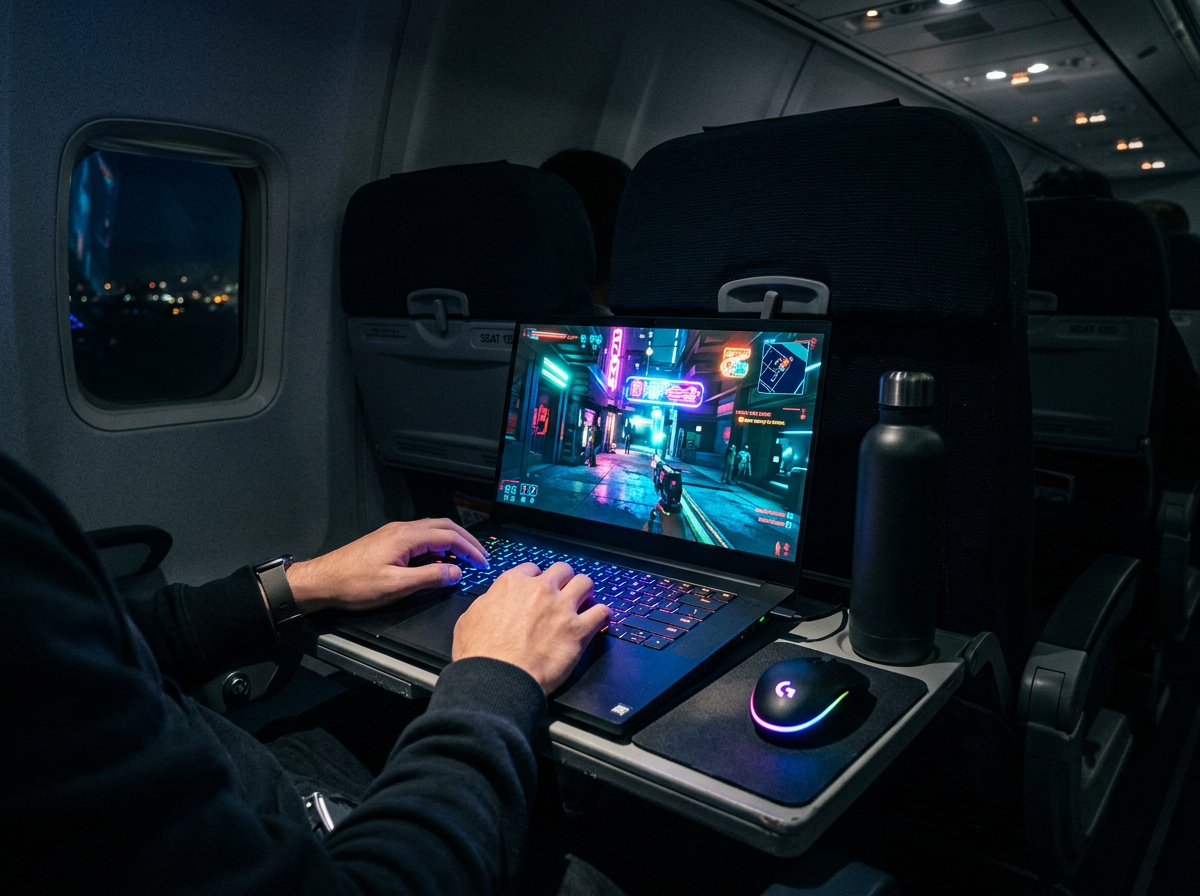
I used to rawdog flights by staring blankly at the seatback, but the rapid rollout of Starlink satellite Wi-Fi has turned commercial aviation into a highly viable, low-latency gaming environment. Whether you want to play high-stakes online matches, manage a heavy PC workload, or just emulate retro titles, knowing how to game on a plane requires intentional hardware optimization.
This guide walks you through bypassing AC power limits, configuring minimal-footprint ergonomics, and guaranteeing persistent online connections at 30,000 feet. The era of forced digital exile is dead.
Table of Contents
Navigating satellite Wi-Fi and offline prep
You must prepare for two distinct network environments: legacy zero-connection zones demanding offline client modes, and modern sub-50ms satellite arrays supporting real-time multiplayer. Traditionally, triggering Steam offline mode alongside religious pre-flight prep was a mandatory survival tactic to bypass always-on DRM and keep your library accessible in the air.
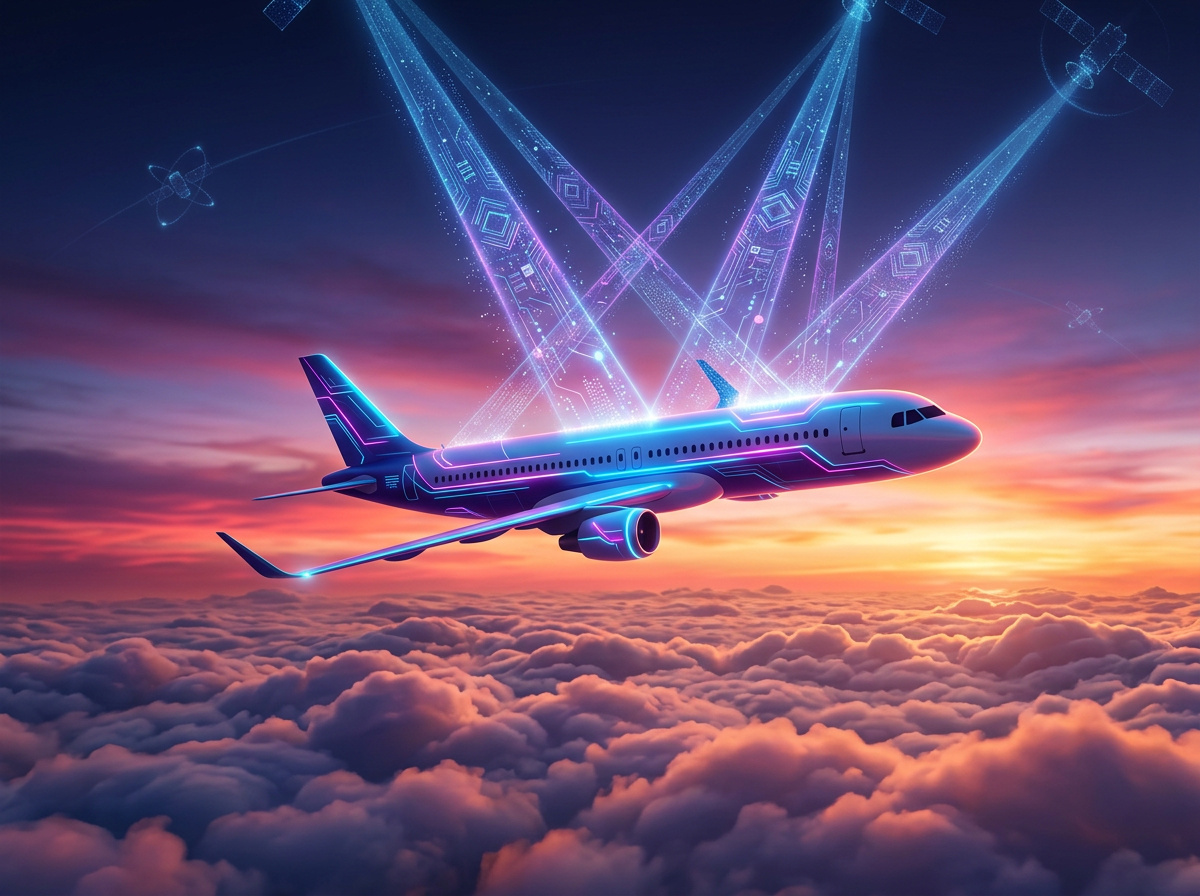
You still need to sync your Steam client, Microsoft accounts, and Discord before boarding to prevent sudden DRM token lockouts if the plane’s network degrades mid-flight. However, the networking paradigm is violently shifting toward ubiquitous satellite IFC (In-Flight Connectivity) + low-latency gaming. We are already seeing sub-50ms pings on major long-haul routes. Even high-stakes games at Spinbet Online Casino are completely stable because the latency is so incredibly low.
I suspect gigabit-class internet on flights will be an absolute standard within the next 24 months. To properly prep your system for this hybrid environment, follow this specific sequence:
- Authenticate all mandatory cloud gaming platforms on your home network 24 hours prior.
- Download massive asset patches locally to avoid throttling the aircraft’s shared bandwidth.
- Switch your clients to offline mode, then seamlessly reconnect them once airborne to test the live satellite feed.
If you are curious about specific packet drop metrics, GeekExtreme (that’s us) recently documented how gaming on Starlink performs under actual transit loads. The days of treating a flight as an enforced network blackout are over.
Managing power constraints when gaming on a plane
Your primary hardware bottleneck is the aircraft’s hardcoded AC wattage limit, not your laptop’s internal battery capacity. Once you push a heavy CPU and GPU load, you will quickly discover the unforgiving math of commercial airplane seat wiring. Powering a gaming session at altitude requires strict load limits.
Airline AC continuous output limits
Standard commercial airplane seat outlets are capped at approximately 75W, which causes high-draw gaming laptops to drain their batteries completely even while plugged in. This AC continuous output limits + hardware power draw conflict is the most critical failure point for in-flight gaming.
If your laptop’s power brick tries to pull its maximum 230W rating from an economy class socket, the internal seat breaker simply trips and cuts you off natively. To survive, you must force a drop in your system’s total board power. Undervolt the processor and cap your frame rates locally in the software. If you lock your rendering target to 30fps, the total GPU demand usually drops enough to fall below that critical 75W threshold. It is basic capacity planning.
Preventing thermal throttling on flat trays
Running a demanding workload on an unvented plastic tray table causes immediate thermal soak and aggressive processor downclocking. This unavoidable dynamic of thermal throttling + restricted ventilation means high-fidelity games will stutter violently within twenty minutes.
A deep dive on the LTT Forums highlights this exact physics problem perfectly. One user planning to boot Windows on a heat-prone 2012 Macbook Pro 13″ lying flat required a massive custom fan curve just to keep the chassis from melting the tray table. The most elegant software solution to this hardware issue is migrating entirely to emulation. As veteran LTT Forums user manikyath pointed out, a PSX emulator is practically mandatory for travel—it demands almost zero power and runs ice cold on any CPU architecture.
Optimizing input gear for the tray table footprint
Standard desktop peripherals physically fall off the edges of aircraft trays, requiring a shift to minimal layouts or pure controller builds. Bringing your premium competitive gear on a flight is an ergonomic disaster.
The Corsair mousepad vs economy seating
A standard 14″x11.5″ mouse mat physically overlaps the chassis of most laptops on an economy tray, rendering a traditional gaming mouse completely useless. The conflict of tray table footprint + input peripherals forces you to rethink your spatial requirements before boarding.
For example, another user, TubsAlwaysWins, was boarding an overnight 1:00AM flight to Hawaii and wondered if they could fit a massive Corsair Mousepad alongside a bulky Logitech G602 mouse. To actually make it fit, they considered laying the pad directly over half of the laptop’s keyboard. This is a genuinely terrible, awkward setup that guarantees you will continuously elbow your seatmate. Ditch the mouse entirely.
Controller and keyboard-mapped alternatives
The most stable airborne input method is abandoning the mouse to map actions completely to a controller or to a dense, custom keyboard layout. Trackpads are absolutely miserable for precision aiming, and there is no physical runway for sweeping arm movements.
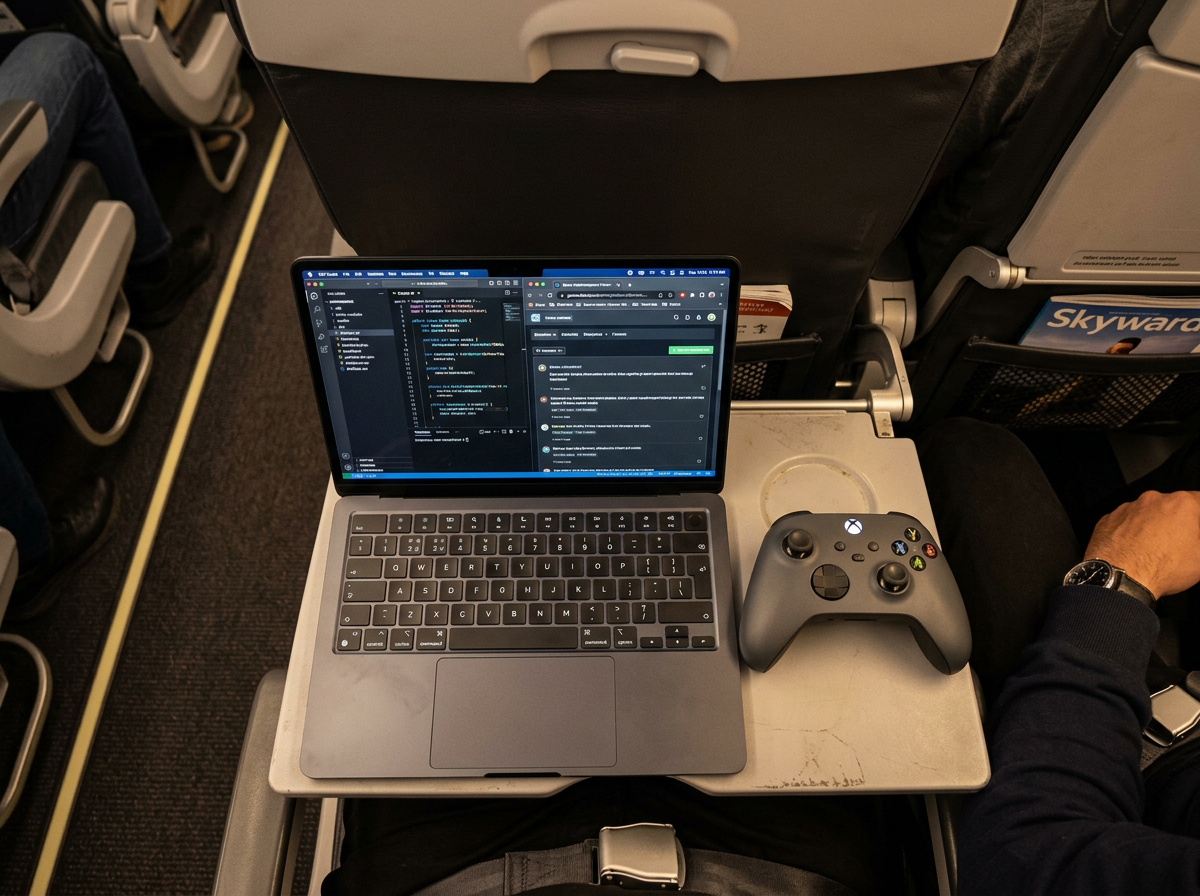
We highly recommend pairing a low-demand PSX emulator + keyboard-mapped controls. Nostalgic RPGs or turn-based strategy titles eliminate the hardware dependencies of raw APM (actions per minute). Your elbows remain firmly locked to your ribcage. At GeekExtreme, we run deep tests on travel peripherals, and pure keyboard-centric workflows consistently outlast ambitious desktop-mouse rigs in the air. Keep your physical footprint minimal, and the claustrophobia disappears.
Balancing acoustic isolation and movement etiquette
You must curate both your audio hardware and game selection to maintain situational awareness and avoid physically invading your neighbor’s space. Gaming in a pressurized tube full of exhausted strangers comes with highly specific social rules.
HyperX Cloud 2 headsets vs situational awareness
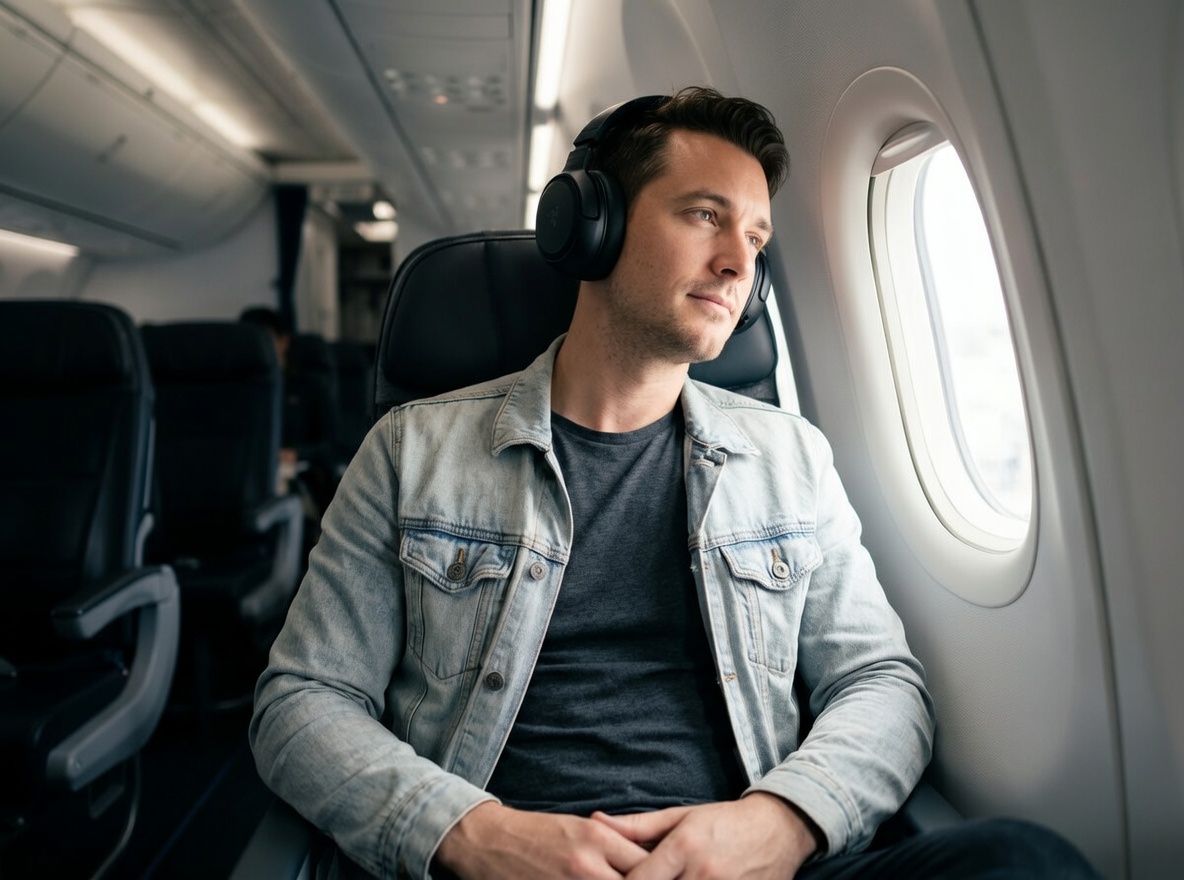
Heavy over-ear audio enclosures block crucial flight crew instructions, creating a massive safety and etiquette friction point mid-flight. There is a fundamental conflict between total acoustic isolation + situational awareness inside a commercial cabin.
“Gaming in a pressurized tube full of exhausted strangers comes with highly specific social rules.”
While shutting out engine drone with a pair of HyperX Cloud 2‘s feels incredible, you cannot afford to tune the environment out entirely. As one guest on the LTT Forums joked, you actively need to hear flight announcements just in case the pilot says “we are crashing, don’t panic.” Use transparency modes or slide one ear cup off your ear when flight attendants walk the aisles. You aren’t streaming alone in your basement; cabin alerts take priority over your audio mix.
Selecting visually and mechanically calm games
Confined seating requires selecting mechanically forgiving titles to prevent erratic twitch movements from violently hitting adjacent passengers. The core behavioral rule here is strictly matching calm gaming + movement etiquette.
Leaving endless doomscrolling on X, Reddit, or Facebook in favor of actual gaming is a massive upgrade, but it requires physical restraint. Frantic shooters are objectively awful choices. Another LTT Forums user, aSpoink, highlighted that loading up a competitive shooter and shouting callouts is the fastest way to get the entire cabin to hate you. Respect the shared physical boundary. Keep your actions minimal, and choose automated gameplay loops that do not cause you to physically tilt into the aisle.
Preparing for the new age of airborne gaming
Within 24 months, ubiquitous low-latency connections will permanently normalize competitive PC and cloud gaming directly in the sky. Staring blankly at the seatback is officially an outdated travel constraint. As long as you respect the hard AC power caps and pack ergonomic inputs, you can run exceptional native code at cruising altitude without a problem.
The future of air travel is essentially a high-altitude extension of your office desk. Optimize your power targets, configure your emulators, use Google to check network metrics before boarding, and leave the bulky desktop mousepad at home. Your next long-haul flight is just an uninterrupted, high-performance gaming session waiting to happen.
Frequently Asked Questions
Why does my gaming laptop stop charging when plugged into an airplane seat?
Commercial airplane seat outlets are hardcapped at around 75W. If your gaming laptop’s power brick tries to pull its maximum draw—often up to 230W—it trips the internal seat breaker and cuts power entirely. You have to undervolt your processor and cap your frame rate to 30fps to keep total power draw strictly under that limit.
Can I play Steam games offline if the plane’s Wi-Fi fails?
Yes, but only if you meticulously authenticate your accounts before boarding. You must sync your Steam client, Microsoft accounts, and Discord on your home network 24 hours prior to the flight. If you skip this, sudden network degradation mid-flight can trigger a DRM token lockout and block access to your locally downloaded library.
How can I stop my laptop from overheating on a plastic airplane tray table?
Flat airplane tray tables block bottom ventilation, causing immediate thermal soak and aggressive processor downclocking within minutes. To prevent your chassis from practically melting the tray, drop your power targets or switch to running retro emulators. A PSX emulator demands almost zero power and runs ice cold on virtually any CPU architecture.
Is bringing a gaming mouse on an economy flight worth it?
Absolutely not. A standard gaming mousepad physically overlaps most laptop chassis on a cramped economy tray table, leaving zero physical runway for sweeping arm movements. It is an ergonomic disaster that guarantees you will continually elbow your seatmate. Ditch the mouse entirely and rely on a controller or an all-keyboard layout.
How does Starlink satellite Wi-Fi handle high-stakes multiplayer at 30,000 feet?
Modern satellite arrays have violently shifted the networking paradigm, regularly delivering sub-50ms pings on major long-haul routes. This low latency makes real-time multiplayer highly viable and entirely eliminates the forced digital blackout of older commercial flights. Just make sure to download massive asset patches at home so you don’t choke the aircraft’s shared bandwidth.
What’s the etiquette difference between headset audio at home versus on a flight?
Total acoustic isolation is a safety and etiquette hazard inside a pressurized commercial cabin. If you use heavy over-ear enclosures like the HyperX Cloud 2, you must use transparency modes or slide one ear cup off to hear flight crew instructions. You aren’t streaming alone in your basement—critical cabin alerts take mandatory priority over your audio mix.
