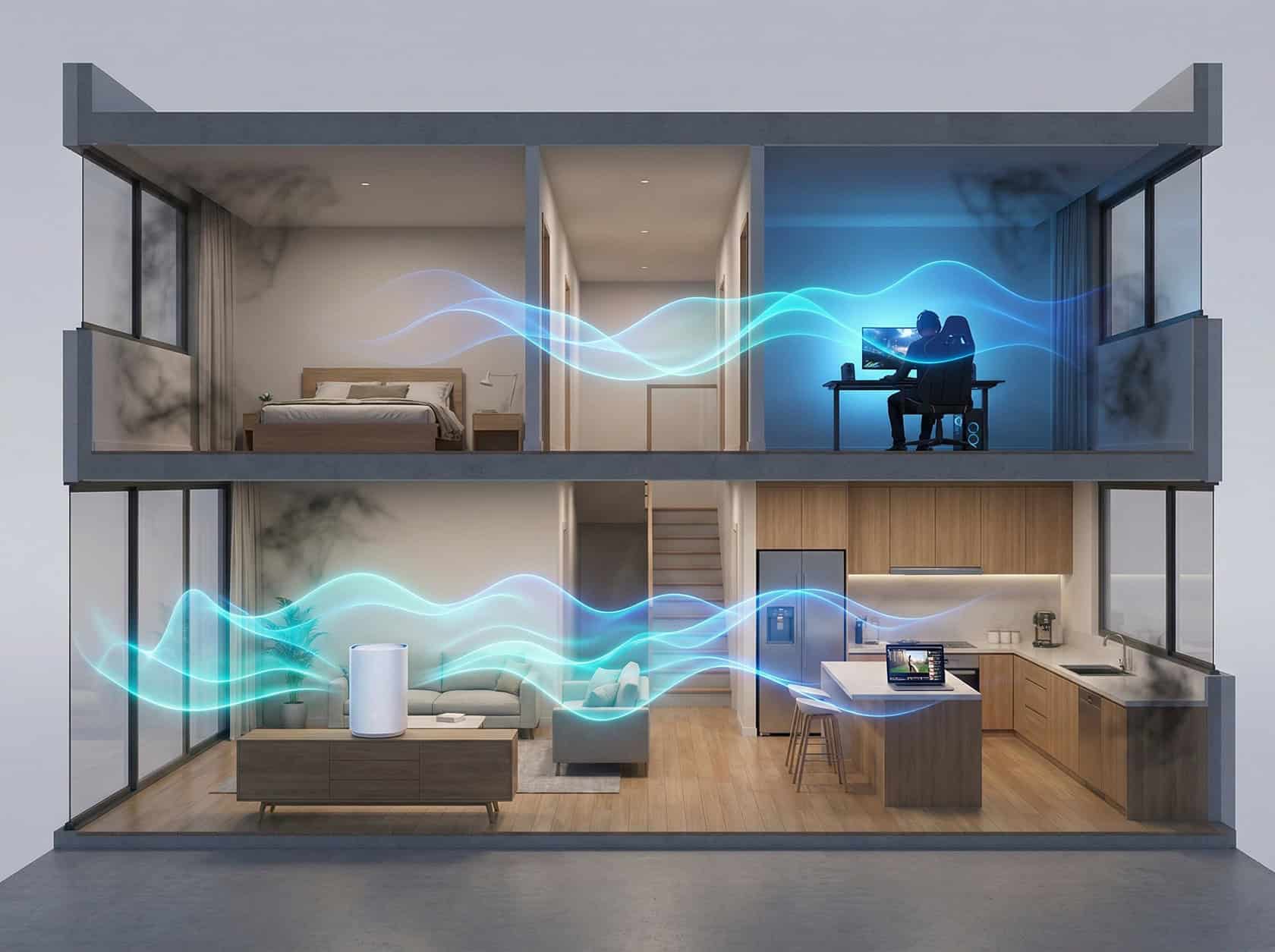
We all know the frustration. You’re on a critical video call for work, and the stream freezes. Or maybe you’re settling in for a gaming session, and a sudden lag spike turns a sure victory into a crushing defeat. For so many of us, our home internet has become the most vital utility we have. It supports careers, entertainment, and social lives all at once. If your home network feels like a patchwork of compromises, it’s time for a proper home network overhaul.
This isn’t just about chasing the highest speed numbers. It’s about building a stable foundation so that every device, in every room, gets the bandwidth it needs, right when it needs it. A “no dead zones” plan is about total reliability.
Key Takeaways
Prioritize Stability Over Raw Speed: Shift your focus from chasing the highest Mbps number to achieving “no dead zones.” A consistent connection in every room is far more valuable than a fast connection that drops frequently.
Audit Before You Buy: Don’t upgrade blindly. Map your home’s signal strength and list all connected devices (often over 20 in modern households) to identify exactly where your current infrastructure is failing.
Hardwire for Performance: Relieve Wi-Fi congestion by connecting stationary, high-bandwidth devices—like gaming consoles, PCs, and Smart TVs—directly via Ethernet cables for the lowest possible latency.
Activate Your “Traffic Cop”: Utilize the Quality of Service (QoS) feature on modern routers to prioritize critical apps (like Zoom or online gaming) over background updates and large downloads.
Isolate Vulnerable Devices: Enhance security by setting up a Guest Network specifically for smart home (IoT) devices; this keeps them separate from the main network that houses your sensitive personal and work data.
Table of Contents
Step 1: Audit Your Current Digital Life
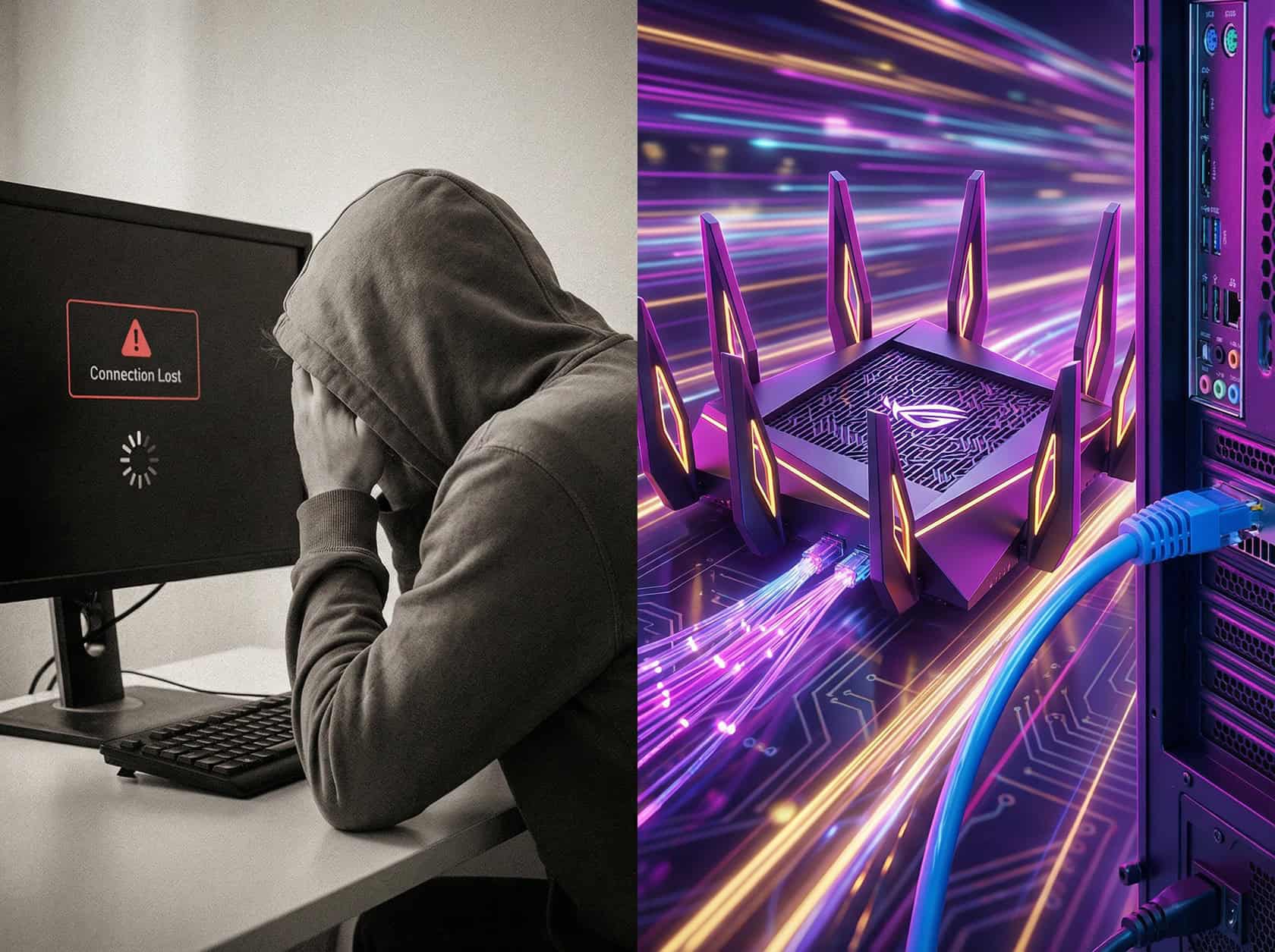
Before you buy a single piece of new equipment, you have to understand the true demands on your network. A network is only as strong as its weakest link, and that weak link is often just a lack of planning.
First, list every major device connected to your Wi-Fi. This includes laptops, phones, smart TVs, gaming consoles, and even smart home devices like security cameras and thermostats. A 2024 analysis from Statista shows the average U.S. household now has over 20 connected devices, a number that’s constantly growing.
Next, map your signal strength. Don’t just rely on the speed test you run next to the router. Use a free tool like the Speedtest by Ookla app on your phone and walk around your house. Test in the office, the bedroom, and that one corner of the living room where videos always buffer. This creates a “dead zone” map that shows you where the problems really are.
Finally, consider your peak usage. Are you streaming a 4K movie (which Netflix says needs about 15 Mbps of stable bandwidth), while someone else is on a Zoom call and a third person is downloading a 100GB game on their Xbox? You must plan for this worst-case moment, not the quiet afternoon average.
Step 2: Upgrade Your Router and Infrastructure
Your router is the heart of your home network. If it’s more than three years old or is the basic model your ISP provided, it’s almost certainly your biggest bottleneck. Modern devices and activities demand modern technology.
Today, the gold standard for most homes is a technology called Wi-Fi 6 (or 802.11ax). Unlike older versions, Wi-Fi 6 is specifically designed to handle dozens of devices at once without slowing down. Even better is Wi-Fi 6E, which adds a new, exclusive 6 GHz band that acts like a private superhighway for your newest devices, cutting through the interference from your neighbors’ networks.
The Mesh Solution for Whole-Home Coverage
For most homes, especially those with multiple floors or tricky layouts, a mesh Wi-Fi system is the ultimate answer to dead zones. Instead of one central router, a mesh system uses multiple satellite “nodes” placed around your house. They work together to create a single, seamless network that covers your entire space.
- Seamless Roaming: You can move from room to room on a video call without your connection dropping.
- Easy Expansion: If you still have a weak spot, you can simply add another node.
- Top Performers: Highly-rated systems for 2025 include the Amazon Eero 6+, TP-Link Deco series, and Netgear Orbi, which all offer powerful Wi-Fi 6 or 6E options.
Leverage Ethernet for Maximum Stability

Wi-Fi is convenient, but a wired Ethernet connection is always faster and more reliable. For stationary, high-demand devices, plugging in directly is a must.
This includes your desktop PC, gaming console (like a PlayStation 5 or Xbox Series X), and smart TV. Wiring these devices provides them with the lowest possible latency, a critical factor in online gaming, and frees up valuable Wi-Fi bandwidth for your phones and laptops.
If running new cables isn’t an option, consider Powerline adapters from a brand like TP-Link. These clever devices use your home’s existing electrical wiring to transmit network data, offering a more stable connection than Wi-Fi in hard-to-reach areas.
Step 3: Implement Quality of Service (QoS)
Quality of Service, or QoS, is the traffic cop for your home network. It’s a powerful feature on modern routers that lets you prioritize what’s most important. Without it, your router treats a massive game update with the same importance as your critical work video conference. The result? Your call stutters and freezes.
QoS ensures your most important activities get the bandwidth they need, even when the rest of the network is busy. It’s a game-changer for anyone working from home.
Access your router’s settings through a web browser and look for a section labeled “QoS” or “Traffic Prioritization.” Many modern routers from brands like ASUS and Netgear have simple, one-click presets.
- Prioritize by Application: Tell your router that video conferencing apps (like Zoom and Microsoft Teams) or gaming traffic should always go to the front of the line.
- Prioritize by Device: Give your main work laptop and your living room smart TV the highest priority, ensuring their connections remain rock-solid.
This simple setup is often the key to solving frustrating interruptions during peak hours.
Step 4: Secure Your Investment
A fast, reliable network is a valuable asset, and you need to protect it. The first step is to change the default admin password for your router, not just the Wi-Fi password. This is a common oversight that leaves your entire network vulnerable.
Next, ensure you are using the strongest available encryption. When you set up your Wi-Fi, choose the WPA3 option if it’s available. It’s the current security standard and offers much more robust protection than the older WPA2 protocol.
Finally, always enable the Guest Network feature. Cybersecurity firm Kaspersky noted in a 2024 report that smart home (IoT) devices are frequent targets for hackers. A guest network creates an isolated sandbox for these devices and for any visitors. This separation prevents a potential vulnerability on a smart light bulb from giving an attacker access to your work laptop or personal files.
Step 5: Consider the Financial Side of Your Home Network Overhaul
A full home network overhaul is an investment, but it’s one with a massive return in productivity and peace of mind. A quality Wi-Fi 6 mesh system often costs between $200 and $400, a price that pays for itself with fewer work interruptions and a better entertainment experience.
Think of it this way: many people pay their ISP a monthly rental fee of $10 to $15 for an underpowered modem and router. Buying your own equipment can eliminate that fee, meaning a new system could pay for itself in about two years.
If you’re planning a larger home improvement, like a new home office, integrating the network upgrade makes perfect sense. To fund these kinds of projects, you could explore home equity loan terms as a way to access your home’s value. This can make a comprehensive, future-proof network upgrade immediately achievable.
Reliability is the New Speed
The biggest shift in home networking isn’t just about raw speed. It’s about eliminating dead zones and achieving total reliability.
A robust, well-planned network transforms your digital life from a source of daily frustration into a seamless part of your routine. By auditing your needs, upgrading your infrastructure, and prioritizing essential traffic, you’re building an asset that supports your work, your family, and your peace of mind.
The only thing you should be losing in your home is lag, not patience.
