This guide explains how to connect a guitar amp directly to a PC or Mac for practice and recording, breaking down the exact hardware, adapters, and audio software protocols you need in order to capture a clean signal without using physical studio microphones.
Graduating from the button-mashing history of Guitar Hero to playing a real six-string is a deeply rewarding geeky hobby, but it introduces an immediate technical wall the moment you try to hit record. Capturing that massive tone digitally feels overwhelming to beginners. The standard advice is to buy expensive studio microphones, carefully position them in a treated room, and monitor the acoustics.
Direct connection is a far superior method for modern home studio tracking. You do not need to mic a physical speaker cabinet to get premium sound. By routing the audio signal through the right output pipeline, you bypass room noise entirely.
Table of Contents
The analog route: plugging into a PC sound card
The analog method leverages the existing outputs on your beginner amp to route audio strictly through household analog cables, avoiding costly studio gear completely.
Most current beginner amps have at least a dedicated headphone output. This serves as the most accessible pathway for getting audio to a computer. The fundamental hardware maneuver is running a male mini plug stereo cable directly from the amp’s headset jack straight into a standard PC sound card line-in.
This approach minimizes physical gear. It also introduces massive latency if not handled correctly.
You cannot simply plug analog audio into a stock computer line-in and expect to hear your playing in real-time. Without configuring an ASIO driver to override your operating system’s default audio processing, the delay between picking a string and hearing the note will make playing impossible. You might find yourself deep in software troubleshooting on Windows 11, frustrated to the point of throwing your Plantronics Poly C5200/C5220 headset across the room.
Furthermore, sending a raw analog signal through a 3.5mm (1/8-inch) cable into a computer strips the life from the tone. Doing this results in a fizzy, artificial sound that behaves like a flat “Line” input without the resonance of a physical room.
How to connect a guitar amp to a computer via an interface
A dedicated digital pipeline functionally replaces the need for a physical amp connection altogether. The modern workflow relies on the audio interface.
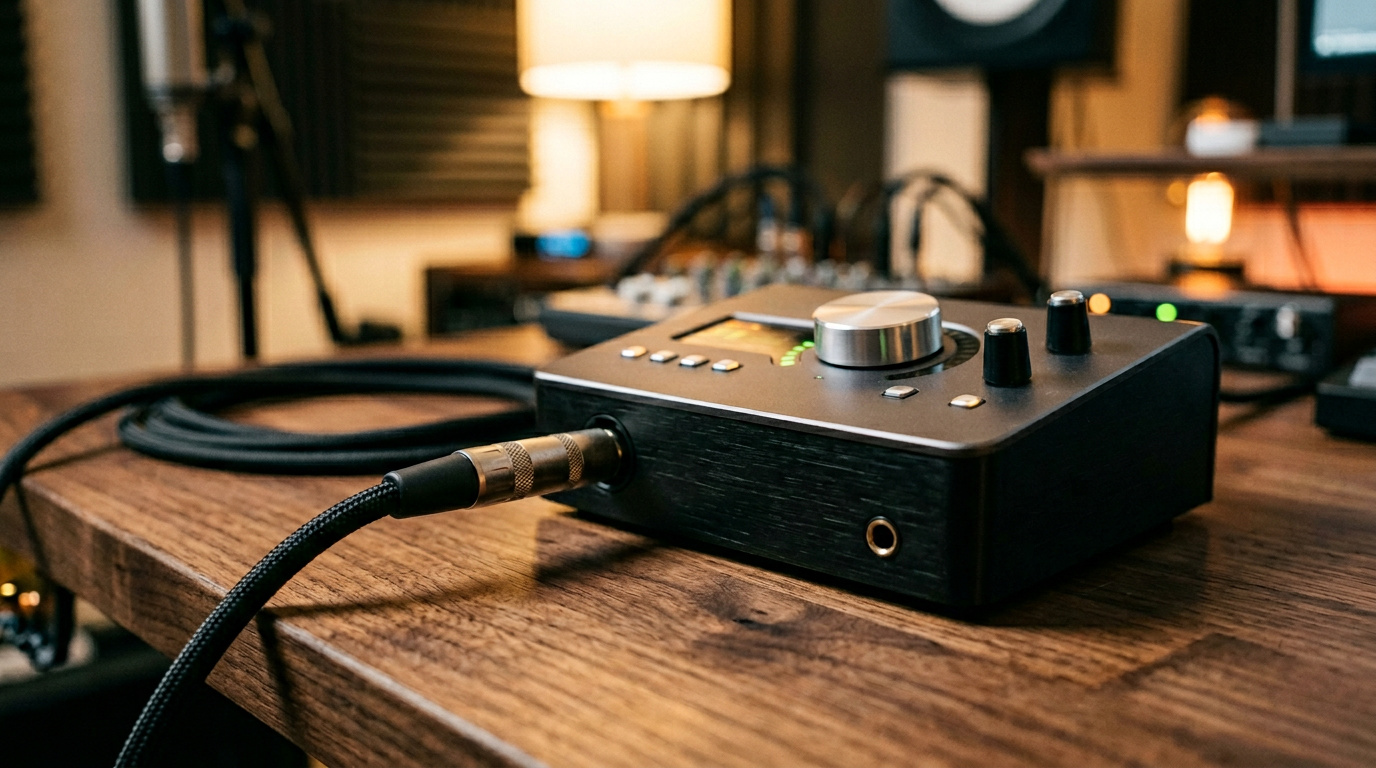
Running a line out from your amp into a dedicated interface provides cleaner conversion, but bypassing the physical amplifier completely is often the superior choice for tracking. By plugging your guitar directly into an interface guitar input, you gain access to digital software amps and fx. This digital pathway represents a massive leap in audio quality compared to recording the cheap-sounding headphone output of a budget practice amp. Instead of wrestling with a standard 1/8 to usb adapter stringing analog noise to a computer, many modern players prefer a dedicated multifx unit that natively channels digital amp simulations straight into an available USB port.
Tone rescue and spatial simulation
When a guitar signal completely bypasses a physical space, the resulting audio needs acoustic context.
An Impulse Response (IR) is a digital algorithm that perfectly mimics the exact acoustic footprint of a physical speaker cabinet and microphone combination. Curing the flat, sterile sound of a raw Line recording absolutely requires an IR simulator pedal or dedicated software plugin. By running your signal through a dedicated hardware unit like the Nux Solid Studio, you instantly rescue the tone, injecting spatial awareness that tricks the ear into hearing a massive amplifier moving air in a studio.
Once your software amps are loaded—whether you are tracking in FL_Studio or editing takes in wavelab—the audio interface guarantees you capture high-fidelity takes with zero latency. For a truly authentic tracking experience, you can even map the software parameters to a floor-based MIDI controller, giving you hands-free control over your digital effects while recording.
High-power hardware: safely recording amp heads
Bypassing an amp is ideal for software tone modeling, but some players own massive tube amp heads that they absolutely must record. Extracting the pure, high-voltage tone generated by a power amp directly into a computer requires immediate hardware intervention.
A loadbox is a specific technical tool that absorbs massive voltage and safely outputs a predictable line-level signal. Connecting a powerful amp head to an interface necessitates one.
If you connect the direct speaker output of a running tube amp into a computer line-in without a proper dummy load, you will destroy the amplifier. This is not a blown fuse situation akin to tripping a household Square D circuit breaker—the internal transformer will literally melt down, taking the surrounding circuitry with it. The loadbox absorbs the massive electrical energy that normally drives a physical speaker cabinet, padding the signal down to a safe level for your computer interface to digest.
“If you connect the direct speaker output of a running tube amp into a computer line-in without a proper dummy load, you will destroy the amplifier.”
Some modern amplifiers sidestep this massive hazard. High-end rigs, like a specific modern H&K guitar amp, bypass the need for external dummy loads by engineering a dedicated DI output directly into the main board.
Mobile device routing: tricking smart devices via adapters
Recording to a smartphone seems like the most accessible beginner option on paper. In practice, TRRS hardware constraints make mobile routing incredibly frustrating.
The counterintuitive reality of recording direct to an Android phone requires an exact sequence of cables.
To trick an Android device into reading a line-in signal as an external mic, follow this sequential plugging hack:
- Obtain a specialized 3.5mm (1/8-inch) audio splitter featuring an exact 3 ring male connection designed for TRRS ports.
- Open your target mobile recording software first.
- Plug the 3-ring male splitter directly into the phone before connecting any other input. Playback logic requires the phone to register the adapter first to trigger external mic recognition.
- Plug a standard 3.5mm (1/8-inch) male to male cord from the amp’s headphone output into the microphone side of the splitter.
If this sequence is violated, the device defaults to treating the input as a basic headset monitor or PA/monitor feed, blocking all incoming audio. Navigating this hardware logic feels like a bizarre coding puzzle. It works flawlessly, but only if the sequence is perfectly obeyed.
Choosing your setup and hitting record
Whether you are hooking up a basic mini-plug cable, utilizing a protective loadbox for a massive tube head, or implementing a smartphone splitter hack to record a session straight to Youtube, the core objective remains capturing the performance unhindered by room noise.
The audio interface route clearly stands as the ultimate sweet spot for both audio quality and equipment safety. It eliminates the latency issues of standard PC soundcards while outperforming the awkward hardware constraints of mobile adapters.
Gather your preferred cables, connect your chosen USB output, export the final rendered takes to your Dropbox account, and lay down your first direct track.
Frequently Asked Questions
Why does my guitar sound fizzy when plugged directly into my PC’s line-in?
Sending a raw analog signal through a standard 3.5mm (1/8-inch) cable strips the life and acoustic context from your tone. To fix that flat, sterile sound, you need an Impulse Response (IR)—a digital algorithm that mimics how a real speaker cabinet pushes air in a physical room.
Can I plug a tube amp head directly into an audio interface?
Absolutely not, unless you want to literally melt your amplifier’s internal transformer. Massive tube amps require a physical speaker to absorb their high voltage. To record one directly, you must run the signal through a loadbox first to pad it down to a safe line-level signal your computer interface can digest.
What is an Impulse Response (IR) plugin?
An IR is a digital profile that mimics the exact acoustic footprint of a physical speaker cabinet and studio microphone setup. When you bypass a real amplifier to record directly, your audio completely lacks spatial context. Adding an IR via software or a hardware unit like the Nux Solid Studio tricks the ear into hearing a massive amp moving air in a real studio.
What’s the difference between connecting to a standard PC sound card and using an audio interface?
A standard PC sound card relies on generic analog cables that introduce massive audio latency and terrible tone quality. An audio interface bypasses that mess by processing the signal digitally via USB, guaranteeing clean conversion with zero latency. It also allows you to ditch the mediocre speaker of a beginner practice amp entirely and use premium software amp simulations.
How do I get my Android phone to recognize my guitar amp signal?
You have to trick the phone’s TRRS port using a specialized 3-ring audio splitter and an incredibly strict plugging sequence. First open your recording app, plug the empty splitter into the phone, and only then connect the amp’s output to the microphone side of the adapter. If you reverse this order, the smartphone defaults to treating it as a headset monitor and blocks all incoming audio.
Why is there an unplayable delay when I try to record my guitar into Windows?
You are experiencing audio latency because your stock operating system is not built to process live instrument signals in real-time. To fix this, you must configure a dedicated ASIO driver to override the default Windows audio processing. This system bypass aggressively shrinks the processing delay, making the elapsed time between picking a string and hearing the note zero.
Is an audio interface actually worth the money if my amp already has a headphone jack?
Yes, because the digital pipeline of a dedicated interface outclasses the cheap analog conversion of a budget amp. Standard 1/8-inch headphone outputs notoriously string analog noise and fizzy artifacts straight into your PC line-in. Switching to an interface gives you a pristine, latency-free recording environment and unlocks an endless ecosystem of digital effects.
