
I still remember saving up pocket money for several months during my youth simply to acquire a legendary 3dfx Voodoo3 graphics card. The sheer anticipation of seeing blocky 3D worlds suddenly smooth out was unmatched. But running complex home-labs, dev machines, and production edit bays today teaches you a different kind of discipline. Moving from pure emotional spec-chasing to a methodical asset-optimization model is essential. When you are looking at budgeting for a major tech upgrade, you have to treat your personal setup as a structural capital asset rather than a casual dopamine purchase.
Whether you are managing a lifecycle refresh for mobile devices or home computing, investing in imaging gear, or building out a gaming rig, a calculated approach prevents budget overruns.
Key Takeaways
A true hardware budget must account for accessory footprints like shipping, cases, adapters, and warranties, which frequently cause a 15% expense overrun in the first week post-purchase.
Isolating exactly $200 a month over six months in a separate savings account lets you pay $1,200 up front, avoiding long-term interest and ongoing monthly debt obligations.
Financing a necessary tech purchase through unsecured debt relies on creditworthiness rather than collateral, protecting vital personal assets like your car or home during an emergency equipment replacement.
Table of Contents
Assessing the “Why”: Is Your Upgrade an Income Driver or an Impulse?
Before we break out the pricing spreadsheets, we need to stress-test the motivation behind your purchase. Separating raw technical lust from a calculated utility upgrade keeps your budget grounded in reality.
Determining Urgency: Needs vs. Leisure Desires
A laptop needed for work, for example, is an earning-enabler and a high-priority tool. A tablet you simply want for entertainment, on the other hand, is a luxury.
The Security-Update Lifespan Limit
Reduced battery capacity below 80% or cosmetic surface scratches are minor concerns, but the cessation of official security-update support is the primary technical signal to replace a device. Under the hood, a mobile device lacking ongoing security updates represents a legitimate personal risk to your credentials and data. Upgrading that device is a security necessity, whereas upgrading your daily driver just for a slightly better camera is a secondary want.

Quantifying the Productivity Speed Boost
If you are buying a machine to help you earn money, study, create content, or run a business, you need to calculate its actual impact on task latency. Measure your current pain points. How long are your IDE compile times, Docker build pipelines, or video render queues? If a new workstation cuts a daily render process down by 30 minutes, you can easily calculate how quickly that speed boost translates into billable hours. If the speedup is only a matter of milliseconds, such as a 5-millisecond reduction in local latency, it is likely a vanity upgrade.
Calculating Your Total True Cost and Avoiding the Component Trap
Buying new hardware is never a single, isolated transaction; it is a complete ecosystem deployment. Failing to plan for the downstream dependencies is the fastest way to blow past your financial targets.
Mapping the Accessory Footprint
Sticker price is only part of the cost. When calculating the comprehensive financial impact of a new device, we have to look at the entire accessory footprint. You must write down the total estimate, including taxes and shipping fees, to prevent sudden financial surprises. Then, factor in clean-room essentials: – Sturdy screen protectors and protective cases – High-grade power blocks, specialized charging cables, and adapters – Essential external storage drives and high-speed memory cards – Insurance, extended warranties, and dedicated manufacturer repair plans – Added software licenses, cloud storage tiers, or active app subscriptions
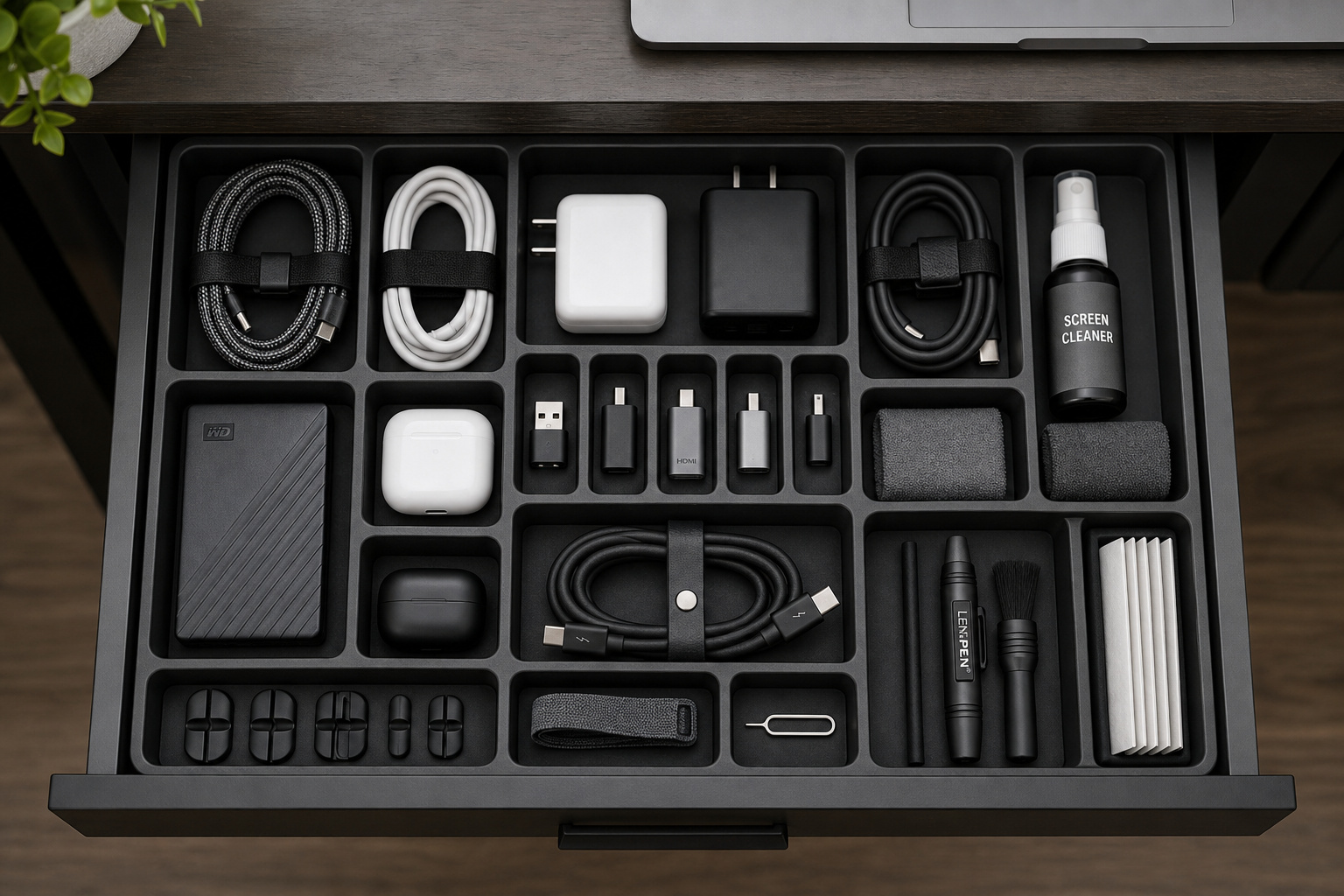
We routinely observe that many buyers experience an unexpected 15% budget overrun within the first week of setup because they overlooked basic connection cables or mounting interfaces.
Ecosystem Migration and Software Friction
Do not forget the hidden friction of migrating to a new ecosystem. Changing platforms or buying new architectures can force you into buying new software licenses altogether. Factor in the value of your time spent migrating local database setups, adjusting system configurations, and re-establishing active software licensing environments before you make the leap.
Strategic Balance: Tech Purchases vs. Overall Financial Health
Before committing your hard-earned capital to pricey tech purchases, like upgrading to a 4K display, you must perform a comprehensive financial health check.
The Core Survival Audit
A tech upgrade should fit into your bigger financial life. Before spending a dime or signing a financing agreement, check your monthly bills, emergency savings, active debt payments, and upcoming short-term expenses. If your household demands—such as monthly housing payments, essential services, coverage premiums, or food costs—are currently strained, this is a clear signal to postpone or opt for a more affordable hardware selection.
Saving and Paying in Full: Reclaiming Retro Savings Discipline
There is a certain mechanical satisfaction in paying for a device outright—whether you are budgeting for a phone or investing in the average gaming laptop lifespan—a feeling that modern checkout lines have systematically tried to minimize. Reclaiming that patient, nostalgic saving discipline is our best defense against lifestyle creep.
The Isolation Exploit
The cleanest way to procure gear is to pay upfront. It avoids long-term interest and prevents a shiny new gadget from adding a recurring monthly obligation to your life.
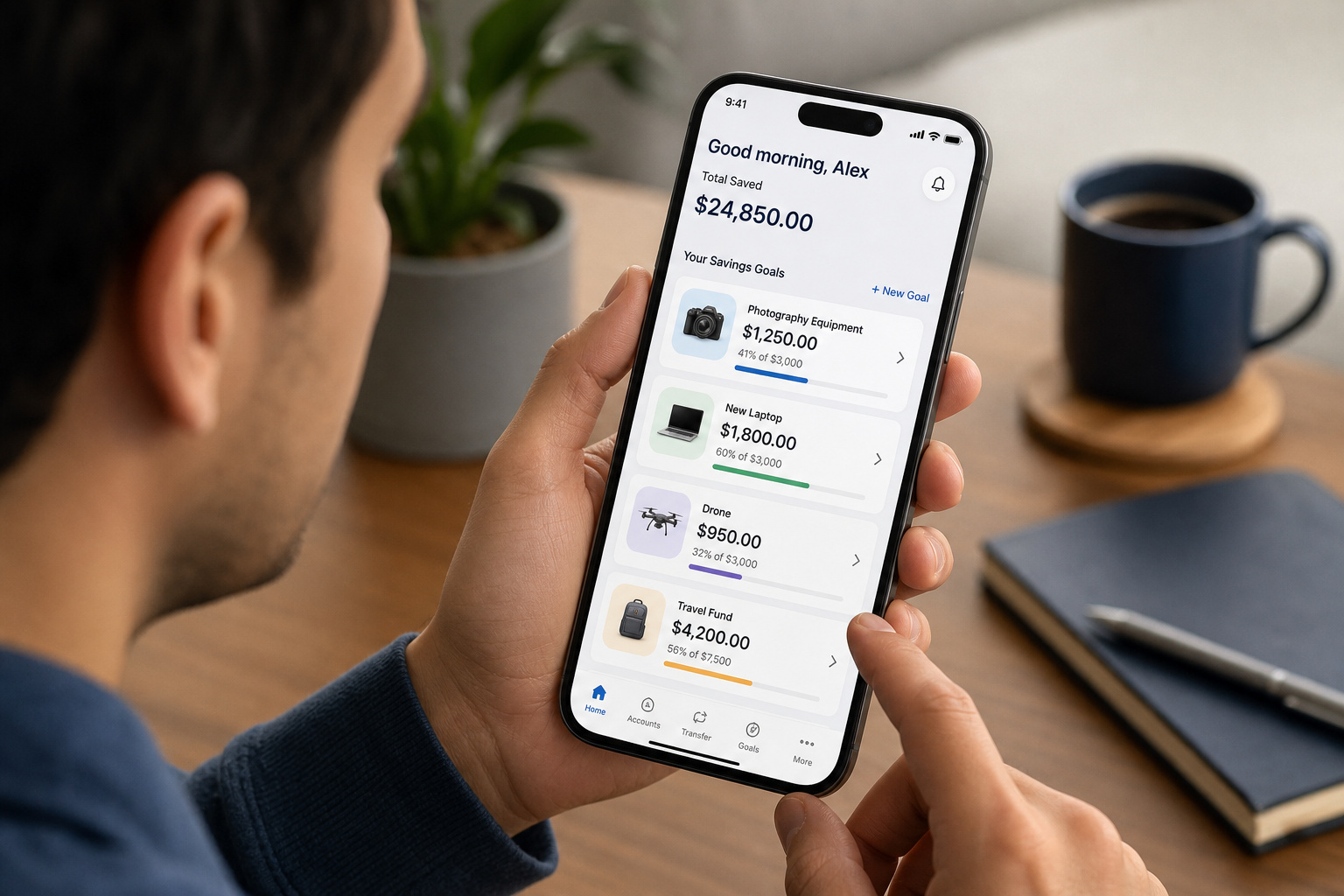
To make this work, rely on savings isolation. Use a separate savings account to isolate your tech funds from daily transactional spending. For instance, if you are setting financial goals and establish a $1,200 target, isolating exactly $200 a month over six months lets you pick up your hardware cash-in-hand without touching your core capital.
Financing Thoughtfully: Managing Necessary, Time-Sensitive Procurement
While paying cash is always the ideal play, real life rarely waits for your savings vault to reach maturity. Sometimes a critical piece of operational gear fails at the worst possible moment.
Emergency Hardware Failure
Financing can be a useful, logical option when the upgrade is necessary, time-sensitive, or connected directly to your workspace, education, or immediate income. If you are in the middle of a major project and your primary work computer breaks down entirely, you cannot wait six months to save up cash.

Evaluating the Loan Fine Print
If you must finance, do so with transparency. You must carefully evaluate the terms, including the overall interest rate, the exact monthly payment, any associated loan fees, the total repayment period, and the specific penalties for missed payments. Do not be misled by “low monthly payments” that hide high long-term costs. Low installments are a psychological trick designed to decouple your immediate evaluation of value from the true cost of the device over time.
Risk Management in Tech Debt: Secured vs. Unsecured Financing
If you decide to finance a piece of hardware, you must understand the legal terms of the debt you are taking on. Failing to distinguish between loan types can turn a simple computer purchase into a systemic personal risk.

Defining Debt Structures
You need to know how the debt is structured: Secured obligations require you to pledge physical property, like a vehicle or residence, against the loan. Defaulting on these agreements allows the lender to reclaim the specified asset.
So, what is unsecured debt? In simple terms, unsecured debt denotes financing accessed through your credit score instead of pledged property, such as standard personal loans or credit cards.
Managed with discipline, these non-collateral products offer buyers a path to secure necessary tech without jeopardizing vital personal assets. Risking vital personal collateral like your vehicle or housing for rapidly eroding consumer hardware is never a smart gamble.
Strategic Waiting: Beating the Product-Launch Hype
Patience is not a passive character trait; in the consumer tech market, it is an active financial exploit. By deliberately timing your entry, you can force hardware prices down their natural depreciation curves.

Leveraging the Depreciation Curve
Waiting is a smart strategy for non-essential hardware acquisitions and your current tech still gets security updates. Tech prices naturally degrade over time. By holding off, you allow market forces to work in your favor, giving you clean access to:
- Holiday sales and seasonal retail promotions – Institutional back-to-school events and workplace or student discounts
- Certified refurbished models or official brand trade-in deals
- Price drops on previous-generation models when next-gen lines launch
The Three-Week Cooling-Off Period
To successfully combat product-launch hype, enforce a strict three-week cooling-off period following significant industry product announcements event. This gives time for real-world reviews to emerge, and it separates genuine functional utility from the artificial urgency of marketing cycles.
Longevity and Value: Evaluating Tech Lifecycles Over Sticker Prices
The price tag of a device is only a surface-level metric. True value lies in how long that hardware can remain a highly functional, safe, and productive tool before becoming unsafe or obsolete.
The Cheap Gear Amortization Trap
Consider battery life, storage capacity, repair options, official software support, system compatibility, resale value, and warranty coverage.
For example, a reliable, premium workspace workstation optimized for consistent daily productivity day may be a better investment than an entry-level alternative that faces performance limitations within a single year. These hyper-budget devices often lose software security patches within 12 months, creating a security risk long before physical components fail.
At the same time, keep your configurations realistic and avoid paying for high-end features you will never actually use. Find the sweet spot between long-term durability and current, functional utility.
Frequently Asked Questions
How do I calculate the true cost of a new tech upgrade?
Beyond the sticker price, you must account for the total accessory footprint, which typically adds 15% to your expenses in the first week. This includes essential costs like mounting hardware, protective cases, specialized cables, software licenses, extended warranties, and shipping fees.
Is it worth financing a laptop if it is for work?
Financing can be a logical move when equipment is essential for your income or a time-sensitive project, provided you use unsecured debt. Avoid using secured financing that puts personal assets like your car or home at risk for rapidly depreciating electronics.
When is the right time to replace a device due to security risks?
The primary indicator for replacement is the cessation of official security-update support, which leaves your data and credentials vulnerable. While cosmetic damage or minor battery degradation are secondary concerns, lacking security patches turns your device into a legitimate personal risk.
How can I avoid interest when buying expensive tech equipment?
The most effective method is using isolated savings to pay in full, which eliminates the burden of monthly debt and interest. By setting aside a fixed amount in a separate account for several months, you can purchase the gear cash-in-hand while avoiding the psychological traps of low monthly financing payments.
How much does a new device impact my productivity?
To justify an upgrade, measure the reduction in latency for your specific tasks, such as render times, compile speeds, or build pipelines. If the upgrade saves significant hours over time, it is an income-driver; if it only shaves off milliseconds, it is likely a vanity upgrade rather than a productivity tool.
Why should I wait to buy new tech after a product launch?
Enforcing a three-week cooling-off period allows initial hype to subside and gives you time to view real-world performance reviews. Waiting longer allows you to benefit from the product’s natural depreciation curve, holiday sales, or potential price drops when newer generations are announced.
