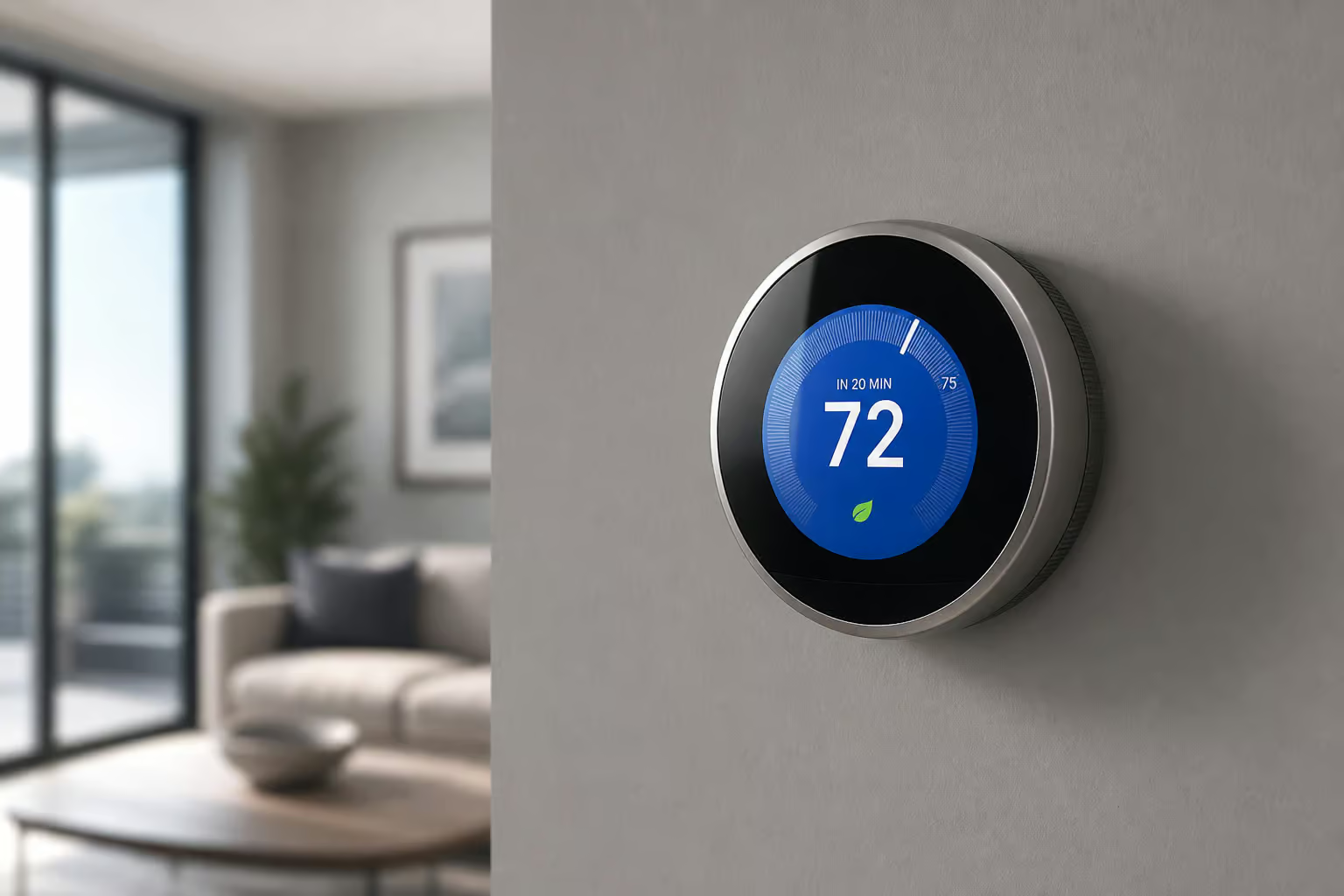
If you own rental property, you’ve probably wondered whether smart home tech is worth the investment. The numbers suggest it is—and the gap is bigger than most people assume. A 2021 survey from the National Apartment Association found that smart home features can command a 5% to 30% rent premium, help units lease 20% faster, and reduce maintenance costs by 11% to 15%. Those aren’t hypotheticals; those are survey results from a major industry body.
But here’s the thing that stops most landlords cold: you can’t drill holes, rewire anything, or make permanent modifications in a rental property. That constraint isn’t a limitation—it’s a filter. The best landlord-friendly smart devices are the ones that install with no tools, no wiring, and no risk to your security deposit. Battery power, adhesive mounts, and existing hardware compatibility are features, not workarounds.
Key Takeaways
Smart thermostats cut energy consumption by 10% annually versus 3-4% for standard programmable models (U.S. DOE), and 77% of home buyers want one already installed (Coldwell Banker)
Property managers with smart locks save an average of 52 work hours per year (Kisi), and the August Wi-Fi Smart Lock installs on your existing deadbolt without drilling new holes
The most cost-effective damage prevention device is a $13-30 water leak sensor—far cheaper than fixing even minor water damage, and 31% of renters already get insurance discounts for security devices (Safehome.org)
Table of Contents
Why Smart Home Tech Is a Smart Investment for Landlords
Let me walk through the data that convinced me, because it’s stronger than most people think. The global smart home market was valued at $64.66 billion in 2022 and is projected to grow at 27.3% CAGR. That’s market momentum that affects what tenants expect.
The NAA survey results are the ones I keep coming back to. A 5% to 30% rent premium is a wide range because it depends on your market and property type, but even on the low end, that’s meaningful money. And the 20% faster leasing stat matters when you’re carrying vacancy costs. The 11% to 15% maintenance savings makes sense when you think about it: a smart thermostat reduces HVAC strain, a leak sensor catches drips before they become repairs, and remote access eliminates the need to physically meet contractors or showings.
Tenants are willing to pay for this stuff too. Vivint’s 2021 survey found 43% of renters would pay $10+ per month more for smart security. SimpliSafe’s data pushed that to 65%+ willing to pay $15+. Alarm.com‘s 2019 numbers showed an average of $30 per month extra. These are multiple surveys converging on the same conclusion: smart features are a differentiator that tenants will pay for.
The Critical Constraint — No-Drill, No-Wire Installation
Okay, so the numbers work. Now as a landlord, you cannot modify plumbing, electrical wiring, or major appliances in a rental property. Full stop. That sounds like a restriction, but it actually makes the decision tree simpler.
Every device I’m recommending here falls into the plug-and-play or battery-powered category. Smart plugs, smart bulbs, battery-powered cameras, and robot vacuums install in minutes with no tools. Adhesive mounts and double-sided tape handle the mounting. Battery power eliminates the wiring concern entirely. And devices like the August smart lock attach to the inside of your existing deadbolt without changing the tenant’s key—the outside of the door looks exactly the same.
This isn’t a warning section. Think of it as the selection criteria that makes the rest of this list coherent. If a device requires drilling, wiring, or permanent modification, it’s not on this list.
Smart Plugs — Simple Automation for Any Device
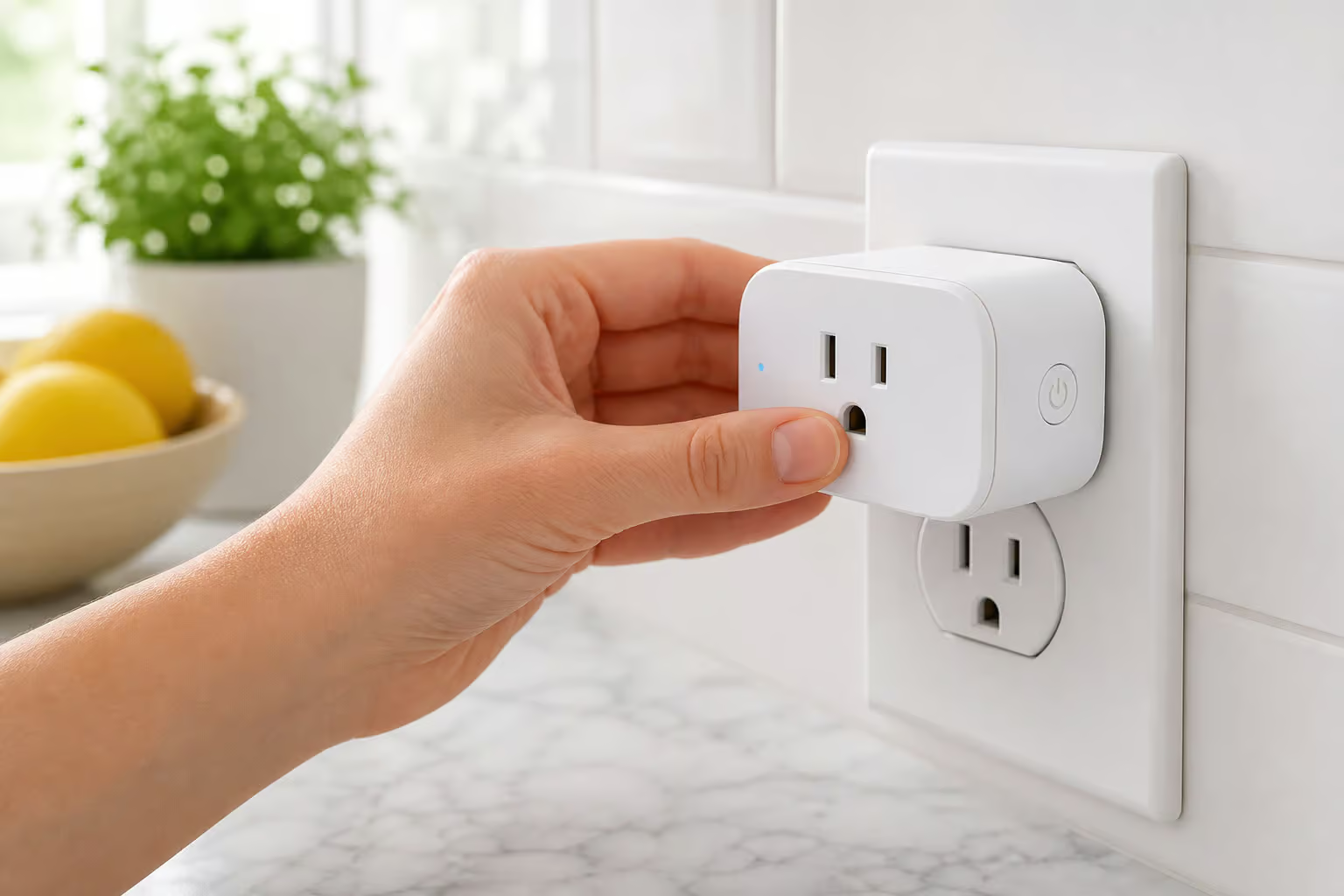
Smart plugs are the cheapest entry point into smart home tech, priced between $10 and $26, and they turn any dumb device into a connected one. Plug a $10 fan into a smart plug and suddenly it’s voice-controllable, schedulable, and trackable. The versatility is broad, but not all smart plugs are the same, and picking the right one depends on what you’re trying to do.
TP-Link Tapo P110M — Power tracking smart plug
This is the one I point to when people ask for a concrete example. The Tapo P110M tracks how much power the device plugged into it is using. For a landlord, that means you can see if a tenant’s space heater is driving up the electric bill or verify that an appliance is actually off. It works with Alexa, Google Assistant, HomeKit, SmartThings, and IFTTT, so compatibility headaches are minimal. That broad ecosystem support matters because it means fewer support calls from tenants.
Leviton Decora Smart Mini Plug-In Dimmer — Dimmable non-smart bulbs
This plug can dim a dumb bulb. Most smart plugs are glorified on/off switches. You plug something in, you can turn it on or off. That’s it.
The Leviton Decora Smart Mini Plug-In Dimmer controls brightness if you’re using a dimmable bulb. It’s a niche use case, but if you want to set mood lighting in a common area or save energy by dimming rather than killing power, this is the right tool. Most people buy a standard smart plug when they actually needed a dimmer.
TP-Link Kasa Smart Wi-Fi Power Strip — Six independent outlets
This is a smart surge protector with six outlets you can control individually through the app or voice. It’s great for home offices or entertainment centers where you want to turn off multiple devices but not all of them. The independent control matters—you can kill the monitor but leave the router running, or turn off the printer while keeping the desk lamp on.
AiDot Linkind Matter Smart Plug — Affordable Matter option
This is the budget-friendly pick that still gets you Matter certification, the newer smart home standard for cross-platform compatibility. It should work with Apple Home, Google Home, Alexa, and others without needing a separate bridge. It’s a smart and affordable choice for future-proofing, especially if you’re outfitting multiple units and watching the per-unit cost.
TP-Link Kasa Smart Wi-Fi Outdoor Plug — Weatherproof outdoor control
This one lives outside. It’s weatherproof, so it handles rain, snow, and sun, and it controls holiday lights, fountain pumps, or outdoor speakers. Same broad compatibility as the indoor models. The failed plug I see most often is an indoor plug placed outdoors—the fix is knowing this category exists.
Smart Lighting — Simple Upgrade with Measurable Impact
Swapping a light bulb is about the easiest upgrade you can make, and the data backs up the investment. Smart bulbs last 25 times longer and use at least 75% less energy than incandescents, according to the U.S. Department of Energy. The American Council for an Energy-Efficient Economy found that smart lighting can reduce lighting costs by 35% to 70% and increase tenant satisfaction by 36%.

TP-Link Tapo L535E — Smart bulb with power reporting
This E26 base bulb screws into any standard fixture and connects directly to Wi-Fi—no hub required. What sets it apart is the power usage reporting, which is unusual for a smart bulb. It’s brighter than the AiDot Linkind option, and it works with Alexa, Google, HomeKit, SmartThings, and Matter. The power monitoring means you can show tenants exactly how much energy the lighting is saving.
AiDot Linkind Matter Smart Light Bulb — Affordable Matter bulb
Same E26 base, same no-hub-required Wi-Fi connection, but at a lower price point. The Matter certification means it plays nice with everything. It’s the budget play that doesn’t sacrifice compatibility.
Govee Lynx Dream String Lights — Outdoor smart string lights
These are weatherproof outdoor string lights with multicolor LEDs, preset lighting scenes, and a Music Sync mode that makes the lights pulse with sound. They’re fun for patios, yards, or balcony spaces—a cheap way to make outdoor areas feel premium without any installation drama.
Smart Thermostats — Energy Efficiency & Tenant Appeal
Smart thermostats are the number one device renters want most, according to a 2022 rent.com survey, and 77% of home buyers want one already installed per Coldwell Banker. The energy savings are real: the U.S. DOE says a properly programmed smart thermostat cuts energy consumption by 10% annually. But here’s where I want to be honest with you—a standard programmable thermostat saves about 3% to 4% if it’s programmed optimally. The gap exists, but it’s narrower than marketing usually suggests.
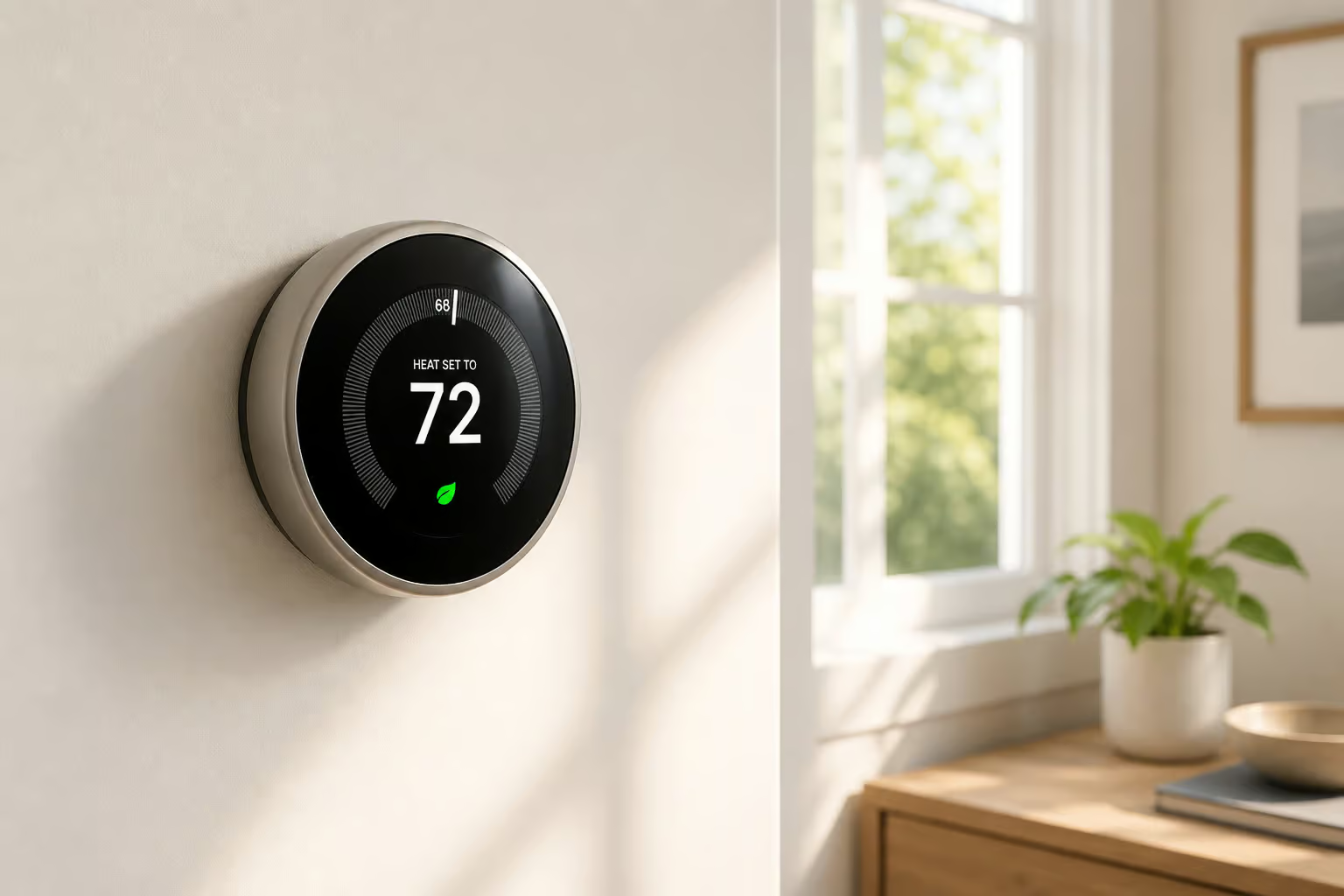
The gap comes from three things: learning algorithms that adjust to occupancy patterns, sensors that detect when people are actually home, and remote adjustments via app. Most people with a programmable thermostat never actually program it. A smart thermostat removes that barrier. The savings come from the automation, not the hardware.
Nest Thermostat — Renter’s pick
The Nest is attractive, comes in four colors, and is genuinely easy to install, program, and use. It monitors your HVAC for potential problems and is Energy Star certified. The tradeoff: it doesn’t support remote room sensors, meaning it can only measure temperature where it’s installed. If you have a basement unit that’s colder than the first floor, that’s a limitation.
But for most rental properties, it’s the right call. If you’re removing a thermostat and need to cover old holes, a $15 backplate solves that.
One common mistake: people install a smart thermostat but never enable the learning or scheduling features, leaving it on default settings. That limits savings to the baseline programmable level—about 3-4%. The fix is spending ten minutes in the app setting a schedule. That’s it.
Smart Locks — Keyless Entry Without Permanent Modification
Smart locks are the second-most-requested device among renters per the same rent.com survey. Property managers with smart locks save an average of 52 work hours annually according to Kisi, and this saved time can be used to coordinate inspections throughout the year. And 63% of home buyers want a smart lock already installed.
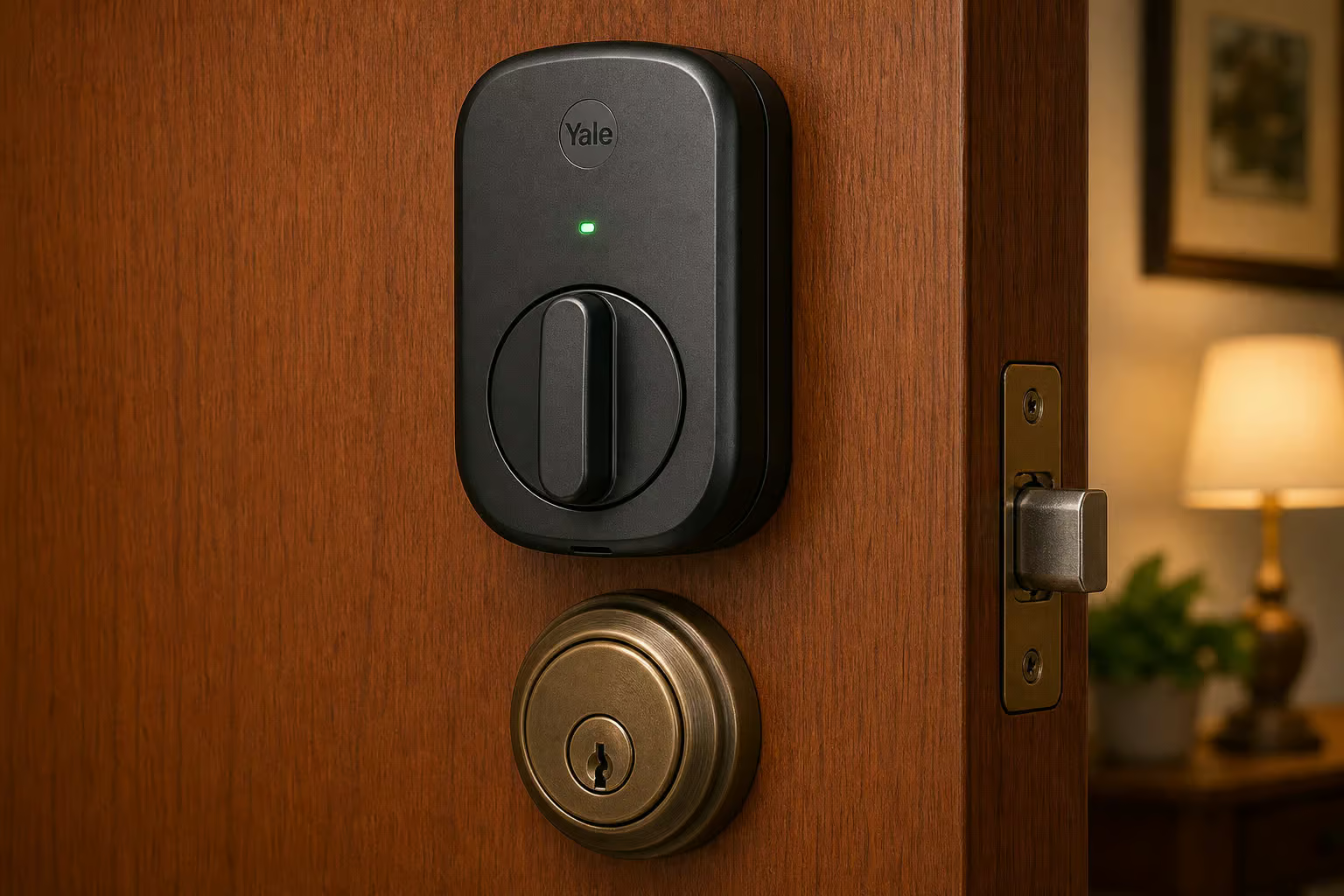
But the installation method matters more here than in any other category. Most smart locks replace the entire deadbolt—that’s a permanent modification. The August lock, by contrast, attaches to the inside of your door and works with your existing hardware. That’s the key distinction.
August Wi-Fi Smart Lock — Renter-friendly design
The August requires minimal assembly and works with your existing keys. It installs on the inside of the door, replacing the interior thumb turn while leaving the outside lock completely unchanged. The tenant still uses their key as normal. You control access remotely through an app.
There’s a catch: the lock uses Bluetooth, so for remote control you need the August Connect bridge connected to Wi-Fi. That’s an extra piece of hardware, but it enables the features that save you time: auto-unlock when a tenant or contractor arrives, door ajar alerts, and temporary virtual keys that expire automatically.
The failure pattern I see most often: a landlord installs a full-replacement smart lock that requires drilling new holes, only to discover the tenant’s lease prohibits changing the lock cylinder. They then have to restore the original hardware at move-out. Florida law, for example, requires landlord consent to change locks unless the lease explicitly allows it. The August avoids that problem entirely.
Security Systems & Cameras — Deterrence and Peace of Mind
Burglaries decreased by 55% after Amazon donated smart doorbells to 1 in 10 homes in an LA neighborhood. That’s not a theoretical benefit—it’s a measured reduction in property crime. And 43% of renters would pay $10+ per month more for smart security (Vivint 2021), so are smart doorbells worth it?
SimpliSafe — No-contract DIY security
SimpliSafe components are wireless and mount with double-sided tape. No drilling, no wiring. The no-contract monitoring means you pay month-to-month and can cancel anytime. The highest-tier monitoring plan lets agents check camera feeds during an alarm, which reduces false dispatches. It’s a solid baseline.
Ring Alarm Pro — Security system + Wi-Fi 6 mesh
This one does double duty. The base station acts as an Eero Wi-Fi 6 mesh network node, improving connectivity while securing the property. The top-tier plan adds professional monitoring, AI-powered person and package detection, and cloud storage. One device solves two problems.
Arlo Essential Pan Tilt Indoor — 2K indoor camera
The Arlo Essential Pan Tilt Indoor costs $49.99, shoots 2K resolution, and uses AI to distinguish people, packages, pets, and vehicles. You can pan and tilt remotely to see different angles. Crucially: this belongs in common areas only. Never place cameras inside private living spaces. In shared hallways, video doorbells are generally legal due to no expectation of privacy, but check your local rules.
Battery-powered outdoor cameras — Arlo Essential XL and TP-Link Tapo Wire-Free MagCam
Both are battery-powered with no outlet required. You mount them on walls or eaves within Wi-Fi range. The MagCam uses a magnetic mount, making it easy to reposition or remove entirely.
Video doorbells — Arlo Video Doorbell and Ring Battery Doorbell Plus
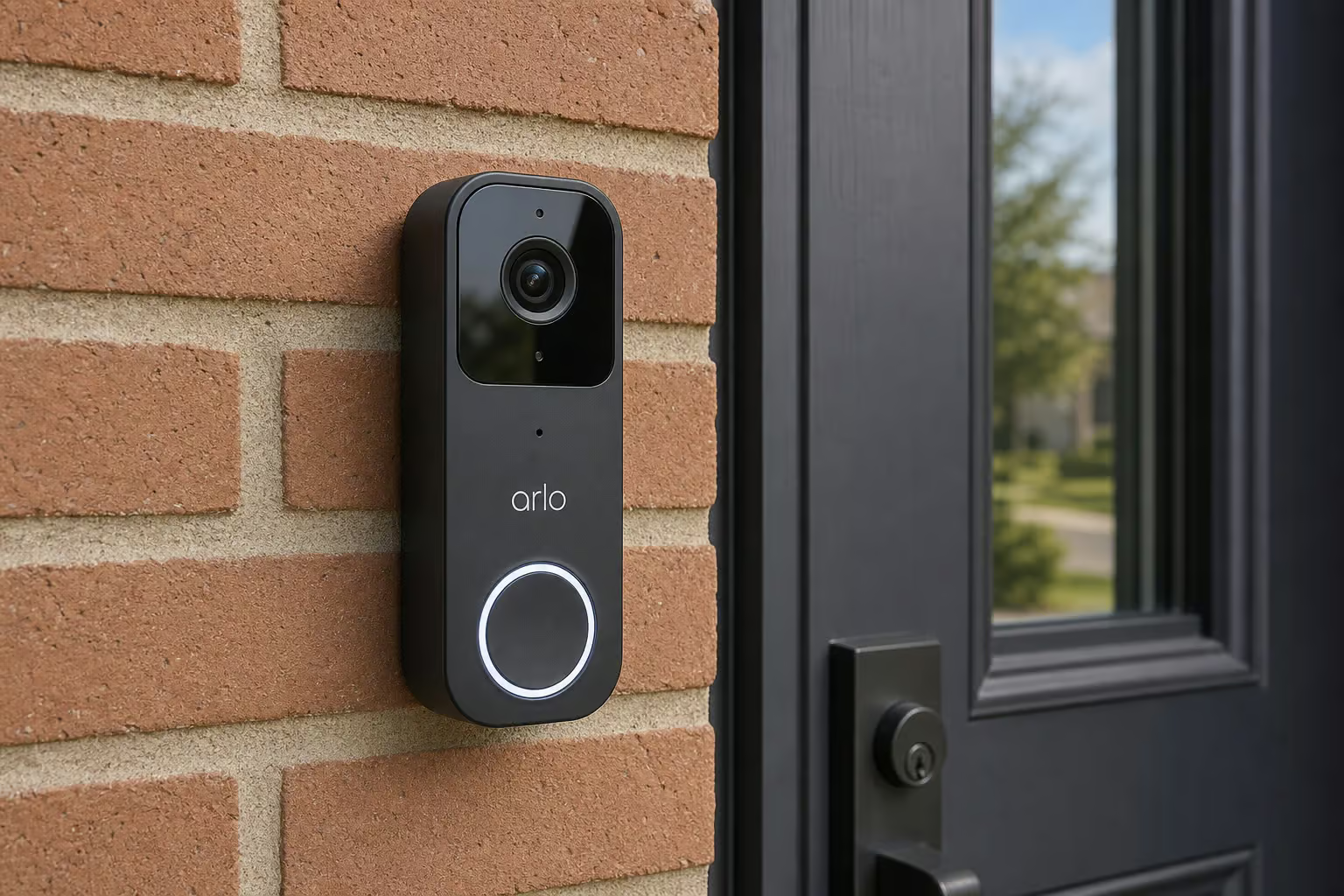
The Arlo Video Doorbell is wireless and battery-powered, with batteries lasting roughly four months—a tradeoff for the easy installation. The Ring Battery Doorbell Plus shoots 1,536×1,536 video with a 1:1 aspect ratio that shows visitors head-to-toe. It detects packages and sends alerts. Limitation: it only works on 2.4GHz Wi-Fi, not 5GHz. That’s common for many smart home devices, but if you’re also looking for simple maintenance tips, changing HVAC filters is a good habit worth knowing.
Sensors & Detectors — Preventing Costly Damage
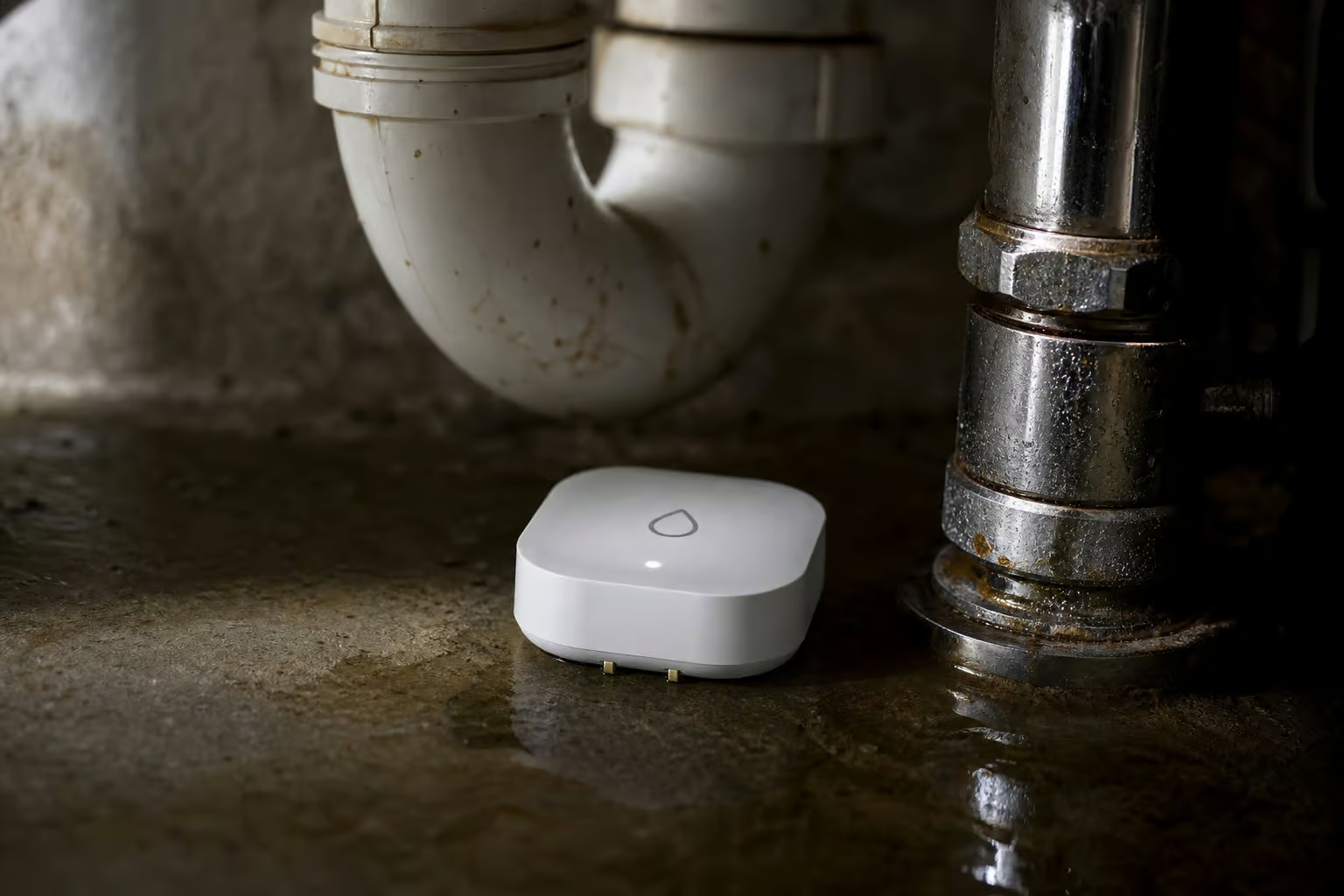
A $30 water leak sensor might prevent more costly damage than a $150 thermostat. Water damage is expensive, and catching a leak early is the difference between a quick fix and a major claim. The National Fire Protection Association reports that smoke alarms saved an estimated 1,584 lives per year, and 55% of home fires allowed safe escape because of working alarms (2014-2018). 41% of fire deaths occurred in properties with no smoke alarms, and 16% from non-working alarms; for perspective on the financial side, the cost to repair water damage can easily dwarf a homeowner’s deductible.
Phyn Smart Water Sensor — Renter’s pick
The Phyn sensor sends an immediate alert when water contacts it. The industrial design prevents water from getting in from the top, which reduces false alarms from splashes or condensation. It runs on two AA batteries, so it’s completely wireless. Tradeoff: it cannot integrate into a broader smart home system or IFTTT. It just sends alerts.
It also operates only on 2.4GHz networks. But for a sensor that sits under a sink or behind a toilet, “sends an alert when wet” is enough.
Google Nest Protect and First Alert Safe & Sound — Smart smoke/CO detectors
These send smartphone alerts, automatically test themselves, and can call emergency services when triggered. The automatic self-testing is a huge deal for landlords—you don’t need to schedule annual checks or wonder if a tenant changed the batteries.
Moen Flo and D-Link Water Sensors — Alternative leak detectors
Multiple options at different price points. The key feature across all of them is immediate notification. No sensor prevents damage; it only alerts you to it. But that alert can be the difference between a $50 cleanup and a $5,000 water damage claim.
Smart Speakers & Displays — The Central Control Hub
Pick Alexa or Google, and stick with it. Buying the other later causes confusion because different devices respond to different wake words and live in different apps. Most smart devices work with both ecosystems, but consistency matters for ease of use.
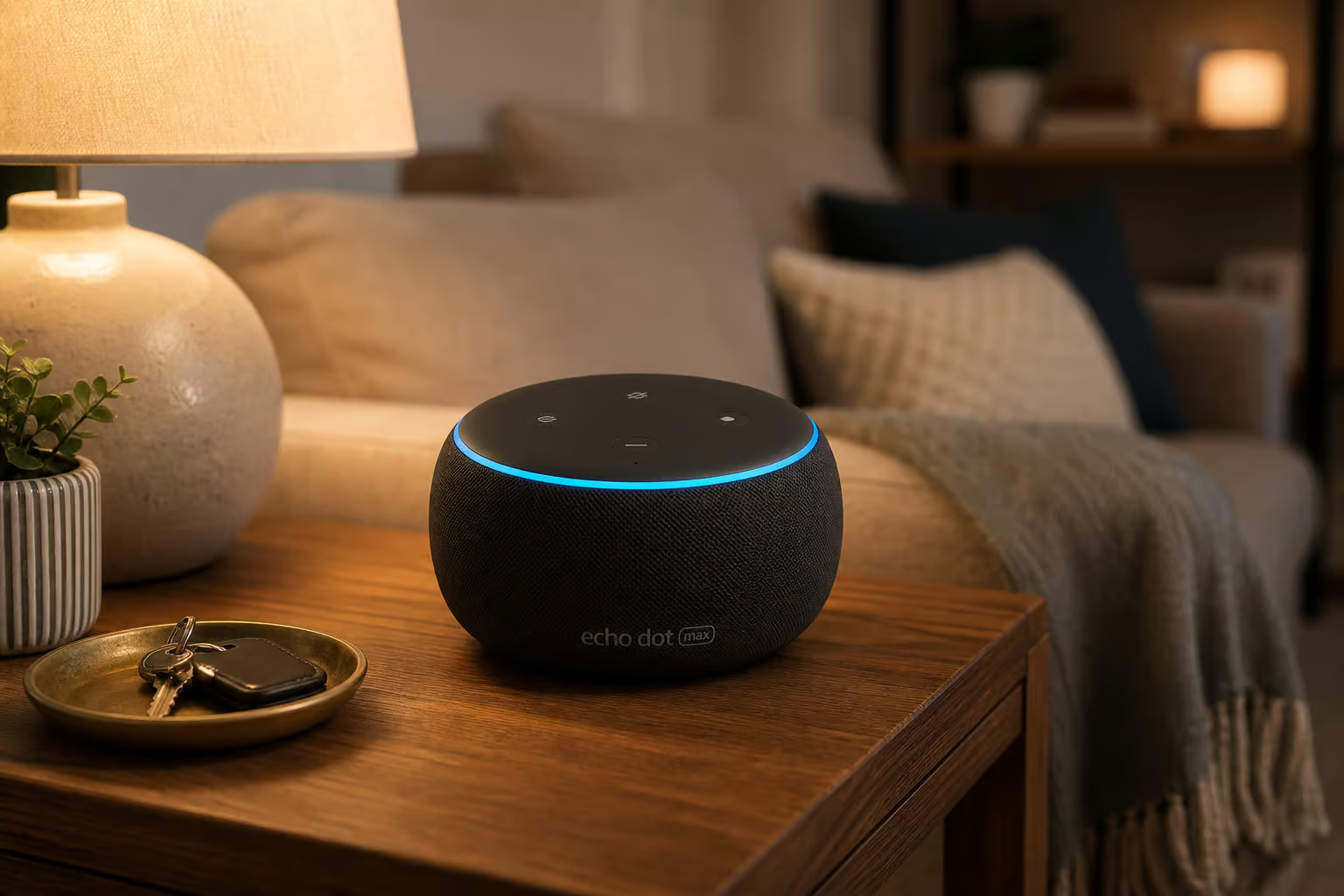
Amazon Echo Dot Max — Best for most Alexa users
The Echo Dot Max is well-priced and fills a room with sound. More importantly, it doubles as an Eero mesh node, improving Wi-Fi coverage while being a smart speaker. The Echo Dot (5th Gen) is the budget alternative that also acts as an Eero mesh extender, but the sound quality is noticeably less impressive. Fine for voice commands and podcasts; not great for music.
Echo Show 8 and Google Nest Hub — Smart displays
Adding a screen opens up recipes, calendar, video calls, and visual gadget control. The Echo Show 8 hits the sweet spot of price, screen size, and sound quality. The Google Nest Hub is the equivalent for the Google ecosystem. A useful bonus: you can use the display to show property features during virtual tours.
Eero Pro 7 — Mesh Wi-Fi with Zigbee hub
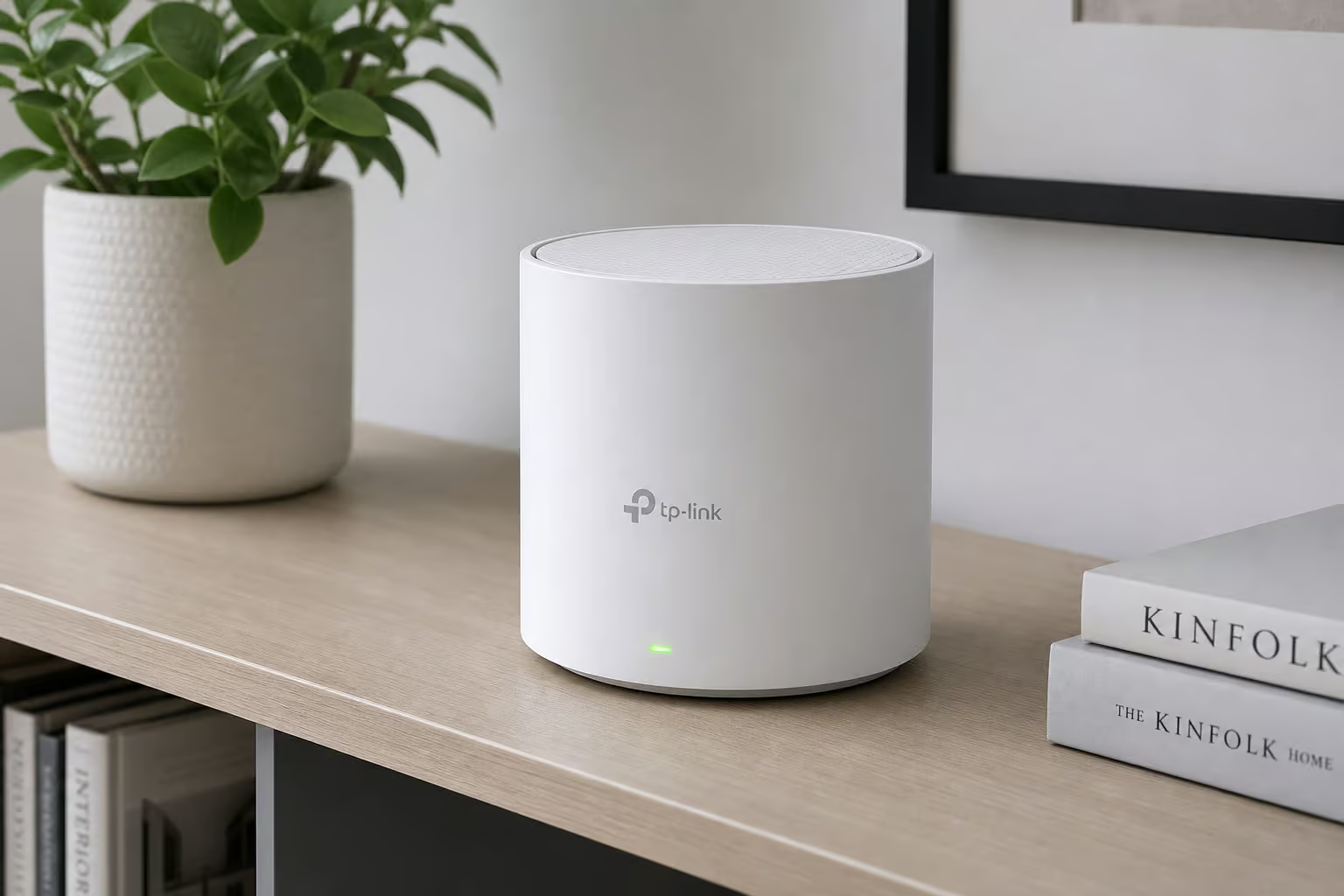
The Eero Pro 7 is a mesh Wi-Fi system with a built-in Zigbee radio, meaning it can communicate directly with many smart home devices without a separate hub. One device improves Wi-Fi coverage and controls your smart lights, sensors, and locks. Use this for properties with dead zones.
Smart Air Conditioners & Air Purifiers — Climate Control
This section is shorter because the options are more limited: window units and portable purifiers. But they’re worth covering because climate control is a tenant satisfaction driver.
GE Profile Clearview PHNT10 — Quiet smart window AC
This is one of the quietest window ACs tested, and the design allows a nearly complete view through the window. Most window units block a significant portion of the glass. This one minimizes that. You can control it via remote, app, Alexa, or Google Assistant. The GE 11,000 BTU model adds heat output for colder months, making it a year-round solution for units without central HVAC.
Dyson Purifier Cool TP07 and Smartmi Air Purifier P1 — Smart air purifiers
The Dyson is a HEPA purifier and oscillating fan in one, with a small footprint. The Smartmi P1 is the affordable portable option that performed well in air cleaning tests. The Blueair Blue Signature is larger and can double as a side table—useful for tight spaces.
Amazon Smart Air Quality Monitor — Alert-only device
This is important to distinguish: it monitors air quality and alerts you to pollutants and gaseous impurities. It graphs data over time. It does not clean the air. It is a sensor, not a purifier. Useful for showing tenants that the air quality is good, or for triggering a purifier via a smart plug, but it’s not a standalone solution.
Robot Vacuums & Mops — Automated Cleaning
Robot vacuums are a tenant amenity that can justify slightly higher rent, especially in pet-friendly units. The key differentiators are LiDAR mapping, self-emptying, and pet-friendly obstacle avoidance.
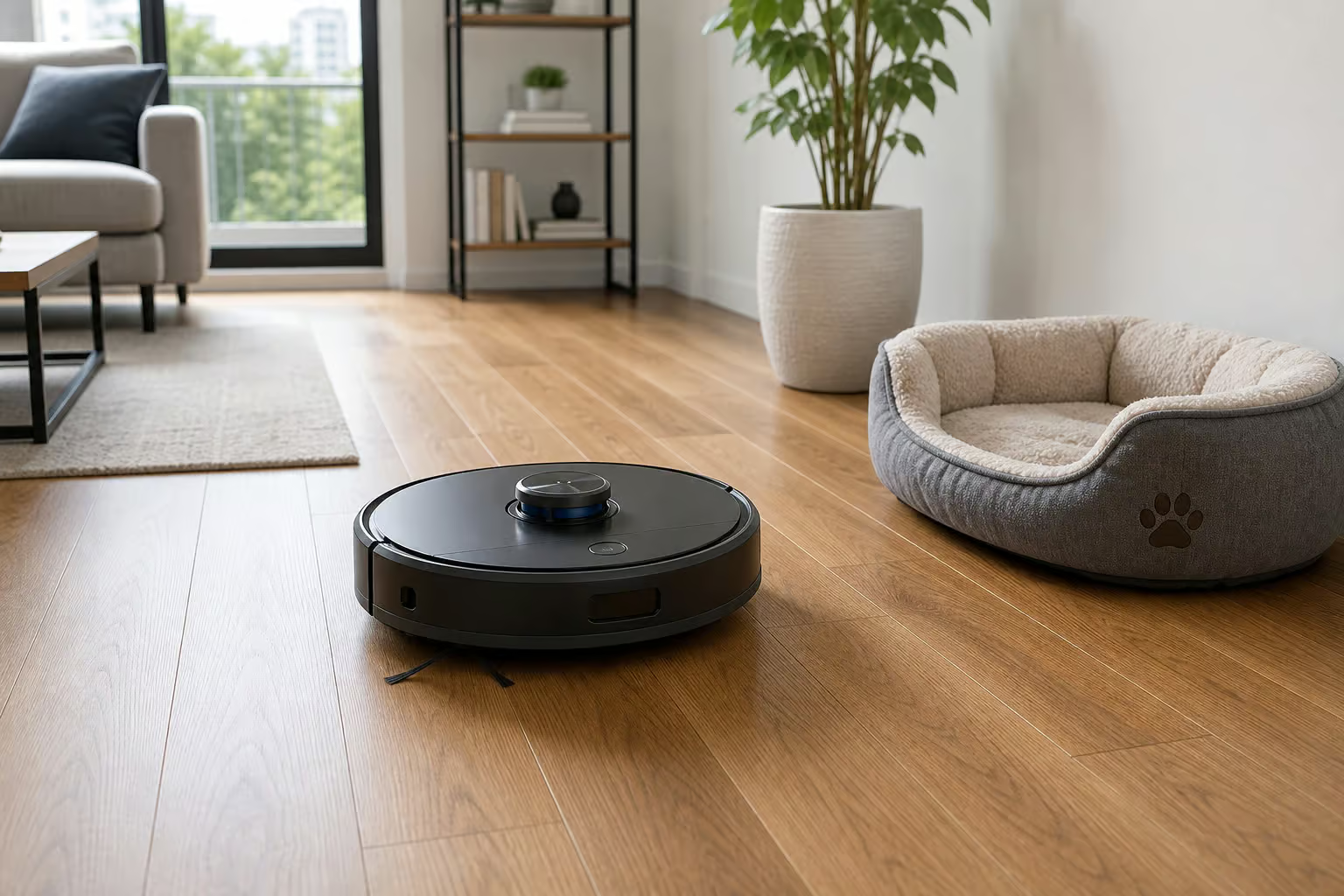
Ecovacs Deebot X8 Pro Omni — Best 2-in-1 vacuum and mop
This is the top-tier option: built-in voice assistant, camera for remote surveillance, and a base station that empties the dustbin, washes and dries the mop pad, and refills the water tank. It’s about as self-sufficient as robot cleaners get.
iRobot Roomba j9+ — Best for pet owners
The j9+ uses a camera and intelligent software to identify and avoid obstacles, including dog poop and phone cords. For pet-friendly rentals, that obstacle avoidance is a genuine selling point. Nobody wants a robot vacuum that smears an accident across the floor.
Eufy Clean L60 — Renter’s pick
This is the affordable option that still uses LiDAR for room mapping. It’s tough on pet hair and has great battery life. Tradeoff: it sometimes misses larger debris like cereal or crumbs, and its obstacle avoidance is so-so. But at its price point, it’s hard to beat.
Smart Kitchen & Fitness — Optional Upgrades
Smart kitchen appliances are generally impractical for rentals unless the lease explicitly excludes major appliances. Countertop gadgets are the exception. Connected fitness equipment is a tenant-owned amenity, not landlord-provided, but having the space or connectivity for it can be a selling point.
Tovala Smart Oven and Instant Pot Pro Plus — Countertop smart kitchen
The Tovala bakes, broils, roasts, and steams via app control, and can scan QR codes on meal kits for automatic cooking. The Instant Pot Pro Plus is a smart pressure cooker with a companion app that offers recipe inspiration. Both add smart functionality without modifying the rental’s built-in kitchen.
Peloton, NordicTrack, and Tempo Move — Connected fitness
The Peloton Cross Training Bike+ appeals to people motivated by metrics and leaderboards. The NordicTrack RW900 offers iFit workouts filmed on all seven continents. The Tempo Move is an affordable strength training option that uses your own TV and iPhone camera to track movements and provide real-time form feedback. These are tenant amenities, not fixtures, but they can justify higher rent in the right market.
Wi-Fi & Connectivity — The Foundation
All these smart devices are useless without reliable Wi-Fi. In multi-unit buildings, interference from neighboring networks is common. Changing the router channel or using the 5GHz band can help, but a range extender or mesh system may be necessary.
Eero Pro 7 — Mesh Wi-Fi with smart home hub
The Eero Pro 7 is a mesh Wi-Fi system with a built-in Zigbee radio, so it handles Wi-Fi coverage and smart home device connectivity with one piece of hardware. Several Amazon Echo devices (Echo Dot Max, Echo Dot 5th Gen) double as Eero mesh nodes, extending coverage while serving as smart speakers. If you’re already buying an Echo, you get the mesh extender for free.
Legal & Privacy Considerations for Landlords
This section exists to prevent liability, not to scare you. The hard line: never place cameras or monitoring devices inside private living spaces. That’s not just good practice—it’s legally risky in most jurisdictions.
Disclose all smart devices to tenants. Understand that smart home companies sometimes collect and sell user data. Some devices can’t be used in shared hallways due to neighbor privacy expectations. Smart locks, cameras, and smoke detectors may help reduce your insurance premiums—31% of renters already get insurance discounts for home security devices (Safehome.org).
Landlords usually maintain smart devices because they own the equipment. Tenants are often responsible for damage caused by misuse. Clarify this in the lease.
Property Management Software Integration
Software like RentPost can centralize rent collection, maintenance tracking, and tenant communications alongside smart home data. One dashboard for rent payments, maintenance requests with real-time unit information, electronic payments, and digital applications with credit reports and background checks. It’s not mandatory, but it streamlines operations if you’re managing multiple units.
Putting It All Together — A Landlord’s Smart Home Strategy
Here’s the bottom line: start with the three highest-ROI devices. For under $200, you can install a smart thermostat ($50-150), a smart lock ($25-216), and a water leak sensor ($13-230). That’s the core.
The budget ranges across categories tell the story: smart plugs run $10-26, keyless entry locks $25-216, security cameras and doorbells $20-150, smart sensors $13-230, and smart thermostats $50-150. You can start for a couple hundred dollars and scale from there.
Choose one ecosystem—Alexa or Google—and stick with it. Prioritize plug-and-play, battery-powered devices for lease compliance. Consider insurance discounts when choosing which security devices to install.
The numbers are clear, the installation constraints are manageable, and the tenant demand exists. The only question is which device you buy first.
Frequently Asked Questions
What smart home devices can a landlord install without drilling or wiring?
Battery-powered and plug-and-play devices like smart plugs, smart bulbs, battery-powered cameras, robot vacuums, and the August Wi-Fi Smart Lock all install with no tools, no wiring, and no permanent modifications. Adhesive mounts and double-sided tape handle mounting, and the August lock attaches to the inside of your existing deadbolt without changing the tenant’s key.
How much more rent can a landlord charge for smart home features?
A 2021 National Apartment Association survey found smart home features can command a 5% to 30% rent premium, depending on your market and property type. Multiple surveys also show tenants are willing to pay $10 to $30 more per month specifically for smart security features.
Do smart thermostats actually save more energy than programmable ones?
Yes, but the gap is narrower than marketing suggests. The U.S. Department of Energy says a properly programmed smart thermostat cuts energy consumption by 10% annually, while a standard programmable thermostat saves about 3% to 4% if programmed optimally. The real savings come from automation—most people never program their programmable thermostat.
What three smart home devices should a landlord buy first?
Start with a smart thermostat ($50-150), a smart lock ($25-216), and a water leak sensor ($13-230). That core setup costs under $200 and delivers the highest ROI through energy savings, time savings from remote access, and damage prevention. From there, you can scale up with smart plugs, lighting, and security cameras.
