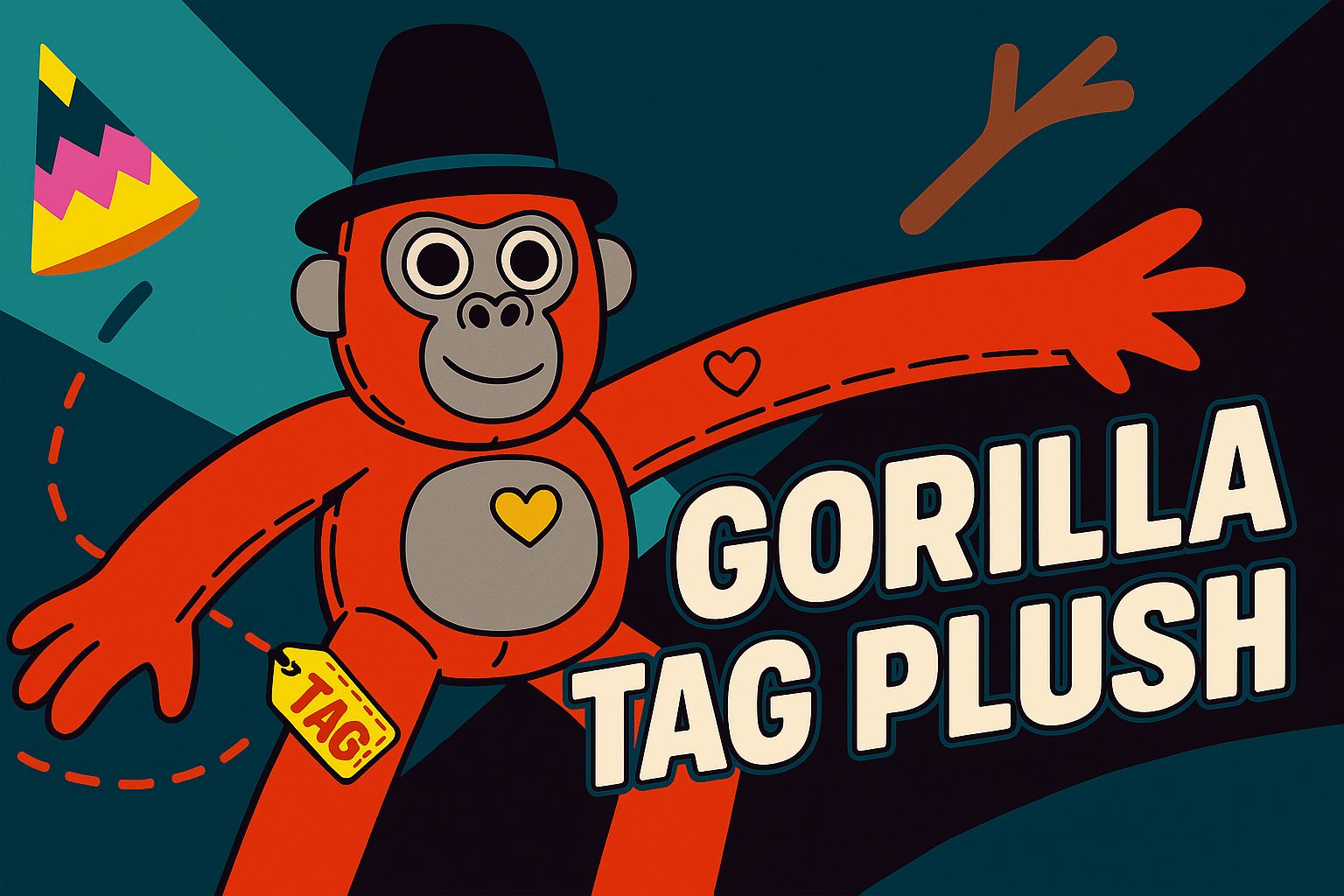
Ever finish a wild match in Gorilla Tag and wish you could bring one of those monkes into the real world? Finding the perfect Gorilla Tag plush can be tricky, especially when everyone in the community wants the coolest one.
You’re in the right place.
This official stuffed animal line is inspired by the hit VR game and brings fan-favorite characters to life with amazing detail. I’m going to walk you through seven must-have designs, explain why we gamers are so obsessed with them, and show you where to find them at great prices.
So, let’s find a plush toy that really stands out.
Key Takeaways
Gorilla Tag plush toys are inspired by the wildly popular VR game, featuring 8-inch designs, vibrant colors, and soft fabric that gamers love.
Demand is driven by official limited-edition plushies, like those from Makeship, and unique custom versions found on Etsy, with prices ranging from fidget toys around $15 to detailed custom creations over $80.
Fans praise the official plushies for their durability and collectible details, like unique hats that match in-game cosmetics.
Community reviews often highlight the quality and quick shipping, with many creative fans turning the plushies into DIY wearable gear for cosplay.
In 2025, creators are dropping new designs with different textures and patterns, often bundled with exclusive in-game codes, increasing their rarity and hype among collectors.
Table of Contents
Why Gorilla Tag Plush is Popular Among Gamers and Collectors
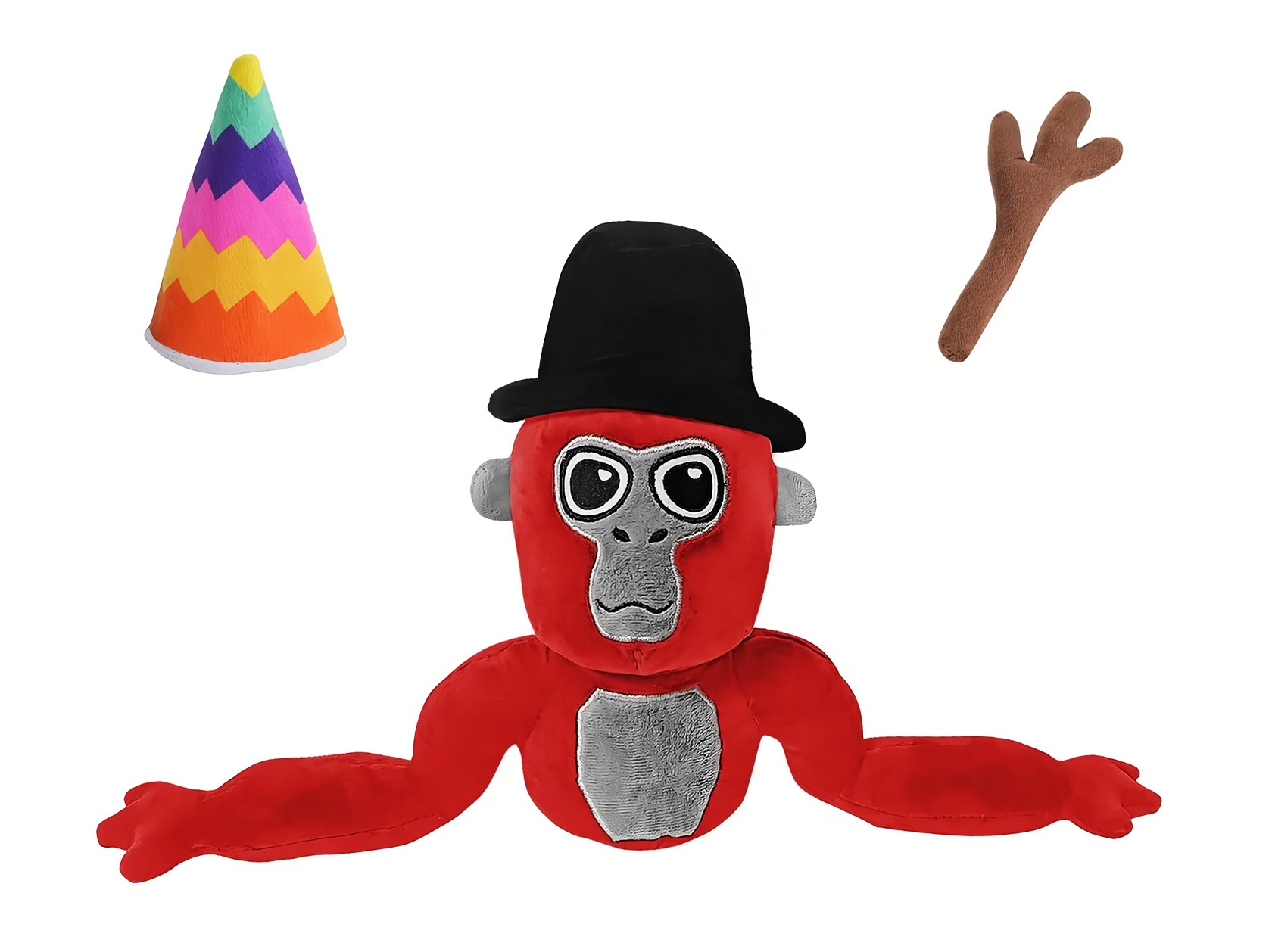
Players love having a physical reminder of their chaotic, fun matches in Gorilla Tag. These stuffed animals are more than just toys; they spark great memories and get you excited for the next round with friends.
What Makes Gorilla Tag Plush Appealing to Gamers and Collectors?
Gorilla Tag plush dolls offer a tangible connection to the VR world that has captured millions of players. As of June 2024, the game had already attracted over 10 million players and earned over $100 million in revenue, creating a massive fanbase eager for merchandise.
These aren’t just any stuffed animals. They are made with premium, soft fabrics and vibrant colors that mirror the game’s aesthetic. The high-quality materials ensure they are both comfortable to hold and durable enough to survive a heated gaming session.
For collectors, the real thrill comes from the limited edition versions. Collaborations with companies like Makeship result in timed campaigns for exclusive plushies, such as the Tagged Monke or Doug the Bug, which often come with in-game cosmetic codes. This creates a sense of urgency and exclusivity, making these items highly sought-after.
A Gorilla Tag plush also acts as a social object, sparking conversations and inside jokes on Discord servers or Reddit threads. Owning one is a way to show your passion for the franchise without saying a word, making it a perfect gift that connects back to shared moments in the game’s virtual world.
Owning my Juniper plush makes me feel part of something bigger—it’s more than just another stuffed animal.
What Unique Designs and Features Do Gorilla Tag Plush Toys Have?
Details matter to super fans, and these plushies deliver. The standard Gorilla Tag Plush is typically 8 inches tall and features the game’s iconic multicolor pattern. Many designs come with fun, detachable hats like rainbow caps or black berets, reflecting the in-game cosmetic customization that players love.
Their faces are full of personality, with bold expressions ranging from wide grins to determined stares. Each plush is lightweight, usually around 4.6 ounces, making it easy to carry around without losing its shape.
A key feature is their durability. The soft fabric is designed to be washable, so stains from a spilled drink during a gaming marathon aren’t a big deal. They come out of the wash looking as fresh as new loot. Fans on forums often give tips for keeping them clean, usually recommending a gentle cycle and air-drying to preserve the fabric’s softness.
If you’re hunting for even more “unique collectible plush designs,” checking out past campaigns or fan creations can give you inspiration. This unique collectible plush designs link offers a look at just how creative the world of custom plushies can get.
Top Gorilla Tag Plush Items for Fans
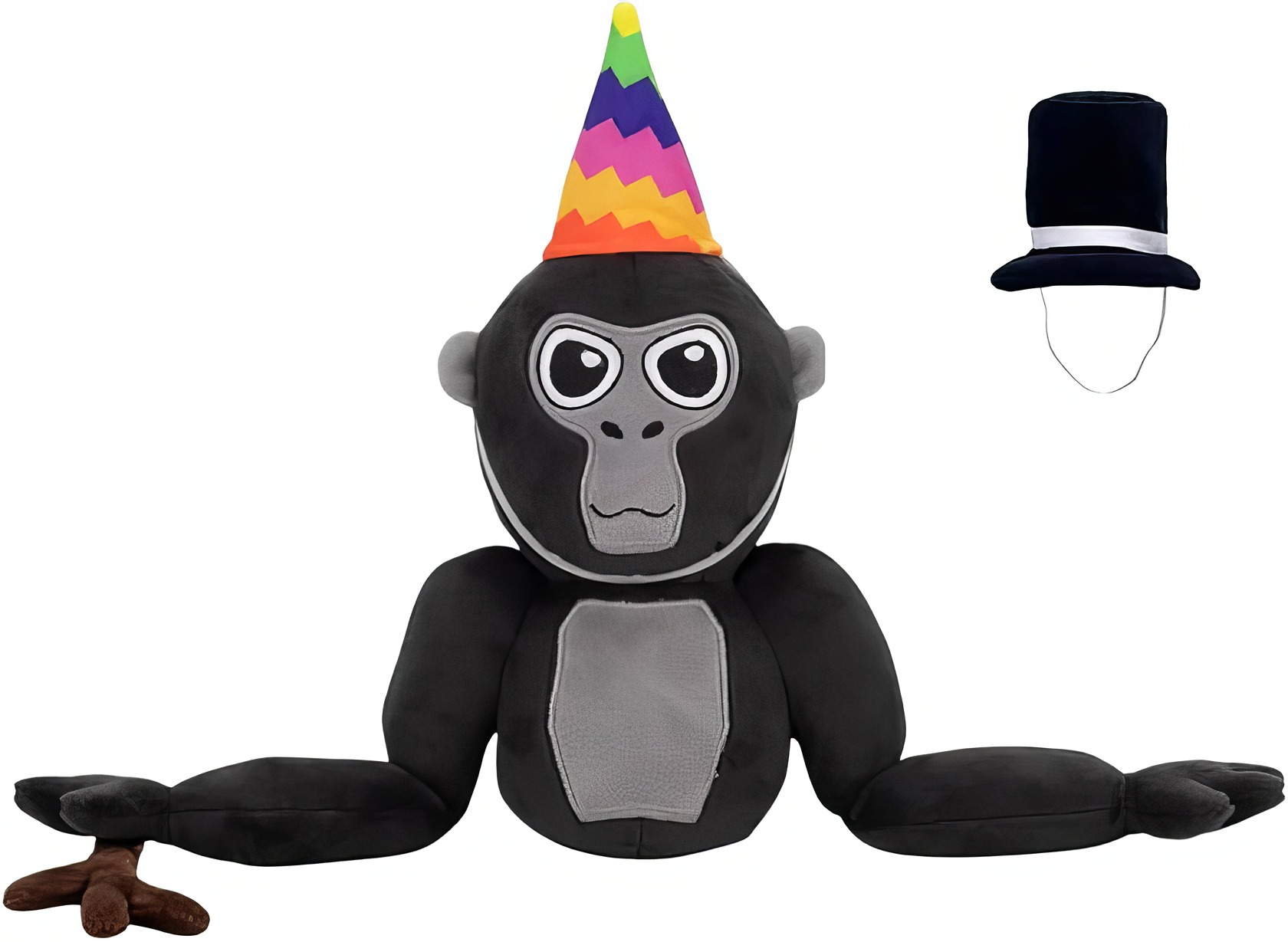
Fans go wild for plushies inspired by their favorite in-game maps, cosmetics, and character skins. Special drops tied to popular mods or custom avatars are also incredibly popular, often selling out quickly.
Which Limited Edition and Customizable Gorilla Tag Plush Options Are Available?
The market for Gorilla Tag plush toys is booming, especially on sites like Etsy and through official limited-run campaigns. These special designs give fans plenty of reasons to grow their collections.
Here are some of the top options you can find:
- Custom Gorilla Tag Plush on Etsy: A quick search on Etsy reveals hundreds of listings for custom plushies, with some sellers offering personalized colors and accessories.
- High-End Custom Replicas: Some talented sellers, like those with “Star Seller” badges on Etsy, create detailed, custom-made plushies that can cost over $80, crafted to look exactly like a player’s in-game avatar.
- Mini Fidget Toys: For a more affordable option, you can find Mini Gorilla Tag Articulating Fidget toys for around $15, perfect for posing on your desk.
- Official Makeship Campaigns: These are the gold standard. A 2025 campaign featured a Tagged Monke Plush for $29.99 and a Monkey Keychain for $15.99. Buyers not only got the plush but also an exclusive in-game cosmetic, like a banana party hat.
- Character Favorites: Specific character designs are always in high demand. Plushies based on community figures like Daisy09 or Jeff often appear as popular custom items.
- Lava and Ice Variants: Many sellers on eBay and Etsy offer color variations like Lava or Ice Monkes to match popular in-game skins.
I own a Rainbow Hat Gorilla Tag Plush myself; my desk has never looked happier. Each one adds a unique touch of personality to any gaming setup.
Customer Experiences and Reviews
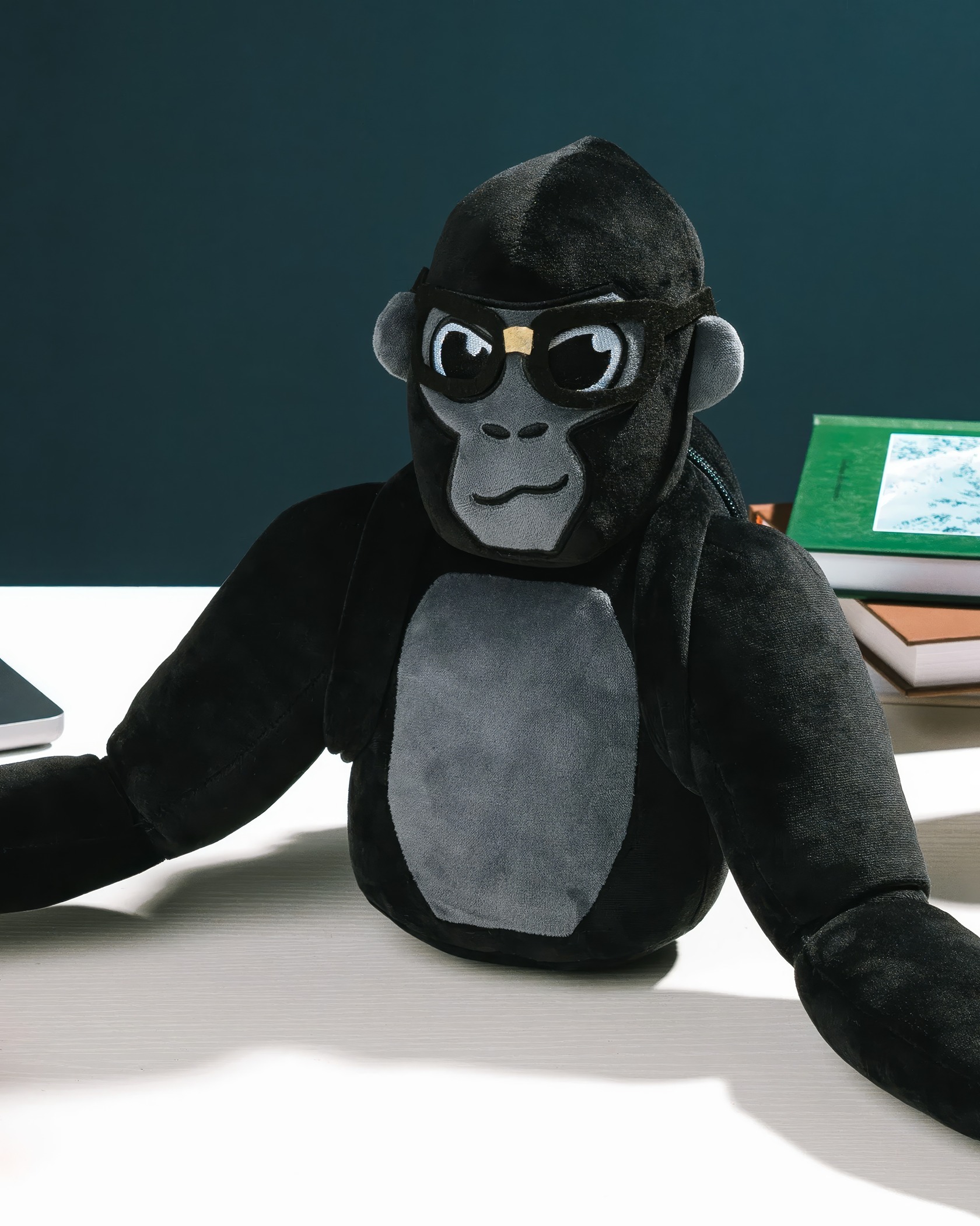
Players can’t stop talking about the soft fabric, vibrant colors, and awesome hats that come with their plush monkes. Let’s check out what fellow fans are saying.
What Positive Feedback Does the Community Share About Gorilla Tag Plush?
The community feedback for Gorilla Tag plushies is overwhelmingly positive. On retail sites and Etsy, reviewers consistently praise the quality and speedy delivery.
Here’s what fans are saying:
- High-Quality and Durable: Many reviews, like one from Shelia in Dallas, mention the plush’s large size and high-quality construction, often noting that it arrived earlier than expected.
- Soft and Cuddly: Parents and gamers alike rave about the softness of the fabric and the cute faces, making them perfect companions for kids and adults.
- Creative Inspiration: Some of the most interesting feedback comes from parents whose children use the plushies for creative projects. They use hot glue and felt to design new hats and outfits, turning the stuffed animals into wearable gear for imaginative play.
- Great for Gifting: Jenny mentioned how her kid couldn’t stop grinning after receiving one, highlighting its success as a gift for young fans of the game.
The official plushies aren’t just toys, they’re a canvas for creativity and a beloved piece of the Gorilla Tag experience.
How Will Gorilla Tag Plush Evolve in 2025?
The world of Gorilla Tag plush is set to get even more exciting in 2025. Creators are planning to introduce fresh colors and improved textures to make each plush toy feel even more unique and true to the game.
We’re also expecting to see more official partnerships and collaborations. A recent Makeship campaign in early 2025 introduced new items like a Monkey Doughboi Plush and even holographic trading cards as milestone rewards. These campaigns often bundle the physical plush with codes for exclusive in-game items, a trend that is sure to continue.
With past favorites like the original Makeship Tagged Monke Plush now retired, the demand for collector’s editions is higher than ever. I still regret missing out on that first GT Monke plush while it was available.
Expect to see more rapid, time-limited designs to keep the hype strong. Future releases will likely spark even more intense online trading and community discussion, making each drop an event for dedicated fans.
People Also Ask
What makes Gorilla Tag Plush toys so popular among gamers?
They let you own a piece of the chaotic VR game, transforming your in-game avatar into a real-world collectible you can actually hold.
Which seven fan-favorite designs stand out in the Gorilla Tag Plush collection?
Beyond custom creations, the most sought-after are official limited-edition drops from companies like Makeship, which have featured the main Monke, Doug the Bug, and unique cosmetics like the party hat and moderator stick.
Why do collectors seek out different Gorilla Tag Plush versions?
Collectors chase the thrill of completing sets from limited drops, much like earning rare in-game skins. Each plush is a physical trophy representing a specific character or an exclusive event, making their collection a unique display of their dedication.
How do these plush figures connect with gamer culture outside of playtime?
They act as a real-world friend request, instantly identifying you as part of the community when seen in the background of a Twitch stream or in photos on Discord. It’s a physical nod to the shared experience of swinging through the game’s virtual jungles.
